Success story
Cross-Platform SSAI Tracking SDK
Engineering a unified architecture with native player integrations and precise ad measurement
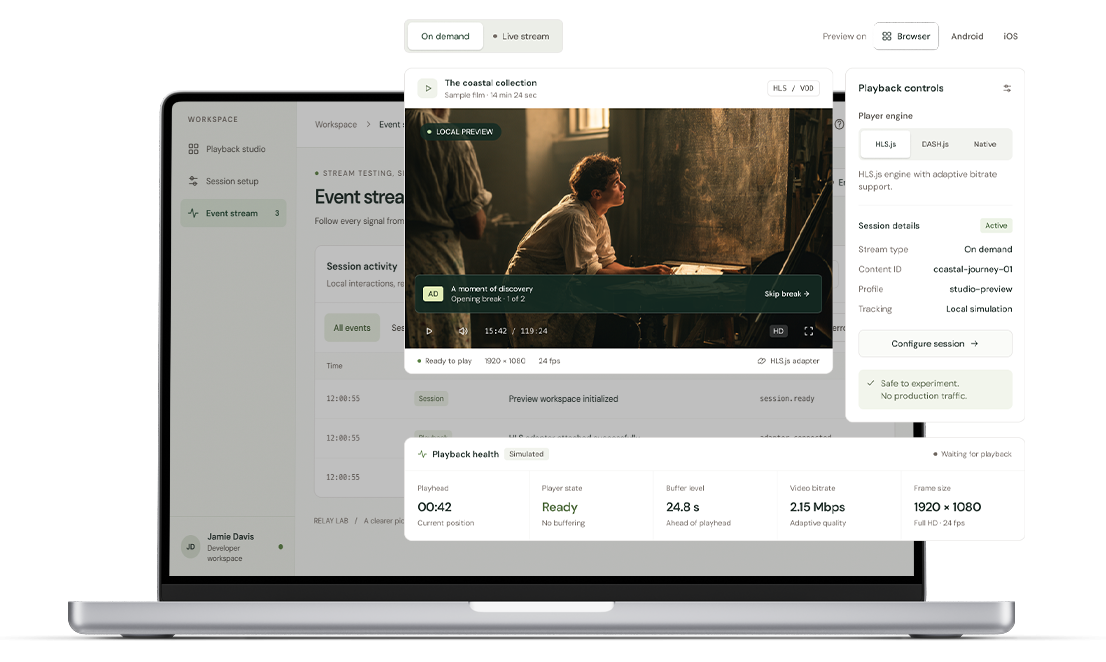
Project vision
Client
European video software vendor (end customer: a major Latin American cable operator)
Goal
Provide precise ad tracking for NBCUniversal streams on web, Android, and iOS apps
Solution
Cross-platform SSAI tracking SDK
Our contribution
Full delivery ownership of the architecture, shared SSAI engine, web and native player adapters, analytics reporting, and developer tools
Agreeing on what to build and how
Cross-platform SSAI tracking
We need to stream NBCUniversal’s live and on-demand content to TV, web, and mobile with accurate ad tracking and playback monitoring. It is important for us to launch one core integration that will work across all platforms, so every impression and viewing event is reported correctly to MediaTailor and Toolbox Cloud Unity. That data is essential for our ad revenue and partner reporting.
What made the goal challenging
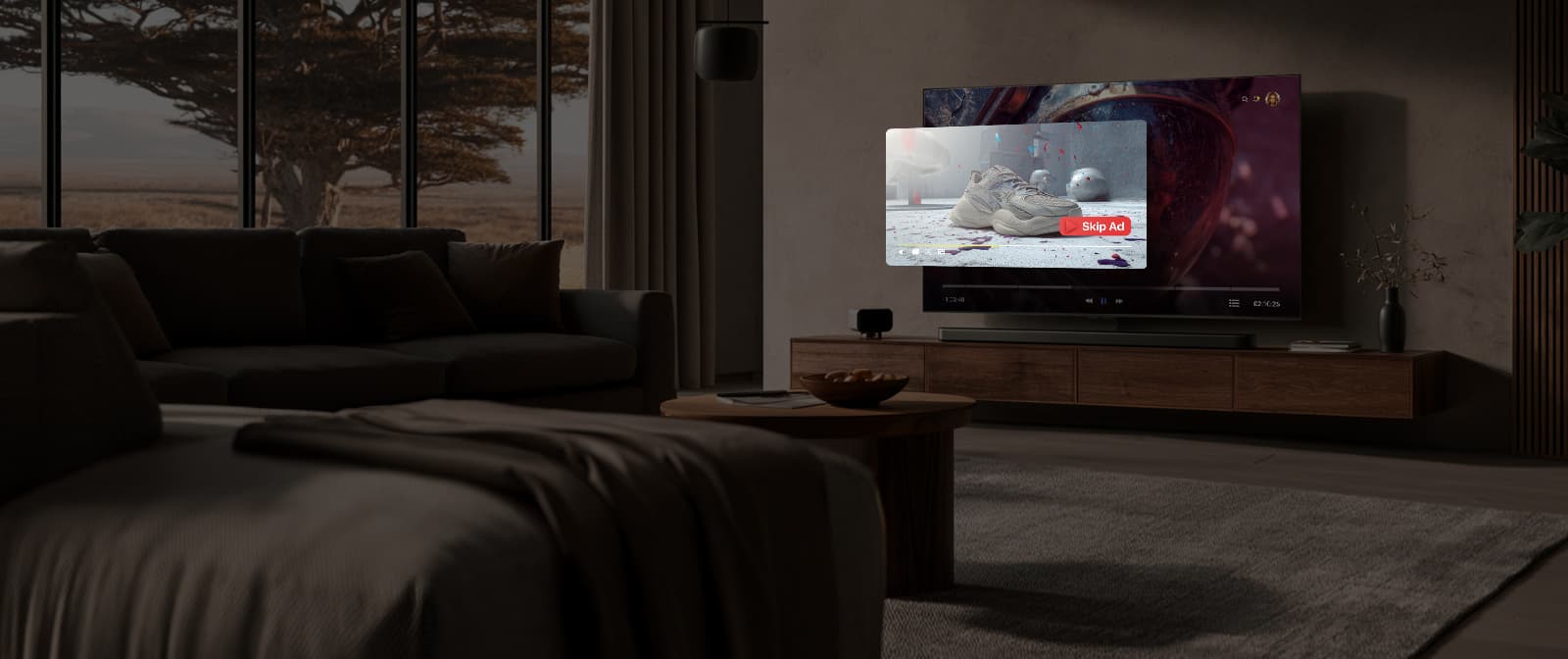
With server-side ad insertion, ads are stitched directly into the video stream, so the app sees one continuous video and cannot tell where individual ads begin or end. To address this, we need a component that maps ad breaks on the stream timeline, triggers the right events during playback, and sends accurate data to the analytics reporting.
Defining the SDK design requirements
- Detect every ad break and individual ad in the stream
- Trigger and report ad impressions and playback events according to the analytics specifications
- Work consistently across web, Android, Android TV, and iOS
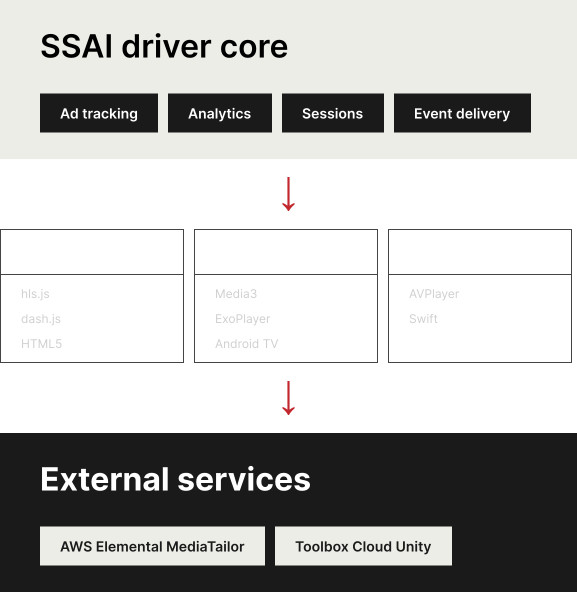
- Support hls.js, dash.js, HTML5 video, ExoPlayer, and AVPlayer
- Run in older Smart TV WebViews
- Be ready for integration within approximately seven weeks
- Provide uninterrupted playback, even if SSAI fails
How the SDK handles playback and ads
- Step 1
Playback starts
The viewer selects an NBCUniversal live channel or on-demand title in the app.
- Step 2
A session is created
The app requests a session from the SDK, which prepares the stream URL and connects to the video player.
- Step 3
Playback is monitored
The SDK follows the stream timeline to identify ad breaks and individual ads as they appear.
- Step 4
Ad events are triggered
The app receives ad events to display countdowns, add skip buttons when available, and open ad click-through links.
- Step 5
Analytics are reported
The SDK sends playback events and progress data to Toolbox Cloud Unity, and heartbeats to manage concurrent-stream limits.
- Step 6
The session is closed
When playback stops, the SDK reports the final events and releases the stream slot.
Inside the SDK we engineered
Oxagile built the SDK end to end, taking ownership of its architecture, shared SSAI engine, web and native player adapters, analytics reporting, and developer tools. The result was a complete, tested SDK ready for integration into the client's TV, web, and mobile apps.
One shared engine for ad tracking and analytics
A dependency-free TypeScript library that handles SSAI logic independently of the player or platform. It retrieves ad schedules from AWS Elemental MediaTailor, maps ads to the stream timeline, and manages playback events.
Key capabilities:
- Live and on-demand session management, including URL preparation and fallback handling
- Ad start/end, impression, skippable-state, and VAST click-through tracking
- Collection and delivery of 14 playback and analytics events to Toolbox Cloud Unity, with batching, ordering, and retries
- Concurrent-stream heartbeats, session expiry, playback errors, and continue-watching positions
The impact: The client gets one implementation of ad tracking, analytics, and session management across all platforms.
One core connected to different web players
We developed reference adapters for hls.js, dash.js, and standard HTML5 video, including Safari's native HLS playback with FairPlay. The adapters translate player-specific behavior into a common event format understood by the SDK core.
The key operations handled by the web player adapters include:
- Capturing playback, pause, seek, buffering, and error events
- Passing quality information and the stream's broadcast clock to the core
- Keeping player-specific implementation details separate from ad-tracking logic
The impact: The client can support different web players without changing the underlying ad-tracking and analytics implementation.
Native integration for Android and Android TV
We developed a Kotlin library for Media3/ExoPlayer that connects native Android playback to the shared TypeScript core.
The key operations handled by the Android player adapter include:
- Converting player state into seven standardized player events with state snapshots
- Transferring playback information to the JavaScript side through the host app's communication channel
- Supporting phones, tablets, and Android TV
- Delivering as an AAR library or source code, with a sample application
The impact: The same core logic works for Android devices without introducing additional dependencies into the host application.
Native AVPlayer support without taking control of playback
We developed a Swift package for AVPlayer (iOS 15.6 and later) that observes playback and forwards normalized events and state snapshots to the SDK through a bridge.
The key operations handled by the iOS player adapter include:
- Monitoring playback without interfering with the player's operation
- Passing playback information to the shared SDK core
- Including a SwiftUI demo application for integration reference
The impact: iOS apps use the same ad-tracking and analytics logic as other platforms, retaining native AVPlayer playback.
Everything needed to integrate and verify the SDK
Alongside the SDK itself, we delivered the tools and documentation required for the client's development teams to integrate it into their applications.
The toolkit includes:
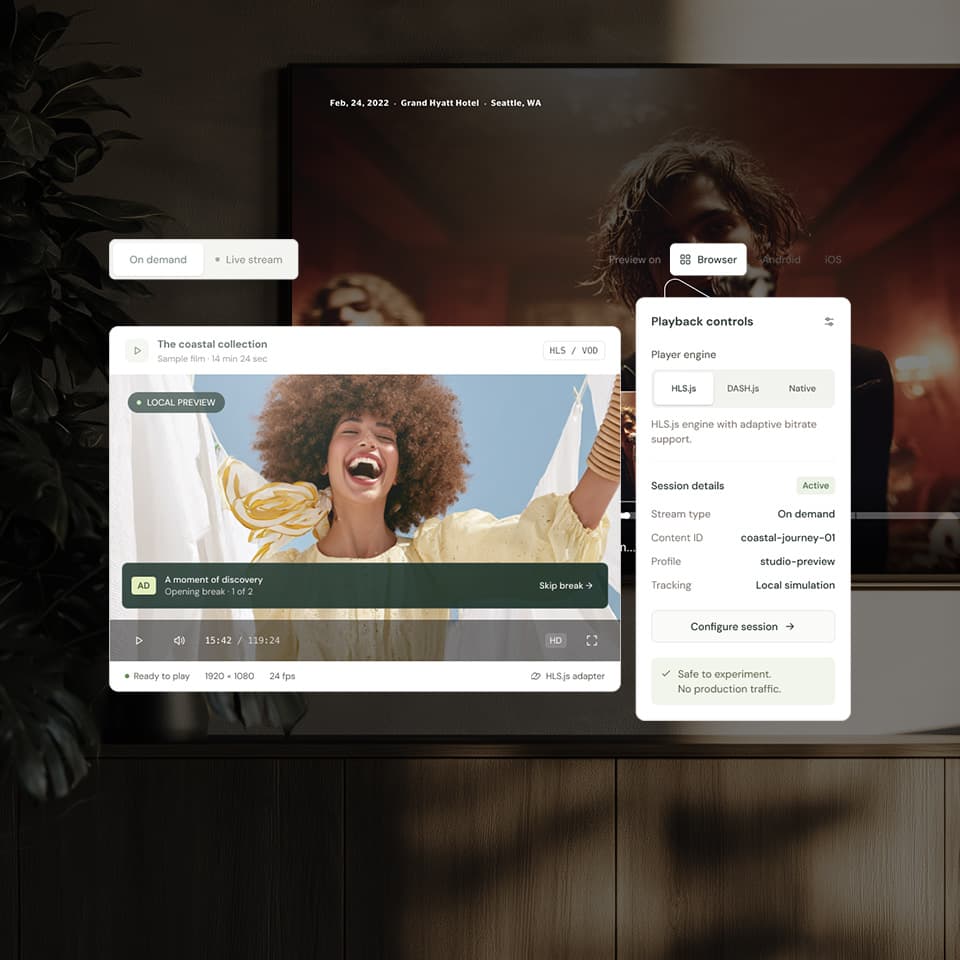
- Interactive web demo to explore SDK behavior
- Documented player adapter contract defining how players connect to the core
- Automated verifyAdapter conformance checker to validate integrations
- Integration checklist, API reference, and documentation of events and error codes
The impact: Developers have a defined integration process and a way to verify player compatibility without having to recreate or manually validate the SDK's underlying logic.
The tech architecture
The SSAI driver core provides a unified foundation for ad tracking, analytics, session management, and event delivery across Web, Android, and iOS platforms and integrates smoothly with external media services.

Architectural principles of the SDK
Shared core
A shared TypeScript core with minimal platform-specific code for consistent tracking and analytics
Verified integration
Automated adapter checks against the SDK contract using verifyAdapter
Type-safe events
Type-safe event definitions that prevent invalid request structures at compile time
Captured playback context
Ordered event delivery with playback-state snapshots are taken when a batch leaves the queue, not re-taken on retry
Controlled errors
One notification per continuous polling failure, avoiding repeated callbacks
Verified distribution
Standalone SDK delivery with integrity verification, without a public package registry
Key tech challenges
Players
Different players and event behaviors
We introduced a unified player-state model with explicit playback flags and seek detection for consistent event reporting on all supported players.
Analytics
Analytics errors that don't affect playback
We developed an automated conformance checker, verifyAdapter, and an interactive demo to validate player integrations and catch reporting errors that would otherwise go unnoticed.
Ad tracking
Accurate ad tracking on live streams
We aligned ad schedules with playback using the stream's broadcast clock (Program Date Time) or media position, depending on the available timeline.
Events
Reliable event delivery in the correct order
We implemented a serialized event queue with playback-state snapshots and bounded retry logic to preserve event order and accuracy, even when requests fail.
Smart TV WebViews
Compatibility with older Smart TV WebViews
We compiled the SDK to ES2020 and added compatibility fallbacks for older browser environments, including alternative event-delivery mechanisms where modern APIs are unavailable.
Our experience with live and on-demand video advertising
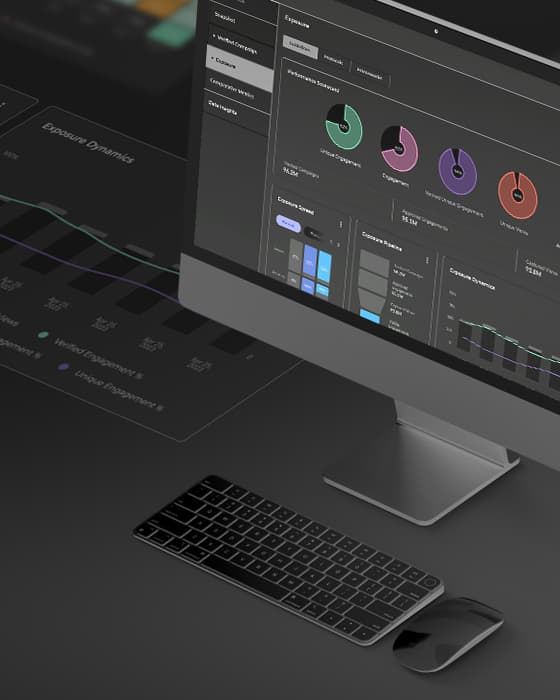
AdTech analytical platform upgrade
Deep insights into digital media performance
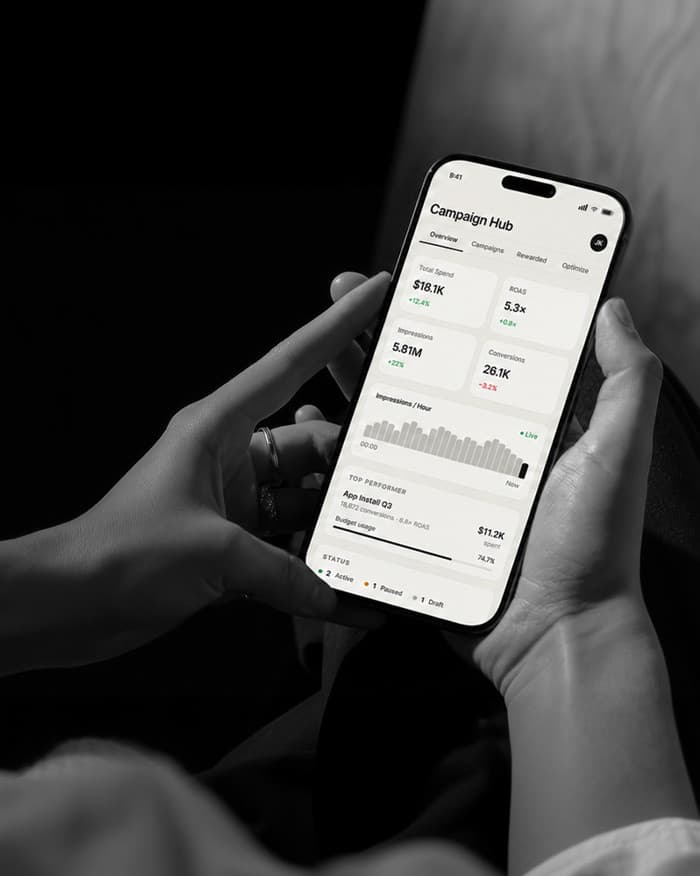
AdTech solution revamp
Enhanced the AdTech platform with rewarded ads and a more efficient campaign management experience
Video advertising platform
Maximize video ad revenues
Data-driven AdTech marketplace
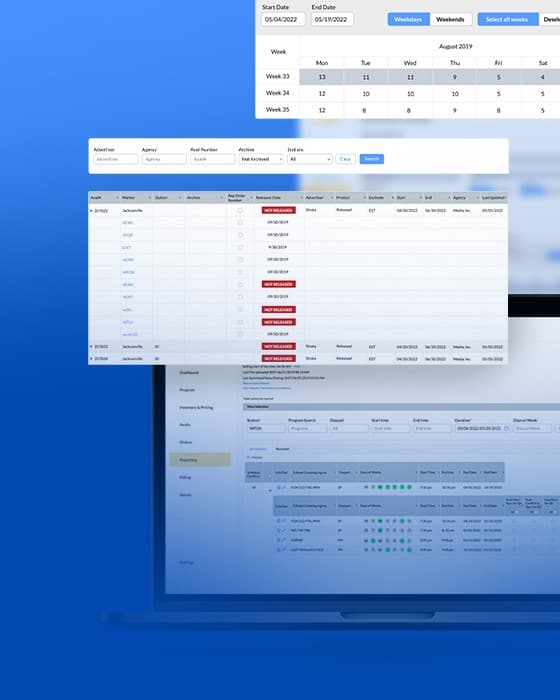
Streamline linear TV ad sales
Data-driven AdTech marketplace
Automate converged advertising sales
Facing challenges with stream advertising?
Oxagile’s AdTech experts resolve integration issues, optimize ad delivery, and unlock your streams' monetization potential.