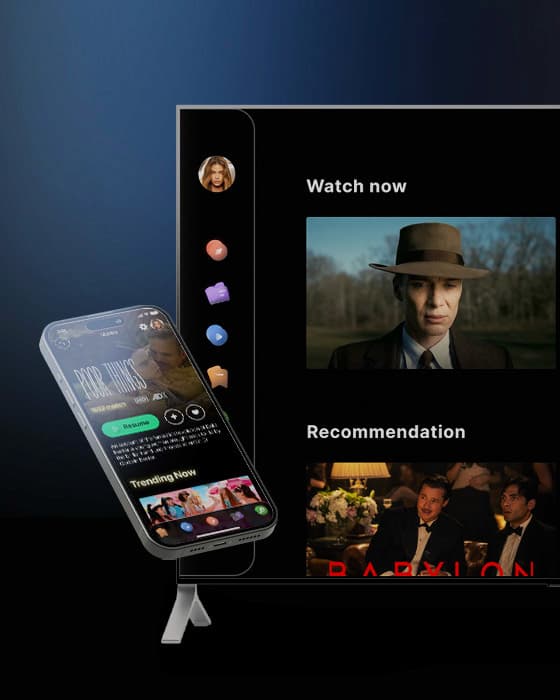



Subscription and ad-supported services that want the living room screen and the retention that comes with it.
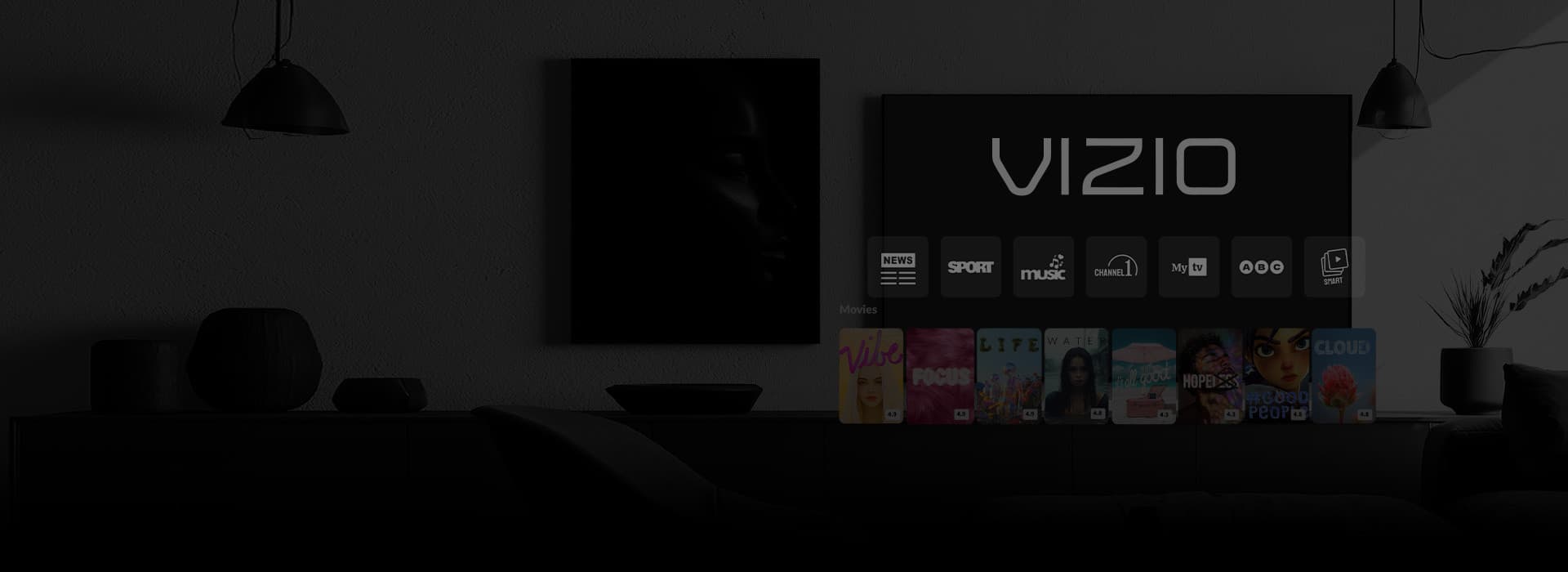
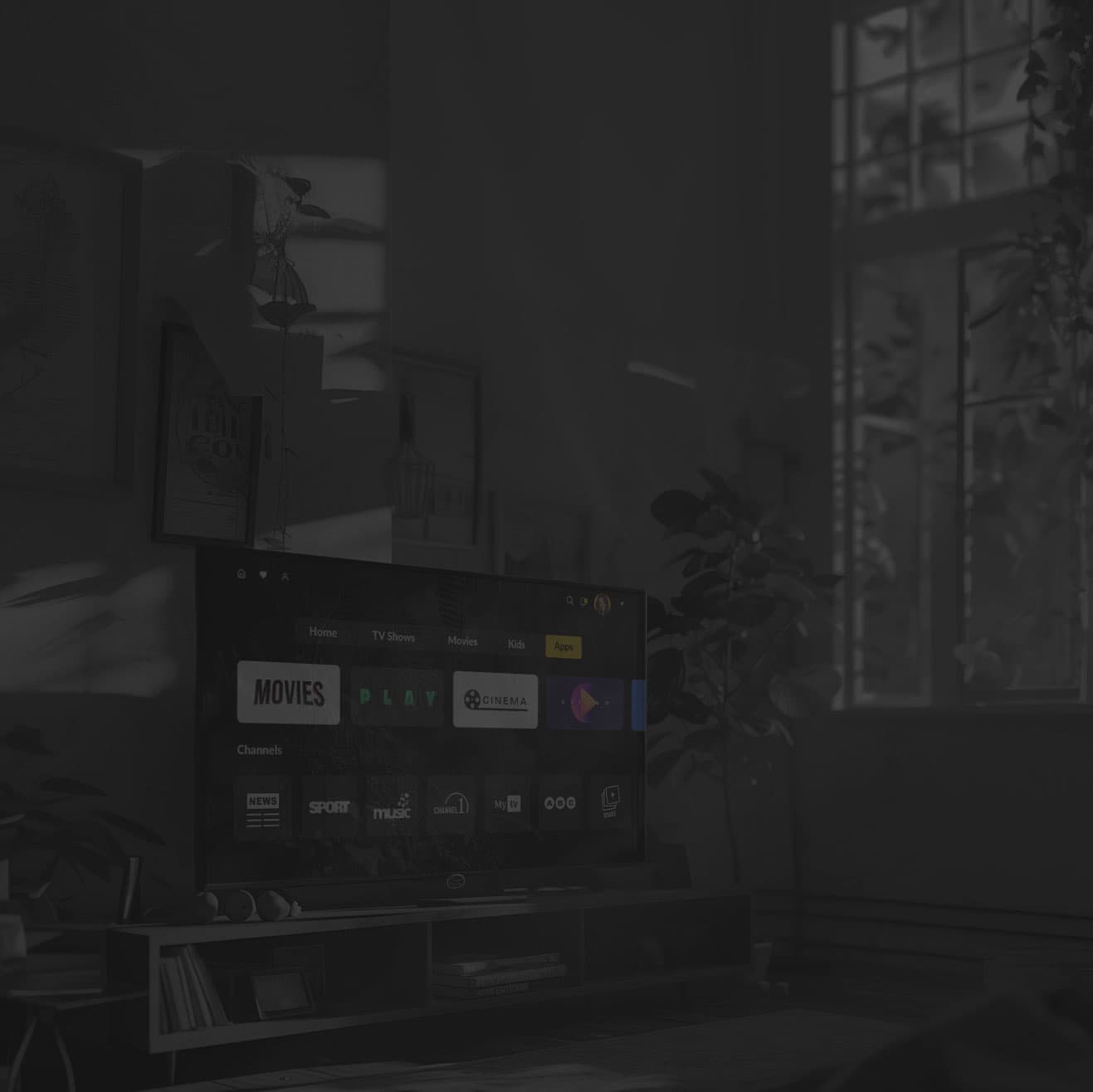
VIZIO engineering goes beyond the browser
A VIZIO app may start with familiar HTML5 and JavaScript, but shipping one takes platform-specific engineering. Oxagile works with VIZIO OS behavior around remote input, captions, device capabilities, playback, and the differences that surface across hardware and firmware generations.

Expert-built for VIZIO OS
A large part of VIZIO Smart TV app development happens outside the app code: content feeds, metadata, artwork, advertising, payments, and deep links. Certification then puts navigation, playback, remote and voice control, accessibility, and performance under scrutiny.
Custom VIZIO TV app development for any of your goals
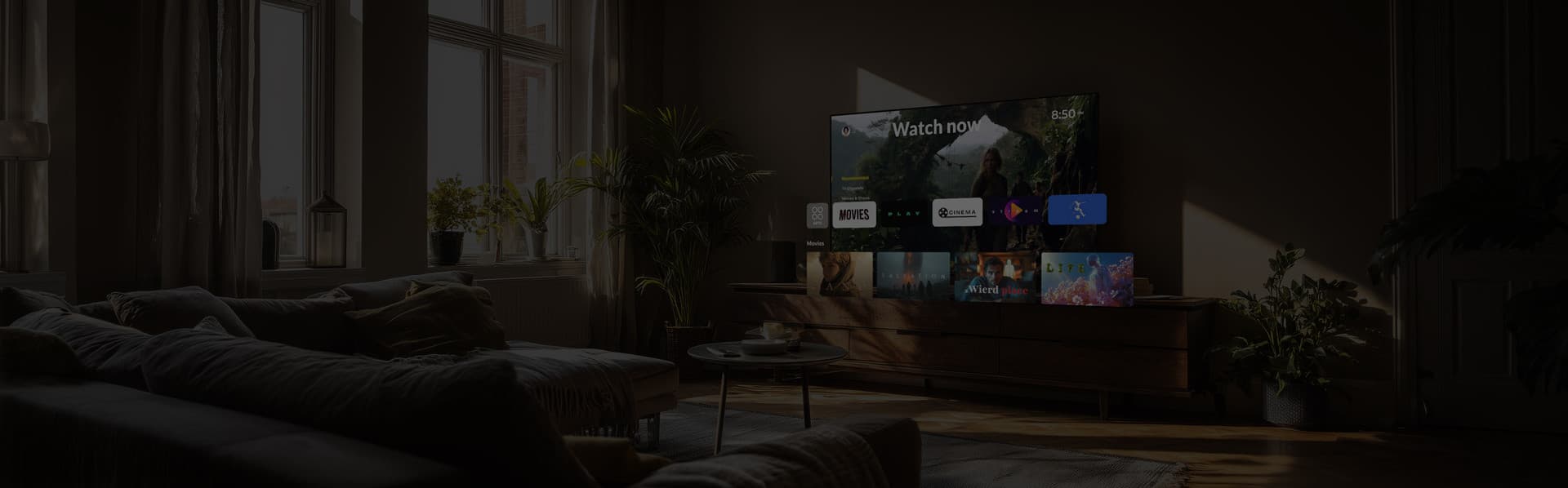
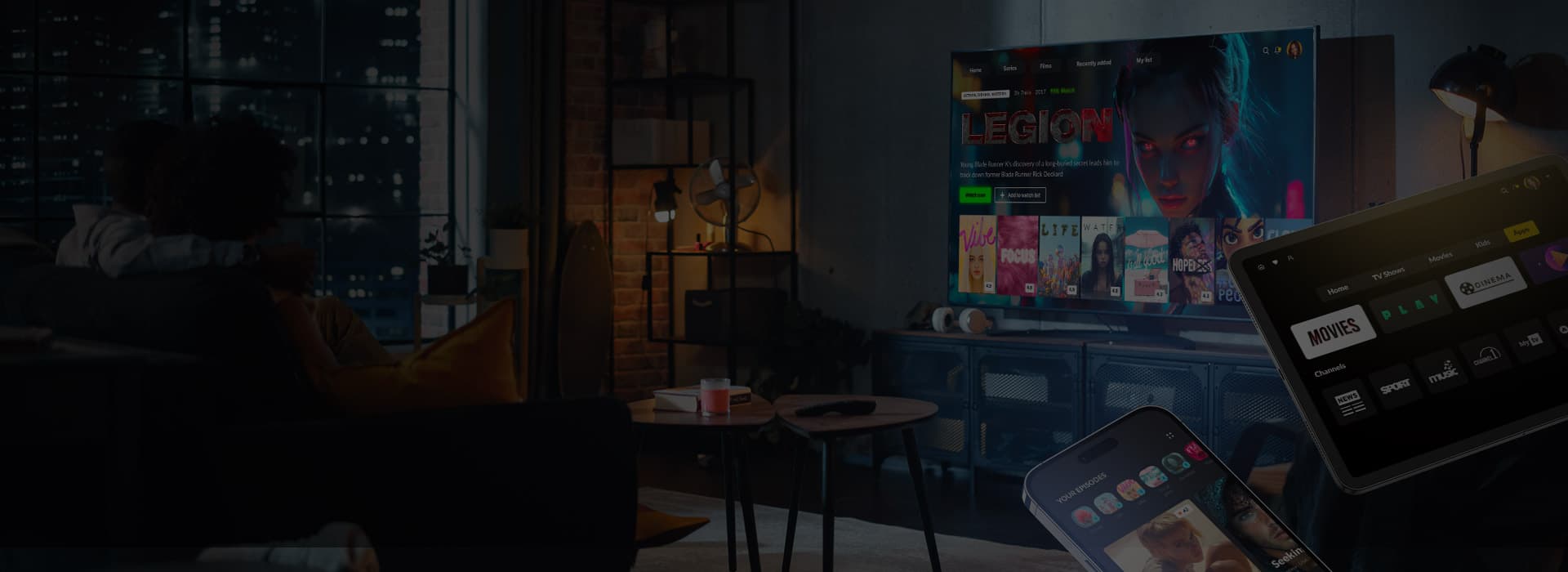
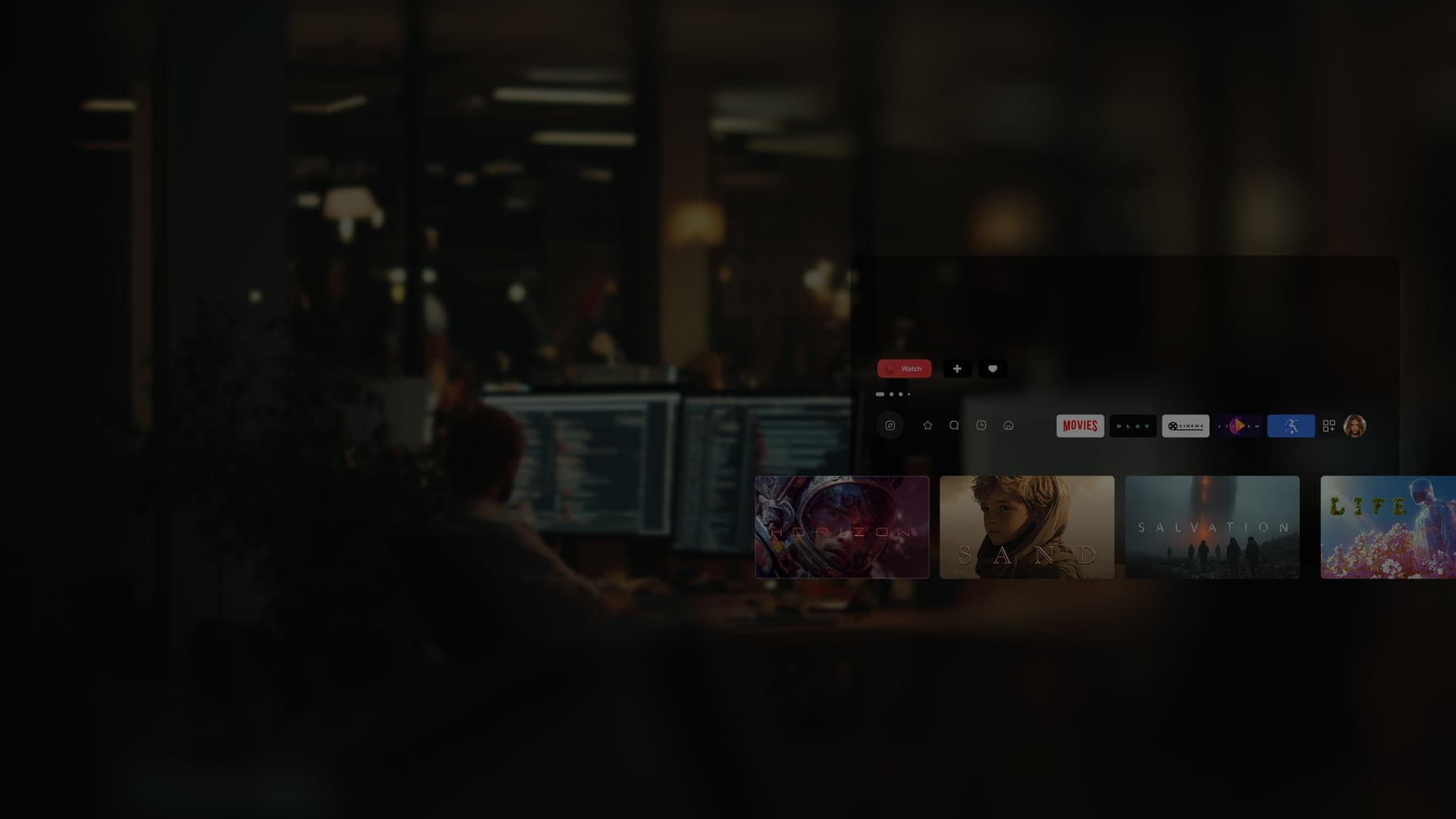
Custom VIZIO app development
VIZIO apps are hosted web applications, not binaries uploaded to an app store. The application stays on your infrastructure, with VIZIO registering its launch URL, with deep links pointing into the same URL space. Oxagile accounts for content requests that arrive while the app is already running, so the viewer can be taken straight to the requested title.
Our team also builds around VIZIO’s own JavaScript layer, handling remote input, exit behavior, captions, device capabilities, advertising identifiers, and other platform-specific logic.
For existing Fire TV, Tizen, or webOS products, our engineers reuse portable business logic and player components, then adapt the platform layer for VIZIO OS.
Getting VIZIO content discovered
Launching the app is only one part of distribution on VIZIO OS. Content can also appear in platform search, curated rows, title pages, and other discovery surfaces outside the app. Those placements depend on the content feed VIZIO receives.
Catalog metadata, artwork, deep links, rights, and availability need to stay current so titles can be indexed correctly and viewers land on the right content. VIZIO controls editorial placement ans the feed makes your catalog eligible for those opportunities.
Oxagile builds the feed integration alongside the app, including catalog mapping, feed validation, deep linking, artwork preparation, and updates as titles, rights, and availability change.
Key features we implement
We build VIZIO apps around the way people actually watch TV. Playback, monetization, discovery, and accessibility all work together as one product.
Adaptive video playback
HLS and MPEG-DASH over Media Source Extensions, tuned so an entry-level set still starts fast.
App and content artwork
VIZIO-ready app and title artwork, prepared to placement specs before asset issues delay submission or content ingestion.
DRM and protection
Widevine through Encrypted Media Extensions, with license retries that keep a weak network from producing a black screen.
User authentication
Device activation from a phone, single sign-on, and profiles for households that share one television.
Subscriptions
Plans registered in the Partner Portal, in-app purchases through VIZIO Pay, entitlements verified every session.
Recommendations
Personalized continue watching and editorial rails that render fast enough to hold a viewer through the first seconds.
Search and voice
Keyboard search built for a remote, plus VIZIO Voice and the assistants these televisions answer to.
Ads and monetization
Break scheduling, VAST and VMAP handling, server-side stitching where client-side insertion drops out.
Analytics and QoE
Playback telemetry and crash reporting on dashboards a product manager will open on a Monday morning.
Accessibility
Caption rendering with viewer styling, audio description tracks, and navigation that works without looking at the remote.
VIZIO realities and how we handle them


Onboarding takes as long as VIZIO takes
“You can finish the app and still not be on the platform.”

Oxagile’s answer
VIZIO provisions the developer portal and issues the Partner ID that identifies your app inside its systems. The wait usually runs about a week and a half, and the portal only answers requests from American IP addresses.
Oxagile’s team handles file registration during the first sprint, which keeps it off the critical path.
Our development process
Step 1
Platform fit and scoping
We map your content and monetization model against what VIZIO OS supports, then hand back a scope with a device coverage list and a launch window.
Step 2
Registration, environment setup
Registration goes to VIZIO while we set up hosting, CI, and the development TV on our side.
Step 3
Core build and device testing
Shared core layers carry business logic, networking, and playback, with a VIZIO-specific shell on top. We test on real hardware long before review.
Step 4
Certification and launch
We prepare the release for VIZIO certification, address review feedback, and support the app through approval and launch.
Step 5
Post-launch support
We monitor production, investigate firmware-driven and device-specific regressions, and maintain playback, integrations, and content feeds.
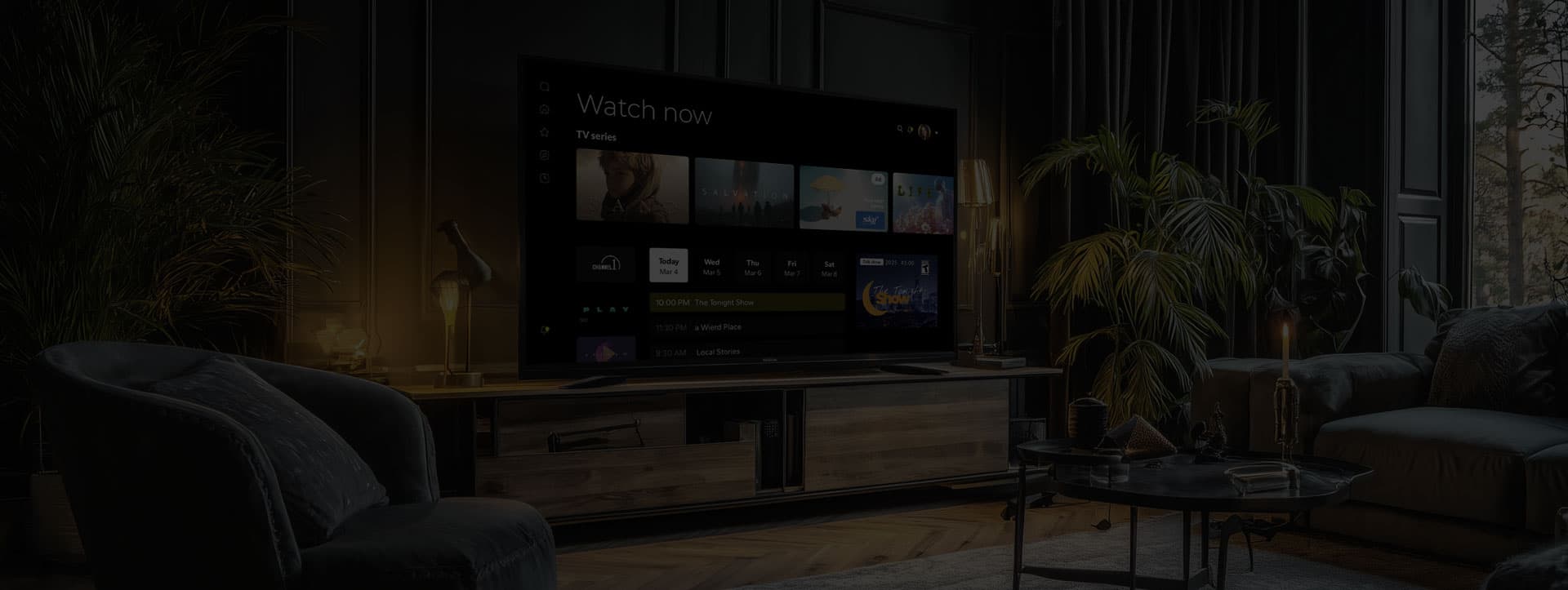
Build the core once, ship VIZIO as one of the shells
A second TV platform is mostly the same product in a different shell. Playback logic, entitlements, API contracts, and the design system carry over to webOS, Tizen, Android TV, or others. The rewrite covers the platform layer, navigation, and store integration.
Oxagile’s OTT calculator prices reuse in the cross-platform approach, so the second and third platform have a number on them before you commit to the first.
How VIZIO OS compares with other TV platforms
| VIZIO OS | Samsung Tizen | LG webOS | Roku | |
|---|---|---|---|---|
| App format | Hosted HTML5 loaded by URL | Packaged web app | Packaged web app | BrightScript and SceneGraph |
| Getting listed | VIZIO provisions the portal and approves the app | Samsung Seller Office | LG Seller Lounge | Direct publishing |
| Payments | VIZIO Pay, plans in the Partner Portal | Samsung Checkout | LG billing, third-party providers | Roku Pay |
| Sideloading | None | Developer mode only | Developer mode only | Developer mode only |
| Debugging | Network pairing with a dev-enabled TV | Tizen Studio, Remote Test Lab | webOS TV SDK | Roku web interface |
Industries we serve
 Media
MediaMedia and entertainment
 Sports
Sports and live events
Low-latency delivery, live data on screen, and traffic that arrives in one spike at kickoff.
 Education
Education and e-learning
Course catalogs and progress tracking for a device the whole household shares.
 Retail
Retail and commerce brands
VIZIO now sits inside Walmart’s advertising business, and the two have been building toward commerce-connected television since the acquisition closed. A presence there needs an app team and an AdTech team who talk to each other.
Bring the TV problem, we've seen it before
Player tuning, DRM licences, entitlement checks and store certification on Roku, Tizen, webOS, and Android TV, with Cleeng and Bitmovin behind billing and playback.
VIZIO adds its own portal and payment rules, and everything underneath is work our team has done before.
20+
Years in video streaming engineering
12+
Years in AdTech, CTV, and retail media
90%
Customer satisfaction score
8000
Man-years of domain know-how
1 bln
End users reached
15 yrs
Longest client partnership
The stack behind VIZIO OS builds
Frontend and UI
JavaScript • TypeScript • HTML5 • CSS3 • React for TV • focus management • VIZIO companion library
Media and streaming
HLS • MPEG-DASH • Media Source Extensions • Encrypted Media Extensions • Widevine • Shaka Player • Bitmovin
Monetization
VIZIO Pay • VIZIO Account • Entitlement API • HMAC-signed webhooks • Cleeng
Advertising
VAST 4.x • VMAP • server-side ad insertion • Open Measurement
Testing and CI/CD
Dev-mode device pairing • remote debugging • Jest • Appium • GitHub Actions • Jenkins
Monitoring
Sentry • Firebase Analytics • Crashlytics • custom QoE dashboards
FAQ
A developer app for VIZIO TV starts as a hosted HTML5/JavaScript application, but development is only one part of the release. The app also needs VIZIO-specific platform integration, testing on physical TVs, pre-certification checks, certification, and launch preparation. Content services may also require feeds, metadata, artwork, and deep links outside the application itself.
The number moves with how much of your product already exists and how many ways you plan to make money from it. A VOD app on a working backend with finished designs sits at the low end, live sport with multi-angle playback and advertising well above it.
Engineering time follows the same scope, and the platform side is out of everyone’s hands, since VIZIO provisions the developer portal on its own schedule, usually about a week and a half, and adds a review cycle at the end. Oxagile’s OTT calculator returns a figure in a few minutes.
For viewers, apps available on VIZIO are accessed through the TV interface. For publishers, adding an app is not a conventional package upload. VIZIO apps are hosted web applications: your code stays on your infrastructure, VIZIO registers the application URL, and the release goes through platform testing and certification before launch.
VIZIO apps run in a Chromium-based environment, but that should not be confused with a general-purpose consumer web browser. The runtime hosts VIZIO applications and provides access to platform functionality through VIZIO’s JavaScript layer.
What can be built depends on the browser functionality you need and what VIZIO exposes to hosted applications. Oxagile can assess that fit before development starts and build for the VIZIO TVs you need to support.
Yes, though port is a generous word when the source is Roku, since BrightScript does not travel. What does travel is everything above the platform layer, from content models and API contracts to entitlement logic and design language. From a Fire TV or web codebase the reuse runs much higher.
Oxagile’s online video experts audit your code first and tell you which parts survive.
Yes. New VIZIO model years, runtime updates, DRM policy changes, and your own backend releases all reach the app eventually. Oxagile runs monitoring, regression testing on real devices, and a release pipeline with rollback.
