Second Screen or Same Screen? Where TV Interactivity Belongs

Table of contents
Oxagile has been building second-screen products for years. On the last few projects we kept arriving at the same conclusion, which is an awkward one for a company that builds them: the smartphone is the wrong place for anything a viewer has to do while the show is playing.
Voting during a live final, answering a quiz question before the host gives the answer, reacting to a goal. Each of those has a window that closes, and picking up a phone takes longer than the window stays open.
The phone is still right for everything around that moment. Signing in, adding a card, picking a team before kickoff, checking results afterwards. None of that is in question.
What has weakened is the reasoning for putting the live moment on the phone in the first place, and it weakened from two sides at once. Televisions got much better at drawing an interactive layer while they play video. Phones got much more crowded with things competing for the same attention.
Telling those two apart is what this Expert Talks edition is about.

Oleg Stepanyuk, Head of Presales Engineering at Oxagile, works with the streaming problems that only surface at scale. We asked him what has changed since the industry settled on the second screen, and what he now asks clients before a line of code gets written.
Key takeaways:
- The case for the second screen was partly a hardware case, and that part has expired. Five to seven years ago a moving interactive overlay competed with video decoding on a small, busy GPU. Stronger mid-range sets and GPU-based rendering through WebGL have changed what a television can hold, which makes decisions taken back then worth re-opening.
- The platforms that own the remote are betting on the same screen. Netflix live voting, Roku’s remote-played trivia, Samsung’s remote-driven shoppable ads, Peacock’s toggled overlays and NBA on Prime’s in-player features all put interaction on the television. Netflix routing its games library back through the phone is the useful counter-signal: the answer depends on the mechanic.
- If it needs typing and has to happen live, the mechanic is the problem, not the screen. Moving it to the phone feels like a solution and only relocates the drop-off. Setting up and settling up belong on the phone, but the moment itself does not.
A decade of companion apps, and what they were good at
The catalog is long enough to be worth stating, because it is what makes the argument something other than theory:
- A prediction game for football broadcasts, where viewers guessed what would happen next using their phones
- Companion apps showing player statistics alongside a live match
- An app that let a viewer choose a camera angle on the phone and send it to the television
- A voting companion for a talent format
- A play-along quiz for a game show
- In-play markets beside a live feed for a betting operator
- Live commentary carried as a second audio track
Several worked well and a few are still running. The pattern worth noticing is which ones did best. They were the products where the phone was doing something the television genuinely could not: carrying private information, holding a persistent identity, offering a deep catalog to browse. The weaker ones were those when the phone was simply where the interactivity had been put.
Oleg sets the scope:
“We are not saying the situation fundamentally changed. Nothing that dramatic happened. Several smaller things shifted, and together they change which option we recommend at the start of a project.”
The request has changed
A few years ago a brief usually sounded like this: “We have a broadcast, we would like a companion app for it”.
More recently the wording is different. It is closer to: “We would like people to stay inside the experience”.
One recent brief makes the point better than any summary could. The client was building a trivia game with overlays on top of video, and they described their own product as pure entertainment, asking that it be kept very easy. They spent little time on features. Most of the conversation was about how it should feel: someone on a sofa must be able to join without effort and stop without effort, and the product should never feel like work.
That is a fair thing to ask for. It is also difficult to deliver when the first step of the mechanic is pick up your smartphone and open our app, or open the camera to scan a QR code (which is the same request wearing a different hat).
Oleg on how the briefs changed:
“Clients used to ask for a second screen. Now they ask for attention. Those sound like the same brief, but they are not. Once the goal is that nobody leaves the moment, asking someone to pick up a phone is something you pay for.”
What actually changed
Three things moved here, at different speeds and for various reasons. The last of them, what a television can actually draw on screen while it is also playing video, is the one most teams have not re-checked since they first made the call.
The phone is a busier place than it was
The second screen is not an empty surface. In a recent Reviews.org survey, 87% of Americans said they use their phone while watching television1. An eMarketer forecast expects nearly two thirds of US social network users to be actively using a second screen while watching TV this year2. When you look at what people do on that screen, most of the time goes to social media and messaging.
Oleg explains:
“When you ask someone to open your companion app, you’re asking them to pick up a device where three other apps already have a claim on them. And one of those is a feed built by people whose whole job is stopping them putting it down.
Somebody flicking through a magazine during a broadcast would look up when something happened on the TV. That is not what a short video feed does to you.”
The working assumption that follows: the audience for this kind of content is already sitting in front of the television, and the engagement layer should be there with them.
The industry is already trying this
Look at what the big platforms have shipped in the last two years. Netflix, Roku, Samsung, Peacock, and Amazon have each put interactive features on the television with no phone involved anywhere in the flow.
Oleg on what he keeps an eye on instead:
“Surveys tell you what people say they do. What I pay attention to is what the platforms are spending money on, because that’s a much more expensive opinion. And over the last eighteen months the ones who own the remote have all quietly started building for it.”
Netflix is the freshest example. In January 2026, it launched real-time voting for live events, starting with the premiere of its Star Search revival, after testing the idea on Dinner Time Live with David Chang3. Its own announcement puts the remote first, telling viewers on a TV or streaming device to vote using the remote, with tapping reserved for the mobile app. Votes only count while the event is live.
Oleg it breaks down:
“Look at what a vote actually costs the viewer there. One press, and it has to happen inside a window that closes. That’s exactly the mechanic where the smartphone loses. By the time you’ve picked it up and found the app, the window has shut and you’ve missed the thing you were watching anyway.”
The platforms that own the remote are pushing hardest. Roku launched Roklue in March 2026, a pop-culture quiz played with the remote from the home screen4. It runs a weekly trivia game across its US devices, and the stated motive is to help people find something to watch. Press a button, the product goes into your Amazon cart.
Samsung Ads described it as working with no separate device, no QR code scan, and nobody having to pick up a phone. The company also gave its 2026 remote a dedicated AI button.
Points of the strongest signal, according to Oleg:
“A shoppable ad you complete with the remote is the strongest signal in the whole list, because that one has revenue attached.
Nobody ships a purchase flow on a hunch. Somebody at Samsung and somebody at Amazon looked at the QR code conversion numbers and decided the phone was the leak.
And when a company puts a dedicated button on the remote, that’s a hardware decision. Those get made years ahead and they don’t get reversed quietly.”
In sports it is happening inside the player, not alongside it as a separate game. Peacock’s Performance View is a stats overlay the viewer toggles on and off, and its ScoreCard is closer to the point. NBC describes it as bingo meeting fantasy sports, where you pick a card before the game and earn points from live action.
NBA on Prime adds multiview on smart TVs, AI-selected Key Moments, a two-minute Rapid Recap for late joiners, and on-screen tracking of your own bets once you link a FanDuel account.
Oleg on why sports is different:
“Notice that none of those are apps. They’re layers inside the player, and the viewer turns them on and off. That’s a different product decision from building a companion, and I think it’s the one that survives.
You’re not asking anyone to go anywhere. You’re asking them whether they want more of what they’re already looking at.”
It is not settled, though, and Netflix is also the reason to be careful. It spent years on remote-driven interactive titles, then removed twenty of its twenty-four in December 2024, saying the technology had served its purpose but become limiting5. When its games library reached television in 2026 it skipped the remote: its help pages require a smartphone or tablet for each player, paired by scanning a code, and rule out gamepads.
So one company is retiring one kind of TV interactivity, routing another through the phone, and building a third on the remote.
Oleg’s answer to the obvious objection:
“People show me that and say it’s a contradiction. It isn’t.
It’s a company that figured out the screen depends on the mechanic.
A vote is one press, so it goes on the remote. A party game with four people needs four separate inputs and a private screen for each of them, so it goes on the phone.
Both decisions are correct. What would be wrong is picking one screen and applying it to everything you build.”
One roadblock sits underneath all of it and is worth naming early.
The constraint Oleg names first:
“The moment you ask someone to type on a television, a meaningful share of them stop. Anyone who has watched a sign-in funnel on a connected TV has seen exactly where the drop happens. That single fact shapes almost every decision that follows.”
The old answer was partly a hardware answer
Part of the reason interactivity moved to the phone was technical, and Oleg was the one giving that advice.
Oleg recalls what he suggested in the past:
“Five, seven years ago, if you wanted a real interactive layer on a TV, something animated and not just a static box of text, while the same chip was decoding video, it usually went badly. So when a client asked for one, most of the time I’d tell them to put it on the phone because the television wasn’t going to carry it.”
It is worth being precise about what the limit actually was, because televisions are often assumed to run on a CPU alone. They do have graphics hardware. WebGL renderers run on Tizen, webOS, Fire TV and Android TV, which would not be possible otherwise.
What they have is a mobile-class GPU, modest even by phone standards, and in cheaper sets a design that was a few years old by the time the set shipped. It is also shared with the video pipeline and driving a large panel.
Therefore, the real limit was a small GPU that was already busy.
Oleg corrects a common assumption:
“People say televisions have no GPU. They have one. It is just small, several years behind a mobile-class GPU that competes for memory bandwidth with a video pipeline and an upscaler moving a great many pixels. That is a different problem from an absent GPU, and it has a different solution.”
Two things changed since then:

The sets got stronger
A mid-range television today is a long way from the mid-range television of 2018, and the difference shows up the moment you put a moving interface on one.
And the tooling caught up
On the platforms built around HTML5 applications, Tizen and webOS in particular, the older approach built the interface as a web page and pushed the work through the DOM, which is where it stalled.
The expert shares how his team builds:
“For most TV work we use React Native. One codebase covers Samsung Tizen, LG webOS, Android TV, Apple TV, Vidaa, Titan OS, Fire TV, and Vega OS, which is most of the market.
When the interface gets more elaborate than React Native handles comfortably, we switch to Lightning. It renders through WebGL on the GPU instead of pushing the work through the DOM, and on a weak set that is the difference between an animation holding its frame rate and stuttering.”
The bottom of the market is still tight, and it is hard to plan for. Samsung’s developer documentation defines the platform by Tizen version and web engine capability, with nothing said about memory or graphics, so there is no published hardware budget to design against.
That leaves testing on the actual sets as the only reliable method. An emulator will not show you memory pressure or remote latency. And not every platform is reachable from the same codebase. Roku sits outside the list above entirely, with its own language and its own model for building a screen.
The point is not that televisions can handle anything now. It is narrower than that.
Why the old answer expired:
“The hardware moved and the rendering approach moved. So a decision someone made five years ago about where to put interactivity is worth opening up again, and on several recent projects that’s exactly what we’ve been doing. Sitting with product owners, working out how to put the experience on the main screen instead.”
How much can you save on code reuse?
Choose your target platforms in a few clicks for an answer.
What happens when someone hits pause
Everything above assumes both devices are chasing the live edge. A viewer pausing kills that assumption, and Oleg says it is the single best diagnostic he has for how a system was built.
Oleg’s favorite diagnostic:
“Pause is where you find out what the team actually built. If pause needed special handling in six different places, the model was wrong from the beginning. When the companion follows the playhead position instead of the live edge, pause isn’t an event at all. It’s just a position that stopped moving.”
Ask him why it breaks so many implementations and the answer is about ownership of the word “now”.
Oleg clarifies:
“What pause does is make ‘now’ personal. The TV is sitting at one point, the live edge is walking away from it, and the companion has to pick a side.
It should pick the viewer, every time. But the second it does that, it’s following something the server doesn’t consider current anymore.
And if your event delivery is basically ‘push the latest thing to everyone connected’, you’re now pushing the wrong thing at someone who stopped four minutes ago.”
DVR is stranger still, and here he declines to offer a general rule.
Oleg’s comments:
“Someone rewinds ninety seconds. Now what? A live poll makes no sense, it’s closed, everyone voted. A stats overlay makes perfect sense. A synchronised watch-along breaks unless the whole party moves together.
There isn’t a general answer, and clients always want one. What we can give them is a way of deciding per feature, which is less satisfying and a lot more useful.”
Case in point: Immersive streaming for Tizen and webOS
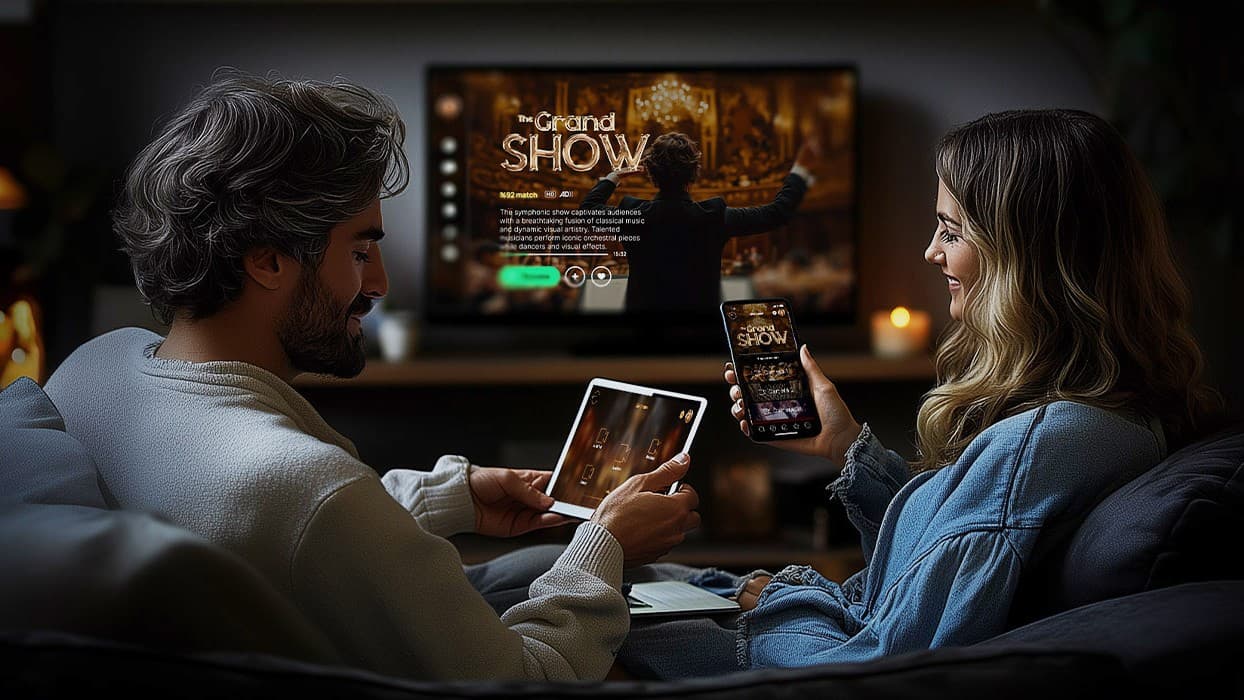
Discover how Oxagile delivered an immersive streaming experience across Samsung and LG smart TVs, including interactive viewing through a companion second-screen app. A working example of both screens doing the job each is actually good at.
The reconnect tells you what you built
Companion devices lose connection constantly, and Oleg’s framing is that reconnection was never an edge case to begin with.
He notes how often this happens:
“On a phone during a ninety-minute match, disconnection isn’t an edge case, it’s Tuesday. Lift, tunnel, cell handover, someone answers a message, and the app goes to the background. It’s going to happen several times, to most of your audience.”
What separates a robust implementation from a fragile one, he says, is which question the device asks when it comes back.
Oleg puts it this way:
“If it asks ‘What did I miss’, you get one of two bad outcomes. Either it replays everything and the viewer gets a burst of stale notifications for things that already happened, or it jumps to the live edge and now it’s ahead of the television and starts spoiling.
If it asks ‘Where’s the playhead, and what should the screen look like at that position’, it just works. Same event data underneath. Completely different question.”
There is a cost to building it the second way, and Oleg raises it before clients have to.
Naming the trade-off:
“Your interactive state must be something you can rebuild from a position, not just a stream of events you fire and forget about. That’s a real constraint and it’s far easier to accept on day one than to retrofit.
You do get something back for it, though. The reconnect path and the cold start path become the same code. A device joining fresh and a device coming back after two minutes in a tunnel are asking you the identical question, so you only have to answer it once.”
Stamp it with the content
Which brings us to the part that makes everything else measurable, and the reason Oleg raises this subject with clients who have not asked about it.
Every interactive event, whether it is a poll opening, a stat updating, a viewer tapping something or an overlay appearing, should carry the position in the content where it happened. Not the device’s wall clock. Not the server’s receipt time.
The expert puts it plainly:
“If your interaction data is stamped with device time, you haven’t measured your audience. You’ve measured their buffers. And it looks like real data, which is the annoying part.
It seems completely fine right up until somebody asks a question where the timing has to be true, and then you find out the whole dataset is worth nothing.”
The failure is easy to miss because nothing ever errors.
Oleg gives an example:
“Someone taps a prediction button, the event gets stamped with the phone’s clock, and that clock is telling you when the tap reached the operating system. Which might be forty seconds after the thing they were reacting to.
It’s a different forty seconds for the next person, and a different one again for the person after that. Multiply it by a million and you’ve built a very accurate picture of network conditions across your install base. Which nobody asked for.”
What people do ask for is narrower, and content timecode is the only thing that answers it.
Oleg mentions:
“The question they actually want is what viewers did in the ten seconds after the penalty. That’s a question about the content, so it only works if your events are anchored to the content.
Device time gives you something smeared across forty seconds of buffer variation, and the worst part is it comes out looking like a distribution, so people believe it.”
Doing it properly is unglamorous, which Oleg thinks is most of why it gets skipped.
Expert on why teams skip it:
“The content timeline has to be authoritative and every client should be able to reach it. Carried in the manifest, mapped through presentation timestamps, exposed by the player.
What you must never do is rebuild it by subtracting a buffer estimate from a clock, because at that point you’re guessing and calling it data. Players expose this inconsistently across platforms, so it’s fiddly, and it’s invisible when it works.
That’s exactly why teams leave it until later. Then six months in, the analytics can’t answer the question they were built to answer, and now it’s a rewrite.”
Case in point: Interactive VOD solution
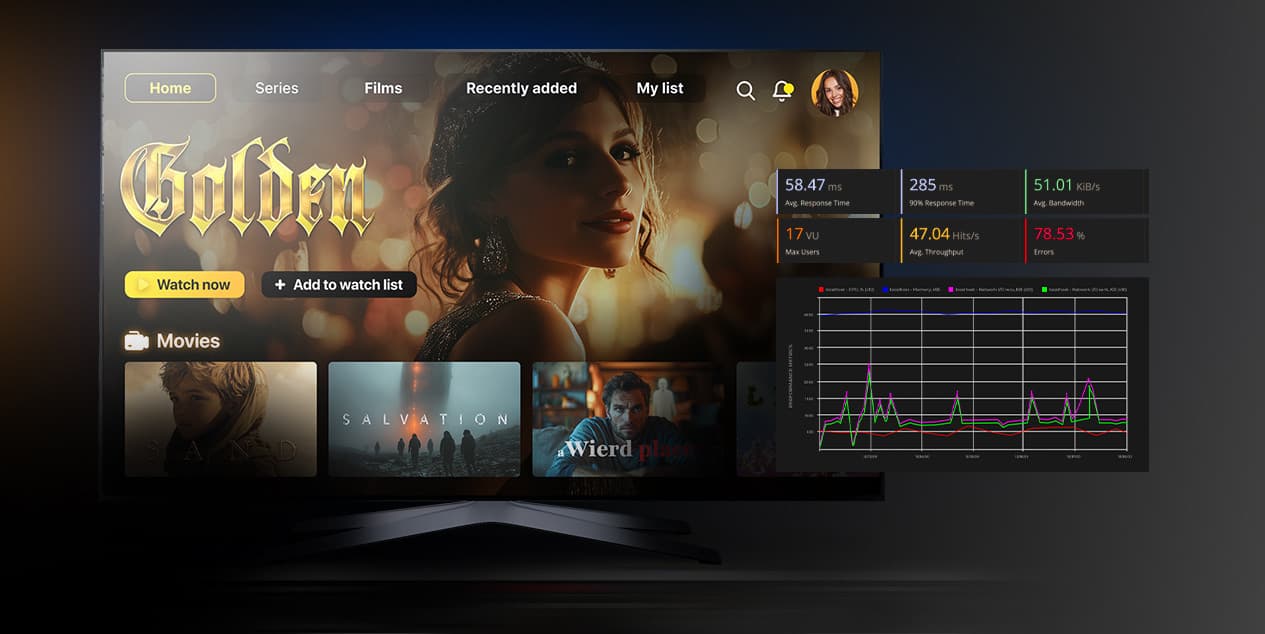
See how Oxagile built an interactive video experience that puts the engagement layer on the main screen instead of beside it. The result: interactivity viewers can join without leaving the content they came for.
What future holds
None of this appears on a roadmap. Roadmaps carry the features: the polls, the live stats, the interactive overlays, the second-screen companion. The sync layer beneath them usually arrives as an implementation detail handed to whoever builds the first feature that needs it.
Oleg’s argument is that sequencing is not the difficulty, but the risk.
Expert thoughts:
“The first interactive feature can nearly always be made to work with a rough approximation of shared time. One feature, controlled conditions, it forgives a lot.
Then the second and third features inherit that approximation, and the analytics get built on top of it, and by the time anyone works out the numbers aren’t trustworthy, the assumption is holding up the whole product.
That’s a much more expensive conversation than the one we could have had at the start.”
So what does he actually ask in that first conversation?
Oleg reveals:
“Three things, before anyone writes any code. What does ‘now’ mean for this product. Who decides it. And what is every event anchored to.
If there are good answers, interactivity is ordinary product work and it goes fine. If there aren’t, everything you build afterwards is sitting on a guess, and you won’t find out which parts are wrong until somebody trusts the numbers.”

Was that decision made against old hardware?
Oxagile can tell you what your device matrix carries today, and what that changes about where each mechanic belongs.
Sources
- — Reviews.org
2026 Cell Phone Usage and Statistics
- — MNTN Research
Two Thirds of U.S. Viewers Will Watch TV With a Second Screen in 2026
- — Mountain / eMarketer
Two Thirds of U.S. Viewers Will Watch TV With a Second Screen in 2026
- — TechRadar
Roku’s Latest Free Update Turns Your TV Into a Pop-Culture Trivia Game
- — GameSpot
Almost Every Interactive Title Is Leaving Netflix
FAQ
Is the second screen dead for live TV?
No. Across Oxagile’s second-screen projects, companion apps remain the right answer for identity verification, deposits, free-text entry, private information, deep catalog browsing, and long reading.
What has changed is where the live moment belongs. A vote, a prediction or a trivia answer during the show is now usually better served on the television, and that is the question Oxagile raises with clients before a project starts.
Can smart TVs handle interactive overlays now?
Better than they could five to seven years ago, though not without limits. Televisions have a mobile-class GPU that is shared with the video pipeline and driving a large panel. Mid-range sets have improved, and rendering through WebGL rather than the DOM, with frameworks such as Lightning, lets animation-heavy layers hold frame rate on weaker hardware. Testing on real devices remains the only reliable check.
What interactive mechanics work with a TV remote?
Anything that fits into one press. Four answer options map onto the D-pad directions, so trivia needs no cursor. Votes, predictions from a short list, reactions, camera switches, stat requests, preset bets, and reward claims all work. Anything requiring a keyboard does not.
Why is text entry such a problem on connected TVs?
Because a meaningful share of viewers abandon the moment they are asked to type. Remote dictation offers a route around it on LG webOS, Roku, Fire OS, Apple tvOS, and Android TV, where platform-level speech fills a field inside the app. But Samsung’s Tizen does not currently expose the methods, so text entry cannot be relied on across a full device matrix.
Should new interactive features be built for the TV or the phone?
Ask what the smallest remote action is that still feels like taking part. If there is a good answer, the feature usually belongs on the screen the viewer is already watching. If the mechanic requires typing and must happen live, the mechanic needs not reloading, but redesigning.