How Hotel IPTV Systems Keep Every Room Connected
Table of contents
A guest checks in near midnight, turns on the TV, and gets a channel-scan message. Or casting fails. Or the welcome screen still has the previous guest’s name. To the person in the room, none of that is an IPTV problem. The hotel simply got the basics wrong.
A hotel IPTV system has to deliver live and on-demand video, guest services, and personal content to hundreds of rooms without making the complexity behind the screen visible. That puts the real engineering work in the connections: the IP network, middleware, property management system (PMS), casting, authentication, and room devices.
This article looks at how those pieces fit together, which guest-facing features earn their cost, and what happens at full occupancy or when part of the system goes down, drawing on Oxagile’s IPTV app development experience.
Key takeaways:
- Moving TV onto the hotel IP network cuts dedicated distribution infrastructure but adds more work around network design, software operations, and device management.
- Personalization depends on reliably mapping the room, device, guest, and active stay through the PMS, then clearing that relationship at checkout so guest data does not carry over to the next stay.
- Hotel-wide casting goes far beyond AirPlay or Google Cast support, with device discovery, room isolation, session cleanup, and guest Wi-Fi topology all affecting how reliably it works.
- Headend, network, and transcoding capacity need to account for full occupancy and busy evening hours, including channel concurrency, multicast and unicast delivery, and simultaneous casting traffic.
- Core viewing needs a fallback path for failures elsewhere in the stack, with a defined minimum service for PMS, middleware, internet, and headend outages.
What is a hotel IPTV system?
A hotel IPTV system distributes television over the property’s data network, using the same switches and structured cabling as everything else in the building. An IPTV headend ingests satellite, terrestrial, or internet feeds, encodes them into IP streams, and sends them to in-room endpoints. Those endpoints are either set-top boxes or hospitality-mode Smart TVs running a managed app.
The difference is obvious as soon as the guest turns on the TV. With cable, they land on a numbered channel list, whereas an IPTV system can greet them by name, organize live channels and on-demand titles in a proper menu, show hotel information, and let them order services without picking up the phone.
With IP-based hotel TV systems, operations become much less room-by-room. Channel lineups, app releases, and pricing are managed centrally, and per-room diagnostics can trace a guest complaint to the stream or device that caused it.
How does a hotel IPTV system fit together?
The system for hotel IPTV often has four main layers:
- The headend ingests, decrypts, and encodes video
- Middleware manages the channel lineup, guest state, entitlements, and VOD catalog
- The network carries multicast live streams and unicast VOD sessions
- The client app brings it all together on the in-room TV
One of the first IPTV hotel deployment decisions is where the headend and middleware run. Keep them on-property, move them to the cloud, or split the workload between the two, and the failure modes change with that choice.
| Model | Strength | Main trade-off |
|---|---|---|
| On-property LAN | Lowest latency, survives a WAN outage | Hardware refresh and on-site support per property |
| Cloud headend | One update reaches the whole portfolio | Every stream depends on the internet uplink |
| Hybrid | Local live TV with cloud VOD and admin | Two failure domains and two release paths |
In our experience, the hybrid model wins above a handful of properties, but only with disciplined monitoring. Live channels stay on-property as multicast, so a fiber cut doesn’t black out every room.
One detail teams underestimate when deploying IPTV in hotels is multicast configuration on the guest network. IGMP snooping, querier placement, and VLAN separation decide whether live TV holds up at 8 p.m. Hotel networks are often built for Wi-Fi coverage first and video second, and retrofitting that takes longer than replacing a headend.
Which guest-facing features are worth paying for?
Guests bring consumer streaming expectations into the hotel room, but piling streaming-style features onto the TV does little by itself. The useful ones connect directly to the stay.
The PMS can supply the guest’s name and dates for the welcome screen, carry language preferences into the interface, and post room service, housekeeping, or late-checkout charges to the folio. VOD is another place where more does not automatically mean better: a smaller selection shaped by actual viewing data may be more relevant than a large library that rarely gets watched or updated.
Hotel TV casting deserves specific attention because guests arrive with subscriptions and watchlists of their own. Getting that content onto the room TV means handling pairing, DIAL or AirPlay support, per-room network isolation, and clean session teardown at checkout.
The device layer will be familiar to anyone who has shipped consumer TV apps, but hospitality adds its own constraints. Samsung Tizen, LG webOS, Android TV, Fire TV, and Apple TV each behave differently, and every platform added to the mix brings its own certification work.
What will your platform mix cost?
Choose your target platforms to get a ballpark estimate for your video project.
How does hotel IPTV integrate with a PMS and other systems?
The property management system is one of the few integrations the guest can notice without knowing it exists. Middleware pulls the guest’s name, language, room state, arrival and departure times, and billing rules through a PMS interface, commonly an HTNG web service or an older serial protocol behind an adapter.
There are two common ways to keep that data current. With event-driven integration, check-in, room moves, and checkout reach the middleware as they happen. Polling checks the PMS for changes on a schedule and introduces a delay. A few minutes may go unnoticed on a welcome screen. At checkout, the same delay can leave paid content available after the guest has left.
Room controls, door locks, and energy management bring more interfaces into the system. Each needs an owner, a timeout policy, and defined behavior when the connection drops. The wider architecture matters too, since the choice between IPTV and OTT changes how video reaches the room and which parts of the delivery chain the hotel has to control.
What breaks a hotel IPTV system at full occupancy?
Almost every hospitality video incident traces back to capacity sized for an average day. Four failure modes account for most of them.

Headend and encoder capacity runs out first
Check-in waves create bursts of session starts, entitlement lookups, and welcome-screen renders inside a narrow window. Size that capacity to peak occupancy and event nights, not to the annual average.
VOD transcoding and origin load spike during live events
If the platform transcodes on demand or shares an origin between live and catalog content, a conference weekend pushes both onto the same hardware. Keep the live path and the VOD path separate so one cannot starve the other.
PMS sync lag appears as stale guest names and wrong charges
The delay is invisible at half occupancy and obvious at full, when the event queue backs up behind hundreds of check-ins. Instrument queue depth and event age, then alert on both.
Network contention is the quietest failure
Guest Wi-Fi, staff devices, and IPTV traffic often share uplinks, and video loses without a QoS policy and VLAN separation.
A resilient design assumes all four will happen. It caches the channel lineup and guest state locally, falls back to a default lineup instead of an error screen, and catches middleware desync before the front desk does. These failure scenarios are worth testing when choosing an IPTV provider, before uptime promises and feature lists turn into contract terms.
Case in point: Live streaming and VoD app for Smart TVs
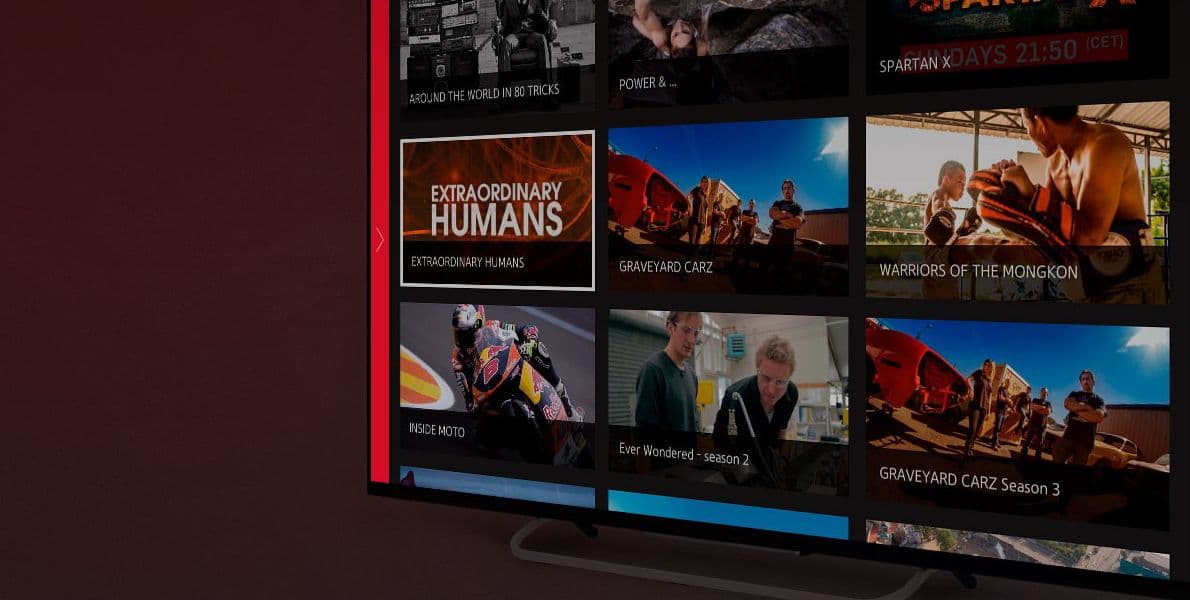
Oxagile built a live streaming and on-demand app for Samsung Tizen, then extended it to LG, Sony, Fire TV, Android TV, and Apple TV. The same multi-platform discipline applies to in-room screens, where one codebase has to behave correctly on several TV operating systems.
What should you budget for, and what does rollout involve?
Budgeting for IPTV for hotel use starts with the endpoints. Hospitality TVs and set-top boxes are priced per room, so endpoint choice dominates capital cost. Software cost tracks the number of platforms and integrations in scope. Network remediation is the line item that often surfaces late, once the site survey exposes switch, Wi-Fi, or cabling work that the existing setup needs.
The rollout tends to hinge on PMS integration and the pilot floor more than on app development. A typical IPTV app development plan moves from site survey and headend setup to middleware integration, then into a 10-20-room pilot covering different room types. Floor-by-floor cutover follows, scheduled around occupancy so the migration stays out of the guest experience.
For a hotel group, the first property does most of the architectural learning. By the second, the integration pattern, device mix, failure handling, and rollout sequence have already been tested in a real hotel. That repeatability is what turns one IPTV deployment into a workable portfolio rollout.

Video engineering beyond the hotel room
Oxagile has spent 20+ years building video products for connected TVs, streaming platforms, and complex multi-device environments. See what that experience covers and reach out to discuss your case.
FAQ
What is the difference between hotel IPTV and hotel OTT?
Hotel IPTV delivers managed live channels and on-demand content over the property’s own IP network, with the hotel controlling the lineup, entitlements, and interface. OTT delivery reaches the same screen over the public internet through third-party apps such as Netflix or YouTube. Most properties run both: IPTV for live TV and hotel services, OTT for guest-owned subscriptions reached through casting or sign-in.
Can guests cast their own streaming apps to a hotel IPTV TV?
Yes, when the platform supports it and the network is configured for it. Casting needs per-room pairing so a stream reaches the correct TV, isolation so guests cannot see each other’s devices, and automatic session teardown at checkout. Support varies by TV operating system, so confirm the behavior on Tizen, webOS, Android TV, and Apple TV before you commit to a device standard.
How long does a IPTV for hotel rollout typically take?
Property size, network readiness, and PMS complexity matter more than software here. A single property with modern cabling can reach a pilot floor within a few months of the site survey, with cutover scheduled around occupancy. Older buildings that need network remediation take longer. For a portfolio, concentrate discovery effort on the first property and reuse the pattern for the rest.
Does hotel IPTV work with an existing PMS?
Usually yes. Most middleware ships adapters for common systems such as Opera, and many vendors support HTNG interfaces for guest and room data. Ask early which events the PMS can push, how quickly it pushes them, and whether posting charges back to the folio is supported. Older on-premise deployments sometimes need an integration layer in front of them to expose those events.