Success story
Engineering a MAM app through seamless team integration
Supporting secure playback, advanced media review, and scalable product development
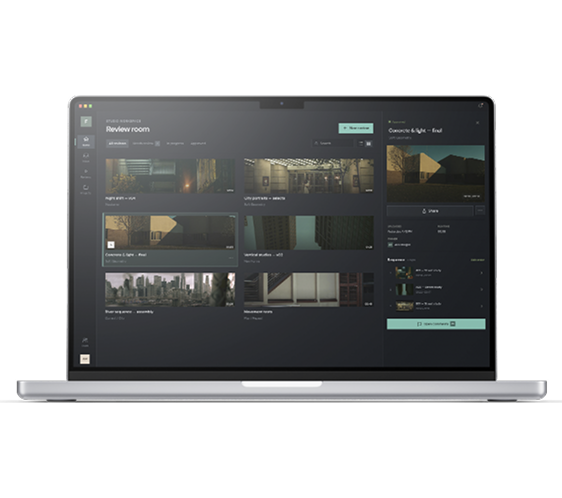
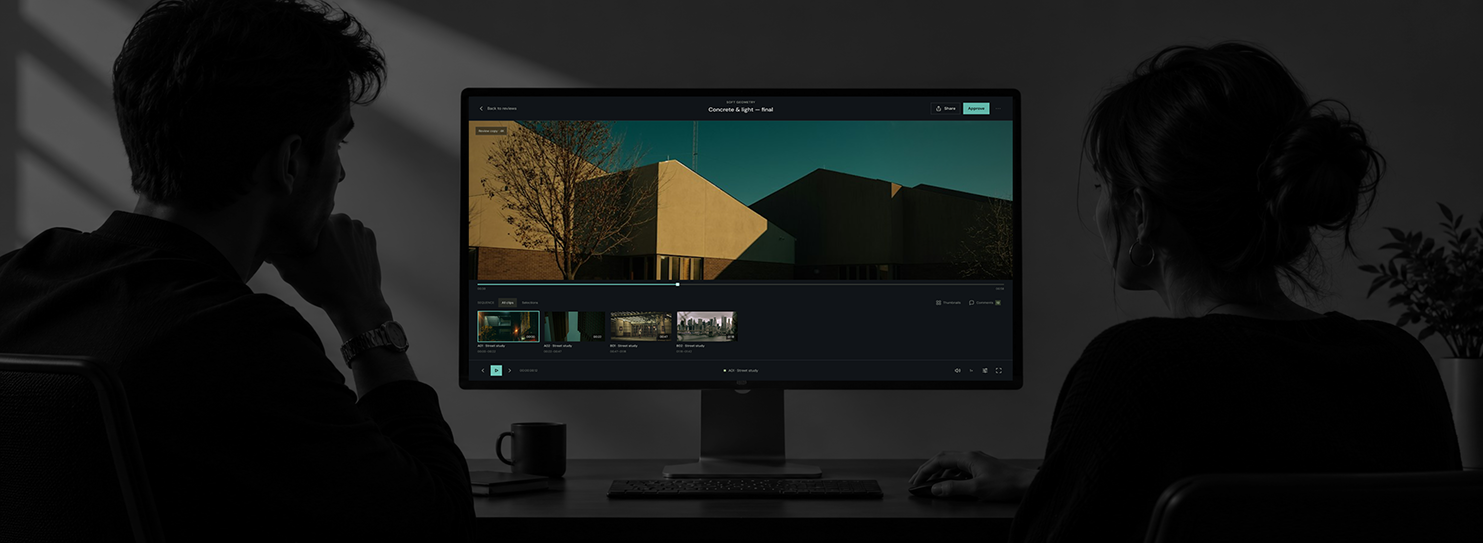
Briefing the project collaboration
The client
Media technology provider
The request
Rapid delivery of a content review and management app for production studios
Oxagile's participation
Integrating an online video engineering team into the client's product team
The use case behind the solution
- Step 1
Media ingestion
Production teams import daily footage and editorial cuts into the platform for processing and distribution.
- Step 2
Cloud processing and publishing
The system automatically transfers and transcodes media in the cloud, publishing it as review sessions such as dailies reviews.
- Step 3
Secure content review
Executives access reviews through an iPad or web player with offline viewing available on iPad.
- Step 4
Editorial workflow and collaboration
Users organize content into watchlists, export editorial data in EDL, OTIO, and ALE formats, and share reviews with authorized project members.
- Step 5
Workspace administration and access control
Workspace managers independently manage projects, users, and roles.
The client was looking for advanced video expertise
Product team members wanted:
We don't need just additional developers. We're looking for experienced video technology specialists with deep expertise in video and media asset management (MAM). They need to understand complex media workflows, including content ingestion, transcoding, metadata management, and video playback, and actively contribute their technical expertise to product development and engineering decisions.
Engineering skills required for the project
- Scalable frontend architecture and product engineering
- Advanced media processing and video playback
- Full-stack development and backend integrations
- Native iOS and offline-first development
- Automated testing, CI/CD and release engineering
The solution at a glance
Oxagile's engineering contribution
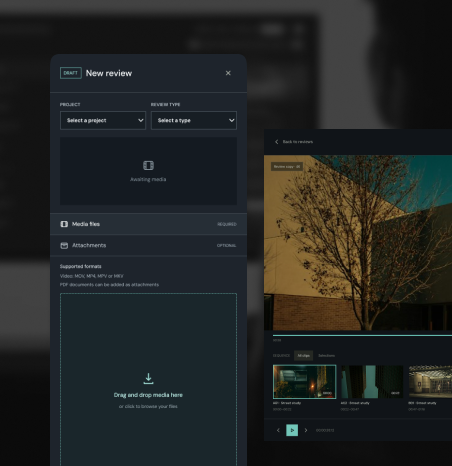
Review management and lifecycle
- Development of the central Review Drawer for opening, creating, editing and publishing reviews, including responsive design and dashboard integration
- Review creation for Dailies, general reviews, and Cut reviews
- Consistent review creation and editing workflows across the app and the dashboard
- Review lifecycle improvements: deletion, editing published reviews, publishing workflows, routing, and hand-over
- Managing review content, with clip removal and reordering
- Restricting contributors to the dashboard
Media player and playback
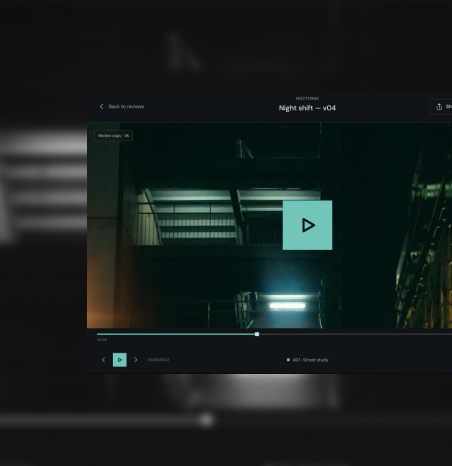
- Development of the general media player and review player, that had a time-clock service and high-speed playback
- New player layout for imports and removal of the legacy player
- Player improvements and bug fixes on Safari, iPad, and AirPlay
Review sharing, permissions, and access control
- Direct sharing with project users, share modal, and sharing from the review panel and All Reviews table
- Implementation of sharing restrictions and permission-based access
- Role-based access control (RBAC) design and permissions
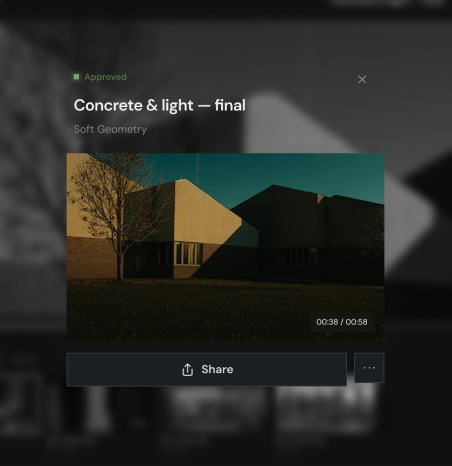
Reviewer workspace, navigation, and discovery
- Reviewer workspace navigation and the content review area improvements, including Continue Watching, General Reviews, date filters, and thumbnail progress indicators
- Main workspace development, with active and received reviews, top-level navigation, and reviewer visibility in Projects
- Workspace Manager improvements, like Projects, workspace switcher, and project-specific user lists
- All Reviews table redesign, responsiveness, filters, and row interactions
- Workspaces tab in user settings
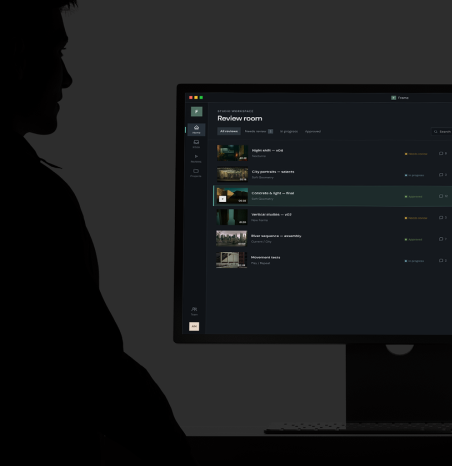
Watchlists
- Watchlist creation, review management, reordering, and browsing
- Watchlist drawer and quick actions
- Removing reviews from watchlists and deleting watchlists
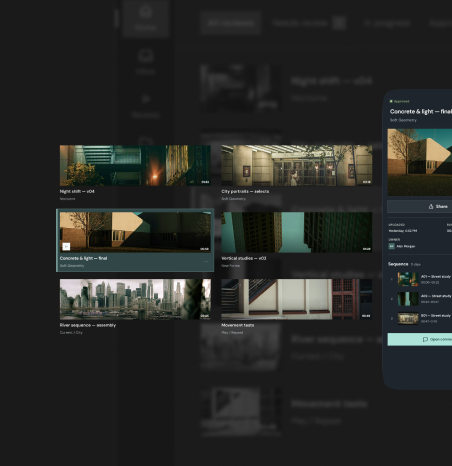
Offline review experience
- iPad offline mode UI and workspace-scoped offline reviews
- Re-authentication window for offline access
- Offline content expiry notifications and re-sync functionality
- Native offline review playback
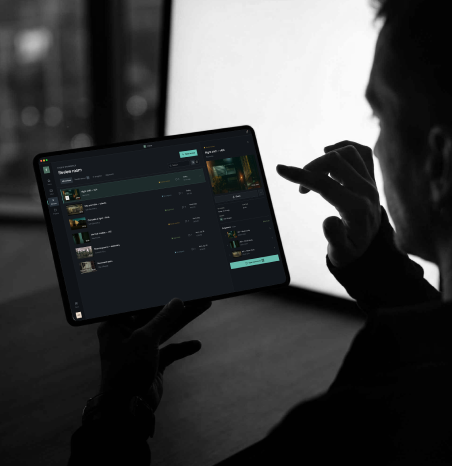
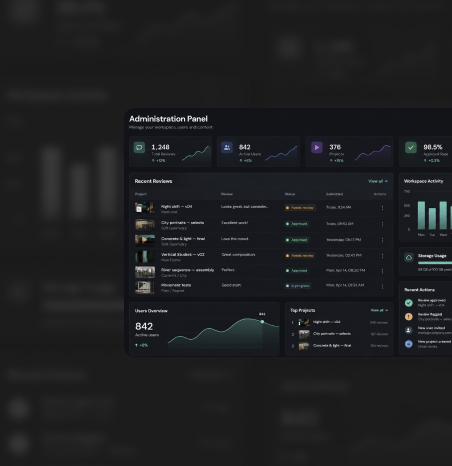
Administration, projects, and workflow management
- Users and Roles integration that implied backend implementation and user off-boarding
- Workflow templates design and Workflows page implementation (front-end and Django backend)
- Admin Projects tab, project creation, and sidebar
- Project General tab
- Attachments and export menu
- User and role management throughout the administration experience
Engineering quality and security
- Developer experience improvements, such as live reload, AI agent setup, and ESLint
- CI pipeline for TestFlight builds and investigation of flaky front-end tests
- Session-sharing bookmarklet for testing under different user roles
- Resolution of all critical and high-severity npm vulnerabilities in the app
- Broad bug fixing in the dashboard, login, sharing, player, Safari, iPad, and AirPlay
- Front-end architecture review leadership

The engineering team's perspective on key challenges
| Area | Challenge | Architectural decision |
|---|---|---|
| Chrome incompatibility with video codecs | Certain video codecs, such as HEVC/hev1, were not properly parsed by Chrome. This resulted in NaN video duration and failures that could freeze or crash the review player. | We addressed this by introducing guarded seek calculations and verifying the fix across Chrome and Safari. |
| Unreliable video transcoding | Transcoding failures caused by AWS task termination, Hybrik bugs, network issues, and race conditions could stall entire reviews. | We developed a more resilient workflow that isolated failed clips, provided manual retries and validated unsupported media upfront. |
| Native offline player for iPad | The initial native iPad offline player implementation had grown to approximately 5,000 lines of Swift code. But it was still lacking essential functionality, for instance, a timeline and seek bar. | We stopped this approach early, redesigned the implementation around reusable patterns, and delivered the native offline review player. |
| Streamlining iOS release versioning | The iOS publishing process had a versioning bottleneck: once a build was submitted to the App Store, the current version became invalid for subsequent builds, potentially blocking the entire team. | We improved the release agent so it can automatically propose the required version-bump PR. |
The engineering approach that accelerated time-to-market
Agent-driven release automation
An AI-powered launch agent coordinates deployments on various service repositories, automating documentation, change verification, versioning, environment checks, and iOS submissions. A four-phase workflow with planning, testing, release, and post-release, delivers consistency with critical decisions kept under human control.
Deterministic quality gates for AI-generated code
Automated quality checks make AI-generated code more predictable and maintainable. The framework covers performance, security, complexity, consistency, and bundle size, combining TypeScript, linting, automated testing, Figma visual comparisons, and Feature-Sliced Design.
Human-in-the-loop development
AI agents handle repetitive engineering and verification tasks, and developers retain control over critical technical decisions. This balance supports longer autonomous development cycles and frees engineers to focus on product development and complex problem-solving.
Technology stack
- Web and iPad
- TypeScript · React · Vite · Redux Toolkit · TanStack Query · React Router · styled-components · Capacitor (iOS/iPadOS apps from a shared codebase) · Swift · Capgo (over-the-air updates) · Shaka Player · Mux Data · Auth0 · Sentry · Intercom · Storybook · Vitest · React Testing Library
- Admin app
- TypeScript · React · React Bootstrap · TanStack Query · Auth0 · Sentry
- Backend and APIs
- Python 3.12+ · Django 6 · Django REST Framework · Django Channels (WebSockets) · Gunicorn · Uvicorn · Daphne · PostgreSQL · Redis · Elasticsearch · Amazon S3 · SendGrid · OpenTimelineIO · FFmpeg · MediaInfo · HLS · Apache Airflow client · FastMCP · Sentry · uv · pytest
- CLI and MCP server
- Python · uv · MCP
- Video transcoding
- Hybrik
- Infrastructure and DevOps
- AWS · Terraform · Packer · Ansible · Helm (preview environments) · Docker · CircleCI · GitHub · Trivy
- iOS build and delivery
- TestFlight · App Store Connect · fastlane
- Test automation
- Playwright · pytest · Allure
- AI tools
- Claude Code · Cubic
More MAM projects we've delivered
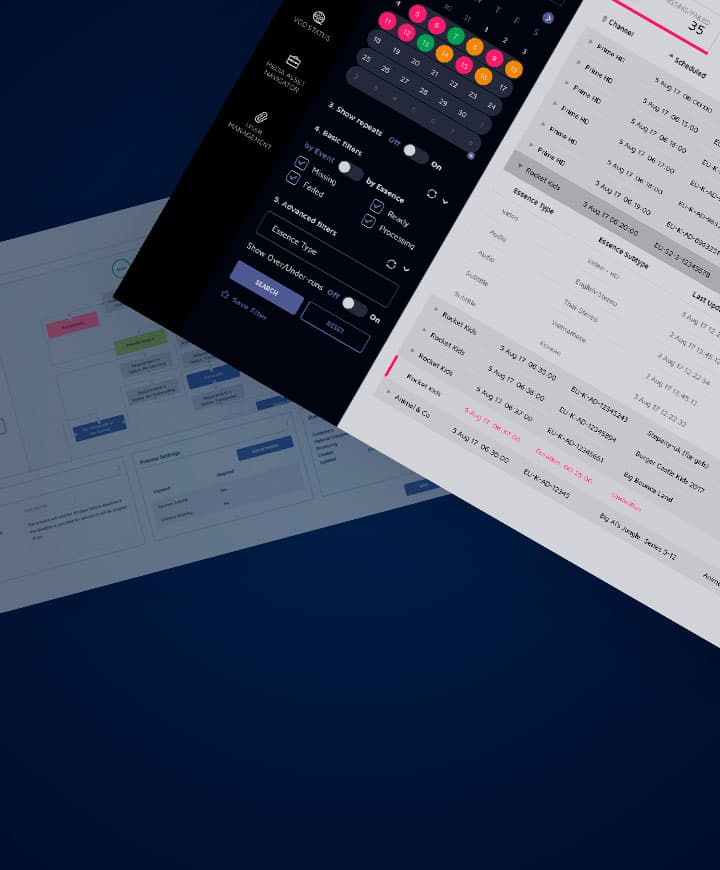
MAM orchestration solution
Optimize and automate complex workflows
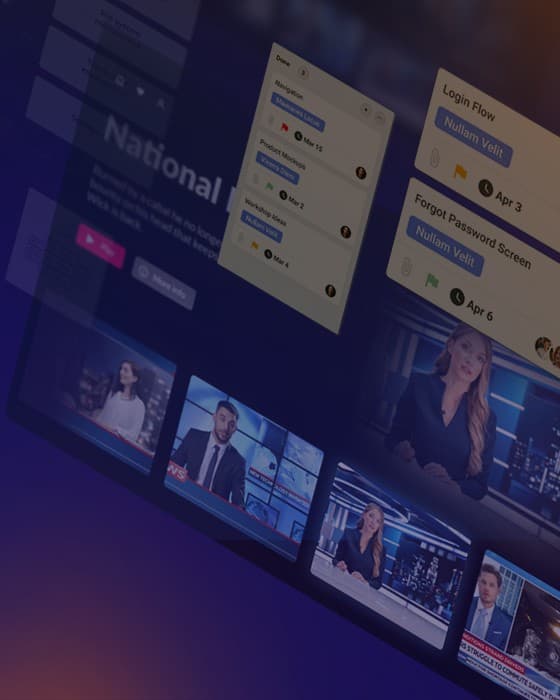
Turning MAM system complexity into clarity
Uninterrupted MAM services under critical workloads
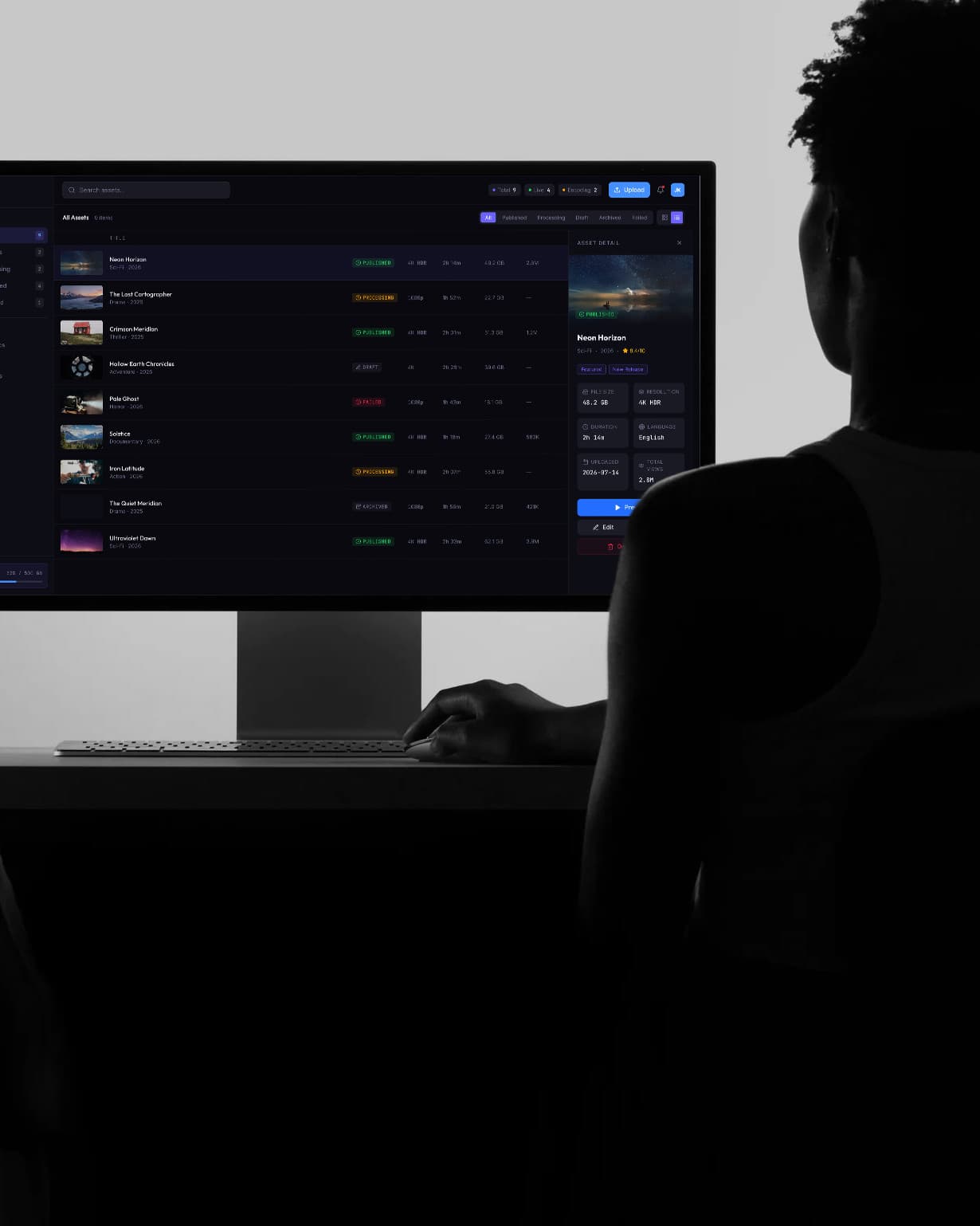
MAM integration and migration
Complex workflows and system knowledge gaps tackled
End-to-end MAM platform
Building a smarter MAM platform
