









This website uses cookies to help improve your user experience
Ever wondered what really happens behind that calm blue TV screen?
Smart TVs come with their own rules, constraints, and design trade-offs that look very different from mobile or web ecosystems. This FAQ-style guide answers the most common questions about building, testing, publishing, and maintaining apps for Smart TVs. It explores how Smart TV apps work across platforms like Android TV, Tizen, webOS, tvOS, Fire TV, Vega OS, VIDAA, Titan OS, and others, and how UX design quietly shapes the experience you see on screen.
You will also find clear explanations of cross-platform strategies, optimization techniques, monetization models, and long-term maintenance considerations that define successful Smart TV app development in real-world conditions.
 We optimize UX, performance, and certification across platforms so your Smart TV app feels right at home.
Smart TVs look simple on the surface, but the work underneath is definitely not. Below, we answer the practical questions that define real-world development matters.
Smart TV app development involves creating applications that deliver content or services directly on Smart TVs. It is also responsible for the technical and usability constraints of television platforms. The development process includes everything required to make the app usable, secure, and scalable in a real environment.
Consider a company launching a subscription-based video platform. The Smart TV app must authenticate users, stream video at multiple quality levels, surface recommendations, and support payments or entitlements. Development includes building and maintaining apps for each target TV platform, connecting them to the existing backend, and implementing Digital Rights Management (DRM) to protect content.
It also requires designing interfaces that work well from a distance, optimizing performance for limited TV hardware, and passing manufacturer certification before release. As a result, Smart TV app development helps businesses reach viewers on their preferred screen and deliver a consistent experience that aligns with their broader product and revenue strategy.
Developing apps for Smart TVs involves unique considerations compared to mobile and web platforms because it prioritizes remote navigation, large-screen usability, and constrained device resources. These factors affect how apps are designed, built, and tested.
By contrast, mobile and web development are shaped by different usage patterns and technical nuances:
For example, a streaming service that works well on mobile may rely on scrolling, gestures, and background loading. On a Smart TV, that same experience must be reworked so users can browse content with arrow keys, see readable text from across the room, and start playback quickly. Developers often simplify layouts, reduce animations, and preload critical data to keep performance stable.
Key differences teams account for when they develop Smart TV apps include:
In practice, these differences mean Smart TV apps require dedicated planning instead of being treated as extensions of mobile or web products.
The main considerations for video streaming in Smart TV apps revolve around balancing reliability, usability, and personalization as platforms and audiences scale. In Smart TV video streaming, fundamentals such as HD, Ultra HD, EPG, TV archives, and adaptive bitrate delivery are baseline expectations, which means user experience becomes the primary differentiator.
As content libraries grow to hundreds of channels and millions of titles, passive browsing increasingly conflicts with on-demand viewing habits. This dynamic elevates the role of smart recommendations and a well-structured screen hierarchy that helps users reach relevant content in just a few actions. Over time, this guidance reduces decision fatigue and improves long-term retention.
Interactivity is another strategic factor. Smart TV apps provide direct viewer feedback, activity analysis, and real-time participation during live streams. Combined with behavioral data, these capabilities support personalized content, enhanced AVOD and FAST models, and more efficient monetization. At the same time, they help maintain a simple and unobtrusive viewing experience.
UX/UI design for Smart TV applications relies on large readable elements, minimal on-screen actions, directional navigation, and three-click paths to content. Web and mobile interfaces support finer control, deeper navigation, and more complex interactions.
This difference becomes noticeable in multi-brand or white-label products. In one project, a single OTT platform had to support fast UX customization, brand-specific theming, and consistent behavior across Smart TVs, web, and mobile.
Achieving that required simplifying TV layouts, standardizing navigation patterns, and designing reusable UI modules that remain readable and responsive even on lower-end TVs. The design also preserved enough flexibility for each brand to maintain its distinct visual identity.
Smart TV UX design is shaped by a few practical principles drawn from real usage:
These choices help users scan options quickly, reach content without friction, and enjoy a stable experience across different Smart TV platforms.
Remote control and D-pad navigation affect Smart TV UX by replacing free-form interaction with step-by-step directional movement. Users move focus on one element at a time, which makes clarity, predictability, and short navigation paths essential.
This becomes obvious in real use. An interface that looks clean in mockups may frustrate users if focus jumps unpredictably or if key actions require extra presses. In Smart TV navigation, even a few additional clicks repeated daily quickly feel heavy and slow.
Several UX adjustments follow from this interaction model. Directional movement means navigation depth must stay shallow, with key areas like “Continue watching” or live content placed close to the starting point.
Predictable “Back” button behavior and consistent focus logic are critical, since small inconsistencies confuse users. Limited input also matters, as typing or logging in with a remote is inefficient, so these actions are reduced or handled through voice input or companion devices.
To compensate, interfaces rely more on visible metadata and well-placed recommendations, allowing users to scan options quickly and choose content without opening extra screens.
The main technical challenges in Smart TV app development arise across the full delivery lifecycle, from building and testing to scaling and ongoing support. These issues are driven by platform differences, hardware limits, and growing product complexity.
Key Smart TV app development challenges typically include:
These challenges push teams to constantly balance proven technical foundations with careful optimizations that keep the experience stable as platforms, devices, and content libraries evolve.
Hardware limitations impact Smart TV app performance by forcing apps to operate within tight memory and processing limits, including older TV models. Running a Smart TV app is like packing a full living room setup into a small suitcase. Everything must fit, or something breaks.
Therefore, memory and processing constraints differ significantly between TV models. This impact on Smart TV app performance typically unfolds in a predictable sequence:
These issues may not appear during early testing. They often show up only after the app is installed on real devices. This makes real-device testing apart from emulators non-negotiable and leads teams to simplify UI structures and reduce resource usage, so the app behaves consistently across different TVs.
To cite one example, in one Smart TV streaming revitalization project, performance issues surfaced mainly on older and lower-end TV models, even though the app behaved well during early testing. Stabilizing the experience required simplifying UI layers, reducing rendering load, and tightening memory usage, so navigation and playback stayed responsive across the full device range.
Smart TV apps integrate with backend systems and APIs by separating presentation on the TV from processing on the server. This separation defines how responsibilities are shared and shapes how integration behaves across platforms and devices.
During the Smart TV app integration process, responsibilities are typically divided as follows:
| TV app role | Backend role |
| Render UI and screen hierarchy | Apply business rules and logic |
| Handle remote control input and focus | Manage user identities and profiles |
| Trigger API requests | Deliver content catalogs and metadata |
| Start and control playback | Generate stream sessions and playback parameters |
| Display recommendations | Build and update recommendation logic |
| Send interaction events | Store analytics and viewing data |
Several factors influence how well this integration works in practice:
These constraints make a clear client-server split necessary. Backend systems handle complexity and change over time, such as updates to recommendations or analytics, without adding extra processing load to the TV app.
 Discover what it takes to test Smart TV apps for navigation, performance, and stability before they reach app stores.
Certification rejections are expensive teachers. This Q&A section shows how thorough testing helps teams catch problems early and ship apps that pass review the first time.
Smart TV application testing across platforms and devices occurs through a mix of automated checks and manual validation that runs throughout development and before release. Testing does not happen only at the end, since many issues appear only after changes are introduced.
The process of Smart TV app testing typically covers these stages and checks:
Testers combine automation, emulators, and real devices to cover different platform behaviors, hardware limits, and certification constraints. These measures help confirm that the app behaves consistently on different Smart TV platforms and device models.
Publishing and certification processes for Smart TV apps involve submitting an app to a platform's app store and passing a technical and UX review before release. Each TV platform runs its own certification workflow with specific requirements, which often differ in areas such as:
The submission phase of Smart TV app publishing starts with a build that carries the information platforms use for store presentation, validation, and runtime checks.
The platform validates remote control navigation paths, focus order across screens, startup and playback stability, and adherence to platform SDK rules. Automated checks usually cover crashes, API usage, and basic performance metrics. Manual review then verifies real user flows where issues like broken focus movement, inconsistent Back button behavior, or slow screen rendering can result in rejection.
If problems are found, the app should be corrected and resubmitted for another review cycle. Approval timelines vary by platform and can range from a few days to several weeks, depending on review depth and queue load.
Maintaining and updating Smart TV apps after launch involves keeping the app compatible with platform changes, fixing issues discovered in real usage, and releasing controlled updates through platform stores.
During ongoing support of Smart TV applications, engineering and QA teams focus on continuous observation and targeted fixes:
 Monitoring crash reports and performance metricsReviewing user feedback from different devices and OS versionsIdentifying issues that appear only on specific platforms
Each update during Smart TV app maintenance follows the same build, testing, and certification flow as the initial release. This encourages engineering, QA, and release management teams to group changes carefully, reducing the number of submissions and avoiding repeated certification cycles.
 Smart TV apps have their own rules. Skip the guesswork and learn what makes TV experiences smooth, predictable, and release-ready.
Developing cross-platform Smart TV applications is about trade-offs between speed, consistency, and platform rules. These questions unpack how teams make those choices in practice.
Smart TV apps are often built for several operating systems that dominate the connected TV market. Each platform introduces its own development model, navigation behavior, and certification constraints. Here are a few examples.
| Platform | Typical usage | Distinctive characteristics |
| Samsung Tizen | Samsung Smart TVs | JavaScript-based apps, strict navigation and Back button rules, platform-specific certification |
| LG webOS | LG Smart TVs | Web technologies, card-style UI model, predictable focus and lifecycle handling |
| Android TV / Google TV | Multi-brand TVs and set-top boxes | Android-based stack, wider hardware variation, different behavior across manufacturers |
| Roku OS | Roku TVs and streaming devices | Proprietary framework, limited UI flexibility, strong constraints on navigation patterns |
| Amazon Fire TV | Fire TV devices and televisions | Android-based system with Amazon services integration and customized UI layers |
| Apple tvOS | Apple TV hardware | Swift and UIKit-based apps, focus-driven navigation, closed hardware ecosystem |
| VIDAA | Select regional TV brands | Lightweight OS, smaller app ecosystem, platform-specific tooling |
| Titan OS | Philips TVs and emerging TV platforms | Evolving APIs, changing certification rules, growing device support |
Additionally, most popular Smart TV platforms differ in SDKs, UI frameworks, navigation logic, and store requirements. Supporting multiple platforms usually requires platform-specific adjustments across development, testing, and ongoing updates.
In real projects, these platform differences rarely exist in isolation. For example, delivering an enterprise-grade OTT solution across four platforms required aligning Samsung Tizen, LG webOS, Android TV, and web under a shared product vision. The solution combined platform-specific UI and navigation layers with a common business logic core, allowing consistent behavior and feature parity despite different SDKs, certification rules, and hardware constraints.
Yes, Smart TV apps can share code across multiple platforms, but only up to a point. At the architectural level, common logic and UI concepts can be reused. Platform-specific layers still require separate handling.
When a product targets multiple TV operating systems, such as Samsung Tizen, LG webOS, Android TV, or Roku OS, development teams look for ways to avoid rebuilding the same functionality for each platform. In this case, developers resort to Smart TV cross-platform development, separating shared components from platform-specific ones.
Teams usually share business logic, data models, and API communication layers, since these parts behave consistently across TV operating systems. Platform-specific differences appear in UI frameworks, navigation rules, remote control handling, and lifecycle management. Because of this, presentation and interaction layers are adapted per platform even when the underlying logic is shared.
This approach reduces duplication without forcing a single codebase to fit incompatible platform constraints.
Imagine you need to launch the same TV app on Samsung, LG, Android TV, and Roku at the same time. Rebuilding everything four times would slow delivery and complicate maintenance. In cross platform Smart TV app development, knowing how to build with one shared codebase solves the problem.
The approach starts with prerequisites, separating what can be reused from what should adapt to each platform. Teams first align on supported platforms, feature parity, navigation expectations, and define a shared core. This usually includes business logic, data models, and backend communication that behave consistently across platforms.
Platform-specific implementations are added only where required, such as UI rendering, focus behavior, and system integration. This structure allows updates to core functionality without rewriting each app from scratch.
The result is a controlled balance between reuse and platform compliance. In one case, a modular OTT solution was built around a shared core that handled business logic, content delivery, and configuration, with platform-specific layers added for Smart TVs, web, and mobile. Reusable modules made it possible to launch and evolve apps across platforms in parallel, without forcing identical UI or navigation where platform rules differed.
Integration boundaries are clearly defined as well. This keeps shared code stable and allows platform implementations to evolve independently.
Finally, testing and release processes are aligned per platform. Each platform still requires its own validation and certification flow. Teams plan releases to account for different review timelines and rejection criteria.
Changes are usually grouped to avoid repeated submissions, as even small fixes can trigger a full re-certification cycle.
Imagine launching the same TV app on a premium OLED model and a five-year-old budget TV. The interface looks identical, but performance feels very different. Smart TV app optimization means tuning an application so it runs reliably across TVs with different hardware power, operating systems, and input behavior. This process focuses on handling differences in hardware power, operating systems, and input behavior.
Before optimization begins, teams identify key constraints:
Optimization then focuses on adapting behavior, for example, UI elements are simplified for weaker hardware. Animations are reduced where focus lag appears, and background processes are limited to avoid memory spikes during long playback sessions.
Testing across multiple brands helps isolate issues that appear only on specific TVs. Some problems surface only after extended use, which is why long playback and stress checks are part of the process. The goal is consistent behavior, even when device capabilities are not.
 Get a clear breakdown of Android TV publishing rules so your app doesn’t bounce back from review.
Android TV app development sits at the intersection of platform rules, device variability, and living-room UX. The sections below unpack how teams balance all three.
Android TV app development requires designing for remote-first navigation, large screens, and platform rules defined by Android TV and Google Play. Apps should feel quick to respond, easy to navigate, and naturally at home within the Android TV experience.
Key considerations usually include:
Navigation and focus handlingUI structure and layoutsContent discovery and recommendationsPerformance and resource limitsPublishing and complianceIn addition, teams need to account for differences between Android TV devices produced by various manufacturers. The same app can behave differently depending on OS version, hardware performance, and system customizations. This makes testing on real devices essential to maintain the navigation flow and playback stability. Ignoring these variations may lead to certification issues or poor user experience after release.
Imagine you’ve just stretched your polished mobile app onto a 55-inch screen. You think it’s fast until the TV shows every tiny flaw in focus logic, layout clarity, and media stability without subtlety. Then suddenly you realize that what felt smooth on a phone stutter under a remote, and what looked crisp up-close blurs into friction from across the room. This harsh reveal is one of the most common Android TV app optimization challenges.
The others can be broken down into categories that impact user experience differently:
| Challenge category | Typical symptoms | Root causes identified |
| Hardware limitations | Jitter, input lag, visible rendering issues | Weak CPUs, inconsistent memory/GPU performance |
| Remote navigation | Heavy focus transitions, delayed responses | D-pad input, inconsistent focus logic |
| Vendor variations | Unexpected behavior across models | Differing overscan, key codes, firmware quirks |
| Multimedia handling | Playback stalls, slow startup, buffer issues | Mismatched codecs, adaptive streaming limits |
| Visual clarity at distance | Confusing layouts, poor contrast | Small text/poor spacing not optimized for TV |
Most often, they happen because Android TV makes small inefficiencies visible, particularly on large screens controlled by a remote and running on varied hardware. Issues that feel minor on mobile quickly turn into noticeable delays or navigation friction.
Fixing them usually starts with testing on real TV devices, not emulators alone. Teams also simplify UI structures, reduce background work, and review focus navigation early, before adding new features.
Google TV influences Android TV app development by changing how content is surfaced and discovered, even though the underlying platform and APIs remain the same. From a development perspective, apps still target Android TV, but users encounter them through the Google TV interface.
The most noticeable shift appears in discovery and presentation. Google TV highlights aggregated recommendations across apps, which allows content to appear on the home screen before a viewer explicitly opens an app. As a result, apps gain visibility when they expose the right metadata, deep links, and content rows that the system can surface outside the app itself.
Many people compare these two experiences because they feel different in everyday use. One centers on launching apps and browsing within them, the other quietly guides viewers toward content. This contrast often creates the impression that development needs a complete rethink.
In the Google TV vs Android TV discussion, the difference is less about rewriting apps and more about adapting them to a recommendation-driven entry point. In practice, this leads teams to:
 Discover how Tizen TV apps help you meet audiences where they actually watch.
Samsung’s Tizen OS prioritizes consistency across millions of TVs. Understanding how its web-based stack, certification rules, and hardware range interact is key to building apps that last.
Tizen TV app development is unique because it relies on Samsung’s own operating system, tooling, and platform rules, not on some well-known Android-based frameworks. Apps are built with web technologies and should adhere to Samsung’s UX, performance, and certification requirements. Overall, there are three key points:
Low-end Samsung Smart TVs are typically older or budget models with limited CPU power, small memory pools, and earlier versions of the Tizen browser engine. Before Tizen TV app optimization begins, teams need access to real low-end devices and basic profiling data, because emulators rarely expose the same memory and performance constraints.
Optimization work usually starts at the UI layer. Screens are designed with fewer document object model (DOM) elements, shallow hierarchies, and simple layouts to reduce rendering cost. Heavy cascading style sheets (CSS) effects, complex transitions, and large carousels are avoided because they increase repaint time and memory usage.
JavaScript execution is kept tightly controlled. Long-running scripts, frequent timers, and repeated calculations are minimized to prevent UI freezes during focus movement. Logic is structured to run only in response to user actions.
Memory management becomes a constant concern. Images are resized to screen resolution, reused instead of recreated, and unloaded when no longer visible. View objects are cleaned up to prevent gradual slowdowns during long viewing sessions.
Focus movement is optimized so remote input remains responsive, even after extended use on constrained hardware.
Taken together, these adjustments allow apps to remain usable across a wide range of models, including low-end Samsung Tizen TVs, without introducing separate builds.
Tizen TV apps differ from Android TV apps primarily in platform architecture, development tools, and runtime behavior. Samsung Tizen relies on web technologies, whereas Android TV is built on the Android framework and Java or Kotlin.
In the Tizen vs Android TV comparison, the differences become clear across several aspects:
| Aspect | Tizen (Samsung) | Android TV |
| Operating system | Samsung’s proprietary Tizen OS | Android-based TV OS |
| Development stack | HTML, CSS, JavaScript, and Tizen-specific APIs | Android SDK, native components (Leanback patterns) |
| Navigation and focus | Focus logic implemented in JavaScript; strict Back/focus rules required | D-pad and native focus handling; Leanback components standardize patterns |
| Performance constraints | Sensitive to browser engine limits, memory pressure on low-end Samsung models | Varies by device hardware and Android version; fragmentation affects behavior |
| Distribution and discovery | Samsung app store and platform-specific certification | Google Play integration; home recommendations can surface content system-wide |
| Testing emphasis | Real low-end device validation; reduce DOM, simplify layouts, control scripts | Wide device matrix testing across manufacturers and OS builds |
| Update model | Samsung-controlled updates across TV lineup | Manufacturer-dependent updates and Android version differences |
Both platforms target the same couch and remote. They simply speak very different technical languages, which is why development, testing, and optimization follow distinct paths.
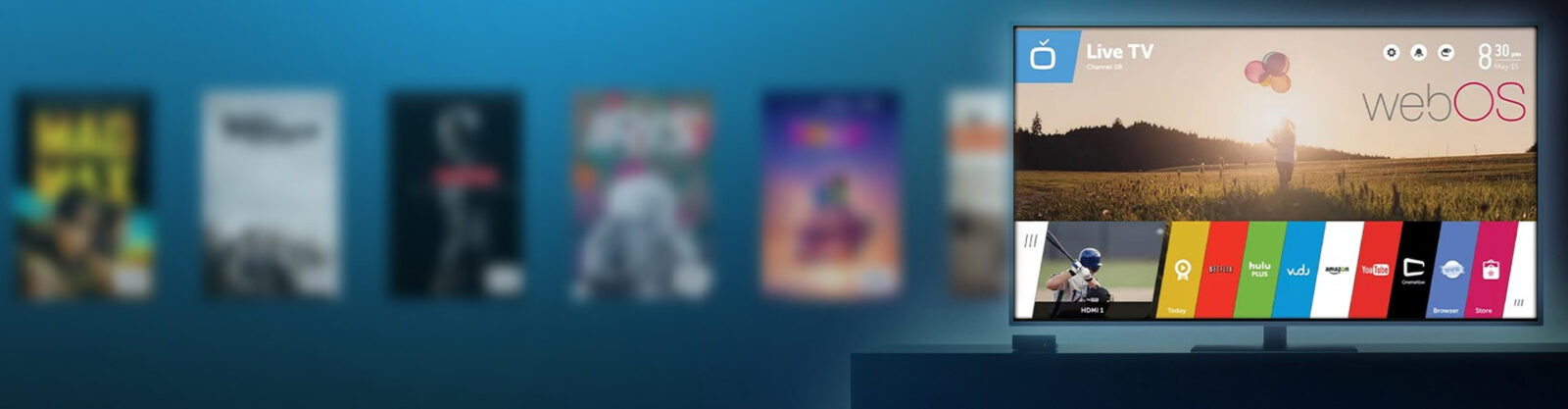 See how webOS TV app development fits into a scalable, cross-platform strategy.
webOS apps may look like web apps, but they behave very differently once they hit a TV. These questions unpack the constraints that shape performance, navigation, and certification.
If you plan to build for LG TVs, webOS TV app development requires thinking like a web developer and a TV viewer at the same time. Apps are created with standard web technologies, but they run in a controlled TV environment with strict UX expectations.
Key aspects to account for include:
Web-based stackFocus-driven navigationMagic Remote interactionPlatform servicesBecause LG enforces platform-specific certification rules, even small navigation or performance issues can block release, which makes careful UI design and early testing part of the core development process.
Performance and memory constraints on webOS TVs come from limited hardware resources and a browser-based runtime environment. Apps share system memory with the OS and other services, which makes inefficient rendering or scripting immediately visible to users.
A common handling approach follows a step-by-step pattern:
Through these steps, webOS TV app performance remains stable even on devices with modest memory budgets, supporting smooth navigation and consistent playback behavior.
Magic Remote design reshapes webOS UX by blending mouse-like pointing with classic TV navigation. Designers plan for two parallel paths through the same interface.
The most important UX adjustments include:
This structure prevents usability gaps. A user can switch between pointing and clicking at any moment without breaking the flow. Navigation logic stays stable even when pointer tracking varies due to distance or movement.
Magic Remote design therefore pushes webOS apps toward flexible interaction models that remain consistent, readable, and forgiving across different usage styles.
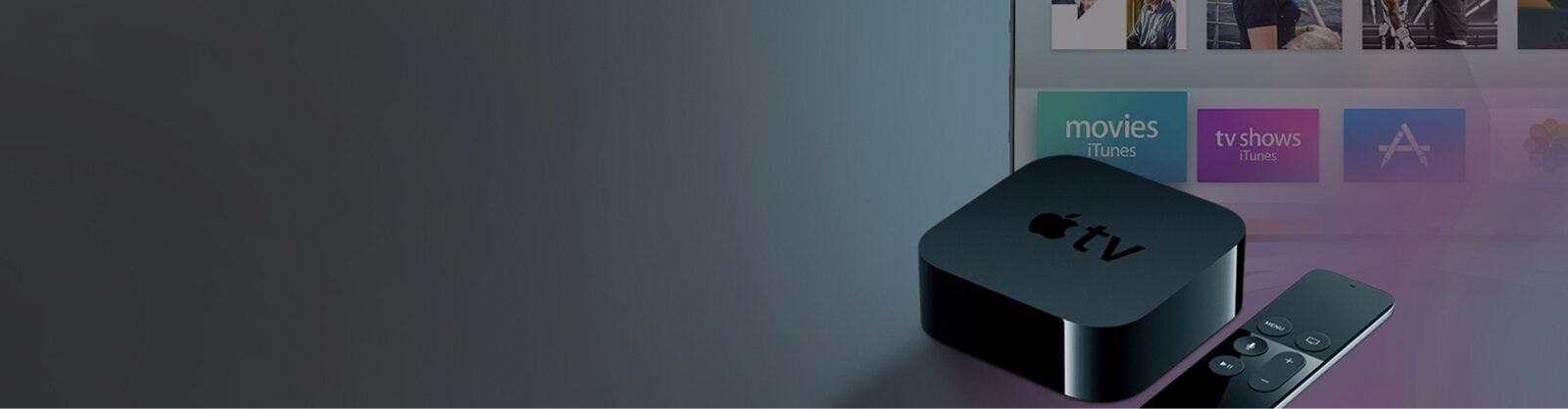 See how tvOS shapes navigation, layout, and playback – and what developers must do to align with Apple’s rules.
Designing for Apple TV starts with accepting one simple truth: viewers are relaxed, distant, and using a remote. Everything else in tvOS app development flows from that.
Apple TV and tvOS apps are designed for living-room use, where interaction happens through a remote. The core principles reflect this environment from the start.
The first principle is focus-based navigation. Interfaces are built around directional movement instead of touch, so every interactive element must support clear, predictable focus states. Users should always understand where they are on the screen.
The second principle is visual simplicity. Layouts avoid clutter, rely on strong hierarchy, and keep text readable from a distance. Navigation paths remain short to reduce repeated remote input.
System integration matters too. Apps expose content to features like global search and Top Shelf, which allows discovery to happen outside the app itself. Playback and controls also follow platform conventions to feel consistent across tvOS.
All of this defines Apple TV app development as an exercise in restraint. If viewers notice the interface too much, it is already doing too much.
tvOS UX differs from other Smart TV platforms by prioritizing focus-based navigation, visual clarity, and tight system integration over dense menus or feature-heavy screens. The interface is designed to reduce decision fatigue and move users quickly toward playback.
From a product perspective, tvOS app design enforces clear trade-offs. Apps prioritize directional focus, replacing cursor-driven or touch-based controls. Every screen must maintain a predictable focus path, which limits layout freedom but improves usability from a distance.
The platform also shifts discovery beyond the app itself. Content can surface through global search and the Top Shelf area, which means UX decisions affect visibility at the system level, not just within the app. Playback controls, transitions, and behaviors are standardized, reducing customization but increasing consistency.
Compared to other Smart TV platforms, tvOS favors restraint over flexibility. This approach lowers cognitive load, shortens time-to-content, and aligns app behavior with how viewers actually watch TV.
In tvOS applications, navigation is built around focus-based interaction. At any moment, only one element is active, and users move that focus step by step using the remote’s directional controls.
This behavior is managed by the tvOS focus engine, which defines where focus can move and which elements can receive it. Only interactive components participate in the focus system, so users never land on static or decorative UI parts.
Typical focusable elements include:
Clear visual feedback helps users stay oriented. When focus changes, the active element may scale slightly, lift forward, or animate. For example, the focused poster draws attention first, with surrounding items kept visually muted.
Focus placement also adapts to context:
This approach keeps navigation predictable and comfortable for long, relaxed viewing sessions.
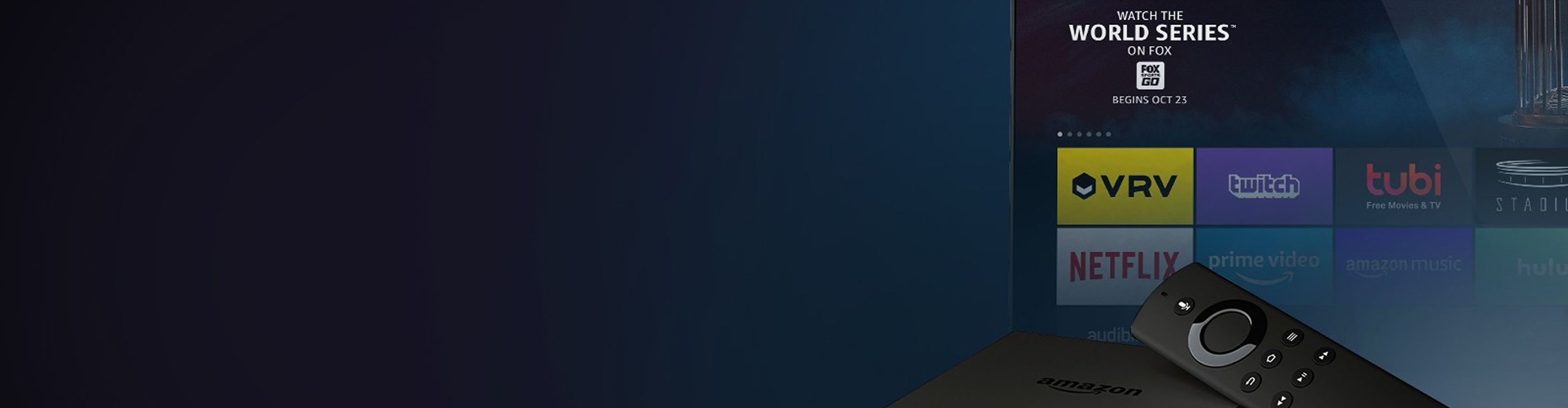 Discover what it takes to design and deploy high-performing apps for Amazon’s Fire TV platform.
On Fire TV, users aren’t opening apps as much as they’re jumping straight into shows. Your app has to feel ready for that kind of entrance.
Fire TV apps are designed for relaxed, living-room viewing, where users browse with a remote. This is why Fire TV app development centers on making navigation simple, predictable, and comfortable over long sessions.
Everything starts with focus-based navigation. Users move step by step across rows and screens, so layouts need clear structure and obvious focus transitions. If focus gets lost, the experience feels broken immediately.
From the viewer’s side, a few things matter most:
Behind the scenes, developers also account for device variety. Fire TV runs on sticks, cubes, and built-in TVs with different performance profiles. Apps are optimized to stay responsive even on lower-end hardware.
A good Fire TV app feels invisible. Viewers don’t think about controls or structure — they simply find something to watch and press play.
Fire TV apps usually rely on a mix of advertising, subscriptions, and transactional payments, with the choice shaped by content type and business goals. Fire TV app monetization is closely tied to Amazon’s commerce and advertising setup, which influences how money flows in and how it gets shared.
The most common monetization models are:
Hybrid setups let apps offer free, ad-supported content next to paid tiers or premium purchases. Viewers can sample first, commit later, or just pay once and move on. Ads chase volume, subscriptions reward loyalty, and transactions shine when the content is special enough to say, “Just this one.”
Amazon’s billing and ad services handle payments, entitlements, and reporting behind the scenes. That keeps things consistent, even if the rules are a bit firm.
Fire OS and Android TV share Android DNA, but they grew up in very different households. In Fire OS vs Android TV, one follows Amazon’s rules, the other listens to Google.
On Fire OS, the home screen highlights recommendations, sponsored rows, and Prime Video content before individual apps. Users often land directly inside shows or movies instead of starting from an app’s main screen. That changes how navigation and entry points are designed.
The most distinctive experience differences include:
For viewers, this means fewer steps to start watching and more system-level suggestions. For apps, it means designing flows that work even when users skip the home screen entirely.
The result is a more guided, commerce-oriented experience compared to Android TV’s app-centric model.
Vega OS is a lightweight Smart TV operating system designed by Amazon as an independent alternative to dominant TV platforms and a shoft from Android-based dependence. It matters because it gives manufacturers and app providers more control over distribution, performance, and long-term support. Vega OS development focuses on stability, predictable behavior, and reduced platform dependency.
The platform is built on a Linux foundation and supports TV apps created with web technologies. This lowers the entry barrier for development and keeps the system efficient across a wide range of hardware, including less powerful TVs.
Vega OS is currently supported on Amazon’s Fire TV Stick 4K Select, but other devices will soon support it too. Fire TV apps can’t be directly ported to Vega, though, but if the app runs on React Native, it is possible to reuse most of the core logic to rebuild the application with Vega SDK.
 Learn how this emerging TV operating system fits into the connected TV landscape.
Some TV platforms race forward. Titan OS takes the slower, steadier path, built for apps that need to last across hardware generations.
Titan OS is an independent Smart TV operating system created to support stable and manageable TV app ecosystems. Although it’s been around only for a few years, it’s already run on millions of TVs thanks to Philips and JVC partnerships. The OS is particularly popular in European countries now, having over 18 million users.
Its importance lies in how it structures Smart TV app development around long-term maintenance.
The platform introduces a clear operating model:
By limiting fragmentation and sudden rule changes, Titan OS app development allows apps to age more gracefully. Experts spend less time reacting to platform shifts and more time refining performance, navigation, and content delivery over time.
Titan OS differs from Android TV and Tizen by emphasizing platform control, predictable system behavior, and long-term app stability instead of ecosystem breadth.
Titan OS is built as a tightly governed Smart TV platform. App distribution, certification, and updates are centrally managed, which reduces fragmentation and limits unexpected platform changes. Android TV operates as part of Google’s broader device ecosystem, and Tizen is closely aligned with Samsung’s hardware and product roadmap. Let’s review the differences of Titan OS vs Android TV and Tizen in a bit more detail.
| Aspect | Titan OS | Android TV | Tizen |
| Platform ownership | Manufacturer-controlled | Google-controlled | Samsung-controlled |
| App distribution | Curated catalog, manual certification | Google Play Store | Samsung app store |
| API stability | High, changes introduced gradually | APIs evolve with Android releases | Depends on Tizen version |
| System updates | Controlled, device-specific rollout | Global rollout across vendors | Tied to Samsung firmware |
| Fragmentation level | Low across supported devices | High due to vendor customization | Moderate within Samsung lineup |
| App lifecycle focus | Long-term compatibility | Faster iteration cycles | Version-based compatibility |
| Hardware variability handling | Abstracted by platform | Managed by developers | Partially abstracted |
 Take a closer look at VIDAA OS and why its steady, no-drama approach appeals to manufacturers, developers, and viewers alike.
Not every Smart TV platform tries to do everything at once. VIDAA OS takes a quieter route, focusing on consistency and predictability on a global scale.
VIDAA OS fits into the global Smart TV ecosystem by focusing on simplicity, speed, and consistency for everyday viewing, with enough structure behind the scenes to keep things predictable. The VIDAA Smart TV OS is built by Hisense to feel responsive and familiar across various TV brands sold in many countries, even when the hardware underneath is very different.
For viewers, the experience stays pleasantly uncomplicated. The interface is clean, navigation is quick, and apps behave the same way from one TV to the next. Apps launch fast, menus stay responsive, and content discovery follows familiar patterns. No surprises, no “Where did that button go?” moments.
Behind that calm surface, the platform relies on:
On a global scale, VIDAA OS works as a steady link between manufacturers, app providers, and audiences. Centralized control over distribution and updates reduces fragmentation and keeps behavior consistent across regions.
In practice, VIDAA OS earns its place in the ecosystem by favoring reliability and comfort. It may not shout for attention, but that is kind of the point.
VIDAA OS rewards apps that play by its rules. Those that do tend to run consistently, update smoothly, and avoid sudden platform-related breakage.
What to keep in mind:
Apps rely on familiar web technologies and ship through a tightly curated ecosystem. That curation comes with certification, so updates move carefully instead of instantly, but that’s by design which keeps quality predictable.
Performance comes down to the basics done well: lean layouts, fewer on-screen elements, restrained animations, and straightforward application logic that doesn’t fight the hardware. In VIDAA OS app development, stability isn’t a lucky outcome, it sits quietly in the background, letting apps do their job without constantly demanding attention.

Figuring out UX, performance, and platform fit now can save months of rework later.

