




Android TV application development is a jagged mountain edge

Peaks hide strict Play Store Console reviews, fragile D-pad navigation, fragmented OEM hardware, TV-specific authentication and playback rules, each being a potential downfall.

We’ll guide you to the summit.

With Oxagile’s Android TV development services, every focus transition will be clearly defined, and sessions will remain consistent across screens. TV-native logic, review-safe architecture, and cross-platform behavior will work together as a one coherent system.

Android TV application development

Expert pathways to reliable, compliant Android TV apps

Android TV development services that prevent expensive mistakes

Interaction foresight

We can hardly predict which features will work exactly like we planned and like we want on Android TV OS, or how future extensions will behave.

Defining architecture and interaction logic upfront

As an Android TV app development company with 20 years of OTT experience, we identify and mitigate any risks early on. We define TV-safe architecture upfront, including interaction limits, 10-foot UX layout rules, and platform constraints to prevent rework and minimize structural debt.

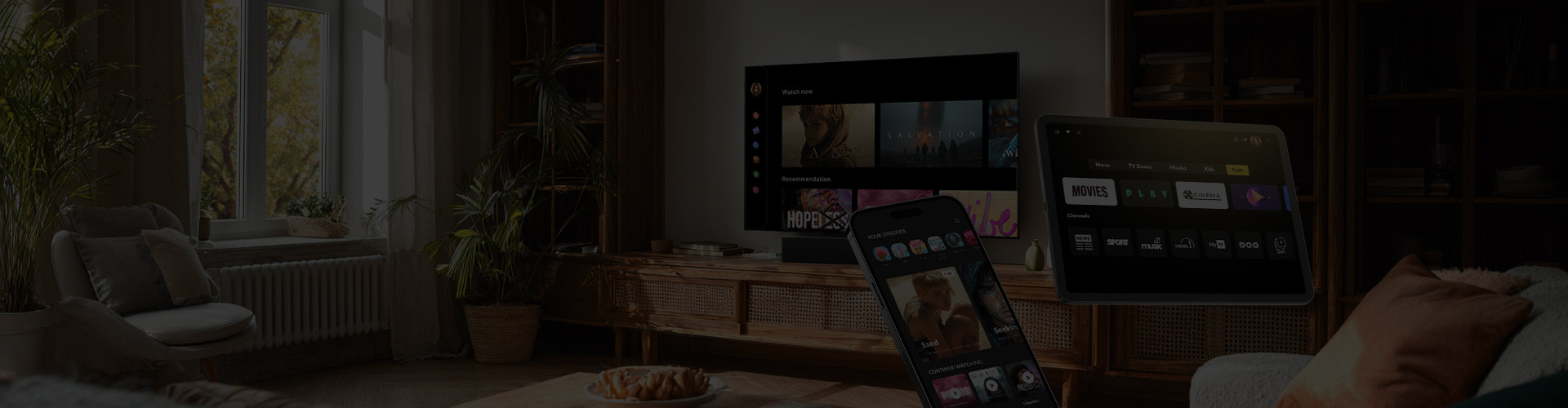
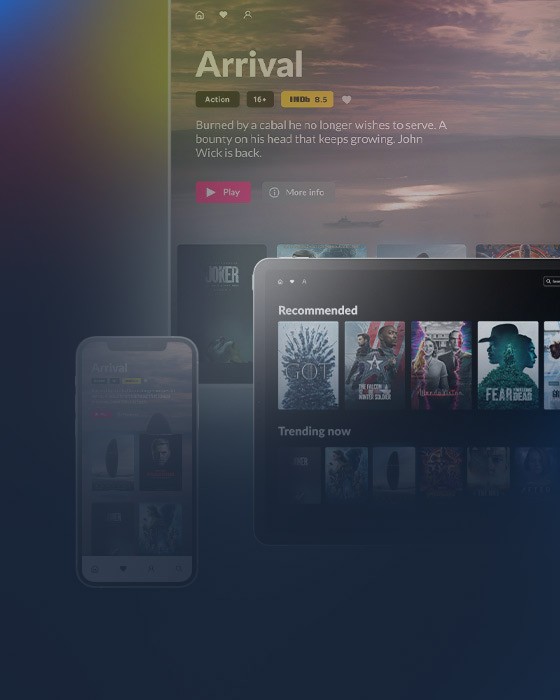
We also design for future expansion. Core logic is built to scale across TV, mobile, and web, enabling consistent playback, sessions, and profiles without re-architecting when multi-screen growth becomes a requirement.

Real-world testing

Apps pass internal QA but fail under real device conditions.

Validating under real conditions

We combine emulator testing with real-device validation to deliver stable navigation, reliable playback, and consistent UI across all TVs. Emulators let us develop and iterate features quickly, catching most issues early.

Real-device testing verifies that platform-specific hardware quirks, remote differences, display variations, and DRM limitations don’t break the user experience in the real world.

Review-readiness

Google Play reviews cause rejections and slow Android TV app launches.

Building for Play Store approval

Our Android Smart TV app development process includes validating all TV-specific requirements before submission: correct Leanback intent, TV-safe banners and assets, full D-pad navigation, persistent visible focus, and no touch-only or mandatory touch input.

This alignment between Play Store criteria and real TV usage makes Android TV releases predictable, repeatable, and review-safe.

Cross-platform scaling

Expanding beyond Android TV creates inconsistent behavior across platforms.

Designing to scale beyond Android TV OS

We leverage cross-platform frameworks to unify core logic, and keep native UX per platform. React Native is our main tool, Kotlin Multiplatform has handled projects for shared business logic, and we also bring Flutter expertise. This guarantees consistent sessions, playback, and interface behavior across all screens, without compromising TV-native interactions.

Android TV pitfalls we help you avoid

Building for Android TV fails when it’s treated like a slightly changed version of another platform or a mobile app. These are the pitfalls we anticipate and design around from day one.

a) TV-first UI / UX

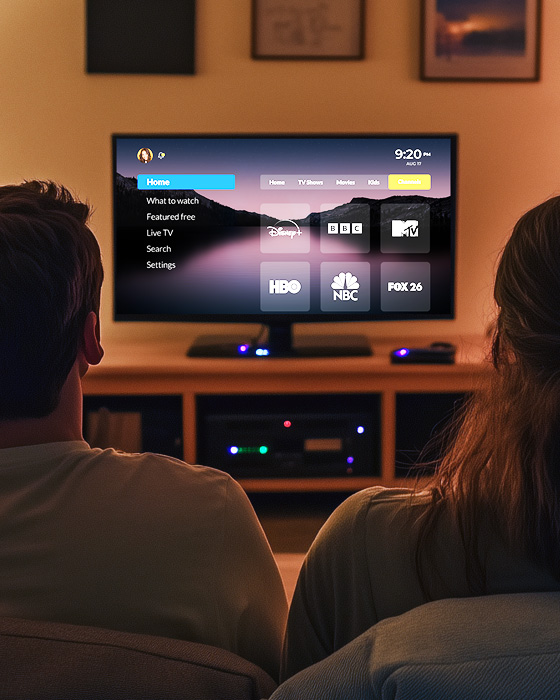
Android TV exposes UX flaws faster than any other screen. Interfaces that look fine in design mockups often become unreadable or unusable from a couch. Common pitfalls we address:

  • Overloaded layouts that fail at a 10-foot viewing distance
  • Poor content hierarchy that makes scanning slow from a couch
  • Text and controls sized for touch, not for TV readability
  • Ignoring safe areas and overscan, causing cropped UI
  • Visual focus states that are unclear or inconsistent

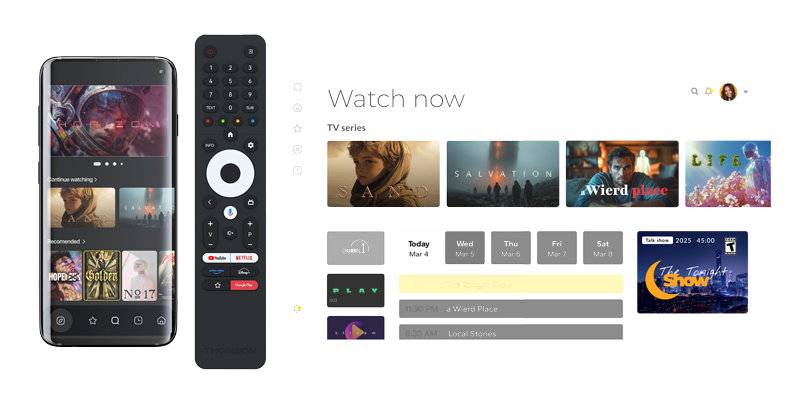
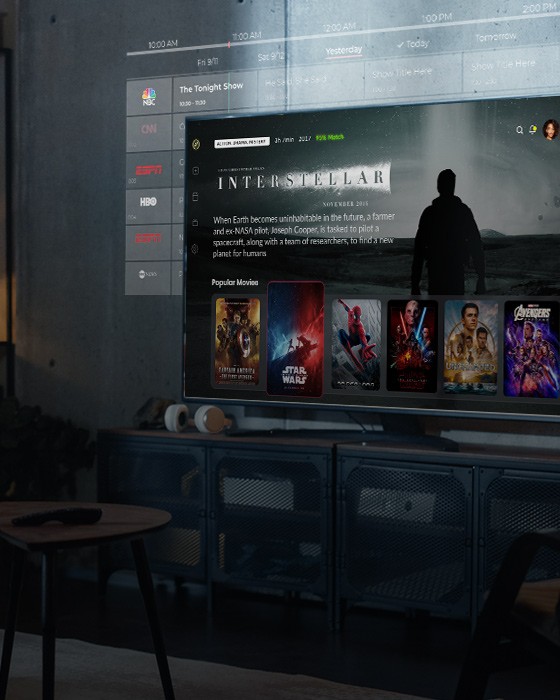
We design TV-first interfaces: readable typography, clear focus states, predictable navigation paths, and layouts that work across screen sizes and viewing conditions.
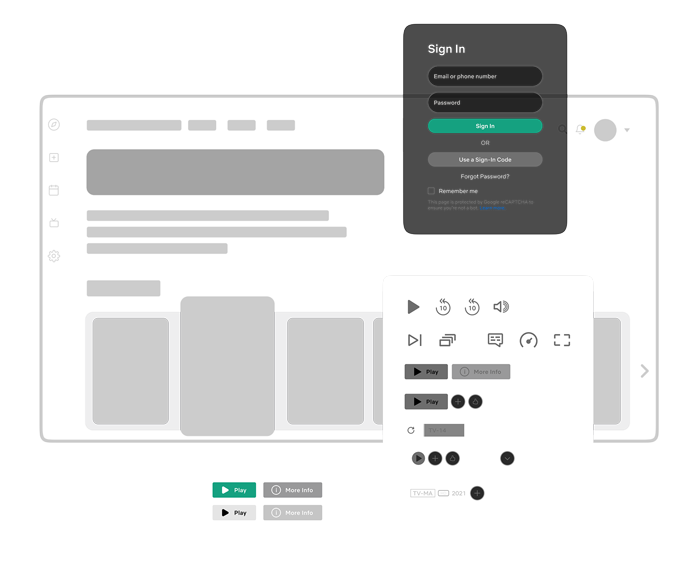
Design TV-first interfaces
Touch-free navigation

b) Touch-free navigation and focus logic

On Android TV, navigation is the product. With no touch input, every interaction depends on focus behavior and D-pad logic. Typical issues we prevent:

  • Touch-dependent flows hidden inside core user journeys
  • Broken focus order between screens and UI blocks
  • Invisible or inconsistent focus states
  • Dead ends where elements can’t be reached via D-pad
  • Navigation logic that works in one flow but fails globally

We implement proper focus management, D-pad navigation, directional logic, and predictable traversal, so every interactive element is reachable, visible, and intuitive using only a remote.

c) Device fragmentation and remote diversity

Android TV is not a single device — it’s a fragmented ecosystem with real-world variability that emulators and assumptions can’t hide. Key risks we plan for:

  • Assuming uniform hardware performance and memory limits
  • Ignoring OEM-specific OS behavior and system customizations
  • Playback issues caused by DRM and decoder differences
  • Layout breaks across resolutions and aspect ratios
  • Remote incompatibility due to differing button sets

We account for OEM variations, hardware tiers, resolution differences, and remote control diversity, ensuring stable behavior, reliable playback, and consistent UI across real Android TV devices, from premium models like Sony Bravia to various budget options.

Device fragmentation and remote diversity
Design and build OTT applications

Maintain excellence across all platforms

We design and build OTT applications for all major Smart TV operating systems. A shared core and reusable components keep the experience consistent, reduce platform-specific friction, and let you launch on new TVs without starting from scratch.

The technology stack we trust for Android TV development

Frontend & UI

React Native • JavaScript / TypeScript • HTML5 & CSS3 • Redux • React Navigation • Storybook

Media & Streaming

ExoPlayer • HLS / DASH • DRM integration • Shaka Player • Bitmovin / THEOPlayer

Testing & CI/CD

Jest • Detox • Appium • Cypress • GitHub Actions / Jenkins • Fastlane • SonarQube

Dev Tools & Monitoring

Android Studio • LogRocket • Sentry • Firebase Analytics / Firebase Crashlytics

FAQ

What makes Android TV application development different from mobile development?
Android TV App Development

Android TV applications are built for remote-only navigation, large screens, and a 10-foot viewing experience. Unlike mobile apps, they require strict focus management, D-pad navigation, Leanback compliance, TV-safe layouts, and playback rules that vary by OEM hardware and DRM implementation.

What are the most common risks in Android Smart TV app development?
Android TV App Development

The most common risks include broken focus navigation, Play Store Console rejections, inconsistent playback across devices, performance issues on lower-tier hardware, and UI designs that fail at TV viewing distances. These issues often surface late and lead to costly rework.

How do you guarantee Google Play approval during Android Smart TV app development?
Android TV App Development

Validate all TV-specific requirements before submission, including Leanback intents, TV-safe banners, persistent visible focus, full D-pad navigation, and the absence of touch-only flows. This aligns the app with both Play Store review criteria and real TV usage, reducing rejections and launch delays.

What technologies are used for Android TV development services?
Android TV App Development

Oxagile uses Android-native technologies where required and leverages cross-platform frameworks when they provide clear value. React Native is commonly used to share core logic across platforms while preserving TV-native UX. Kotlin Multiplatform and Flutter are applied when project requirements call for shared business logic or broader platform coverage.

How do you choose the right Android TV app developers?
Android TV App Development

When selecting Android TV app developers, look for teams with proven experience in TV-first UX, D-pad and focus navigation, real-device testing, DRM integration, and Play Store review compliance. They should be able to design scalable multi-screen architectures, deliver predictable releases, and handle device and remote diversity across the Android TV ecosystem.

What services can you expect from a professional Android TV app development company?
Android TV App Development

A professional vendor usually offers end-to-end services. This includes platform strategy, UX and UI design for TV screens, app development using optimal frameworks, and thorough testing on real devices. They also handle app store submission, set up secure video delivery and monetization, and offer ongoing optimization services so the app scales well across different TVs and set-top boxes.

Eliminate any Android TV risks before they ship

Build apps that pass reviews, perform well on real hardware, and scale cleanly across screens.

Talk to the team