How to Publish Android TV Apps Without Glitches, Hitches, or Fixes

Table of contents
A no-suspense submission starts with no-guesswork preparation
Android TV app publishing can be a jagged mountain ridge. Rocks on one side, a drop on the other, and somewhere below you hear a rumble of a build that just got rejected and is now tumbling down into the abyss of another resubmission.
In our practice, though, Android TV app submission looks far less dramatic: it’s a boringly reliable path mapped in advance, where potential rejections are dealt with long before the upload ever happens.
That apparent simplicity, however, is deceptive. Behind the “just click a couple of buttons in Google Play Console” reality sits a substantial amount of preparation and years of accumulated experience.
Store guidelines alone are not enough. The console might not be fully set up. Product information can be incomplete. Screenshots may be missing or incorrect. Some Android TV app requirements are easy to miss, easy to interpret differently, or easy to deprioritize because of budget, timelines, or internal communication. Those decisions have a habit of resurfacing later as store rejections.
Rejection is not a failure of the publishing process itself, but of the steps leading up to it.
In our experience with Android TV app development, when a project is properly designed, implemented, tested, and aligned with store requirements from the start, the actual publication step is almost mechanical, comparable to sending a file in Teams or Slack. The room for error at that stage is minimal.
And since submitting Android TV apps to stores has long been a well-established, repeatable process at Oxagile, let us introduce you to that experience.

In this article, Alexander Sheyko, Android TV Engineer at Oxagile, will draw on his work with multiple production-ready apps for Android-based TVs and streaming devices to walk through the non-obvious pitfalls teams tend to overlook on their way to Android TV app approval. He’ll explain how to avoid them by default, and show what allows review comments to be addressed quickly without derailing timelines.
Must-dos and double-takes before hitting that publish button
Expert thoughts:
“Almost all of Google’s requirements for Play Console grow out of very ordinary, practical truths. The kind a user understands without ever articulating them: how they sit on the couch, how far the screen is, how many buttons there are on the remote, how little patience there is for friction. They largely mirror what it takes to build a functional Android TV app in the first place.”
So here’s what deserves your attention before Android TV app submission.
Emphasizing leanback intent
Failing to declare the leanback intent in your app is like showing up to a formal event in casual attire: it immediately sends an unintended message right from the start.
Expert thoughts:
“This isn’t merely a box to check. It’s Google’s way of confirming a fundamental truth of whether your app is truly tailored for the TV ecosystem.”
By including the leanback intent, you’re signaling to both the system and the reviewers that you’ve thoughtfully designed for the big-screen experience, prioritizing remote navigation over touch interactions, and viewing from a comfortable distance. Without it, even a brilliantly coded app falls short of being a genuine Android TV offering.
A banner that was meant to be a banner
TV banners are not stretched mobile icons, and they’re definitely not an afterthought. On TV, the banner is the first impression. It sits there, large and unapologetic, next to other apps that did bother to prepare one properly.
Expert thoughts:
“Mobile and TV formats are too different to pretend one asset can serve both. Separate images are basic hygiene. Apps with adapted visuals are simply easier to read, easier to recognize, and easier to trust.”
Touch-only UI as a hard “no”
A non-negotiable rule to publish Android TV app successfully is to avoid any UI elements that rely on touchscreen interactions.
Expert thoughts:
“If a core feature subtly assumes users can tap, swipe, or pinch, it’ll flag during Google’s review process. And even if it sneaks by, real users will spot the mismatch in seconds flat, leading to frustration and poor ratings.”
D-pad navigation must reach everywhere
If a user can see it, they should be able to get to it with the D-pad. Up, down, left, right, with no dead ends, and no “it’s right there, but you can’t select it” moments.
Expert thoughts:
“It’s how people in real life wander through apps with a remote. When navigation stops making sense, the app doesn’t feel unfinished, it feels broken, even if everything is technically working.”
Focus must always be visible
At every point on the screen, users should know exactly where they stand, what’s active now, and where the next press will take them. The moment focus disappears, confidence does too. Navigation slips into guesswork, and guesswork inevitably slides into frustration.
No mandatory touch input, anywhere
One hidden screen that quietly insists on touch can tank your review. Or worse, slip through and fail your users instead. So the rule is simple but absolute: if the user holds a remote, their entire journey should work with that remote, start to finish.
Case in point: Modular OTT app for telcos
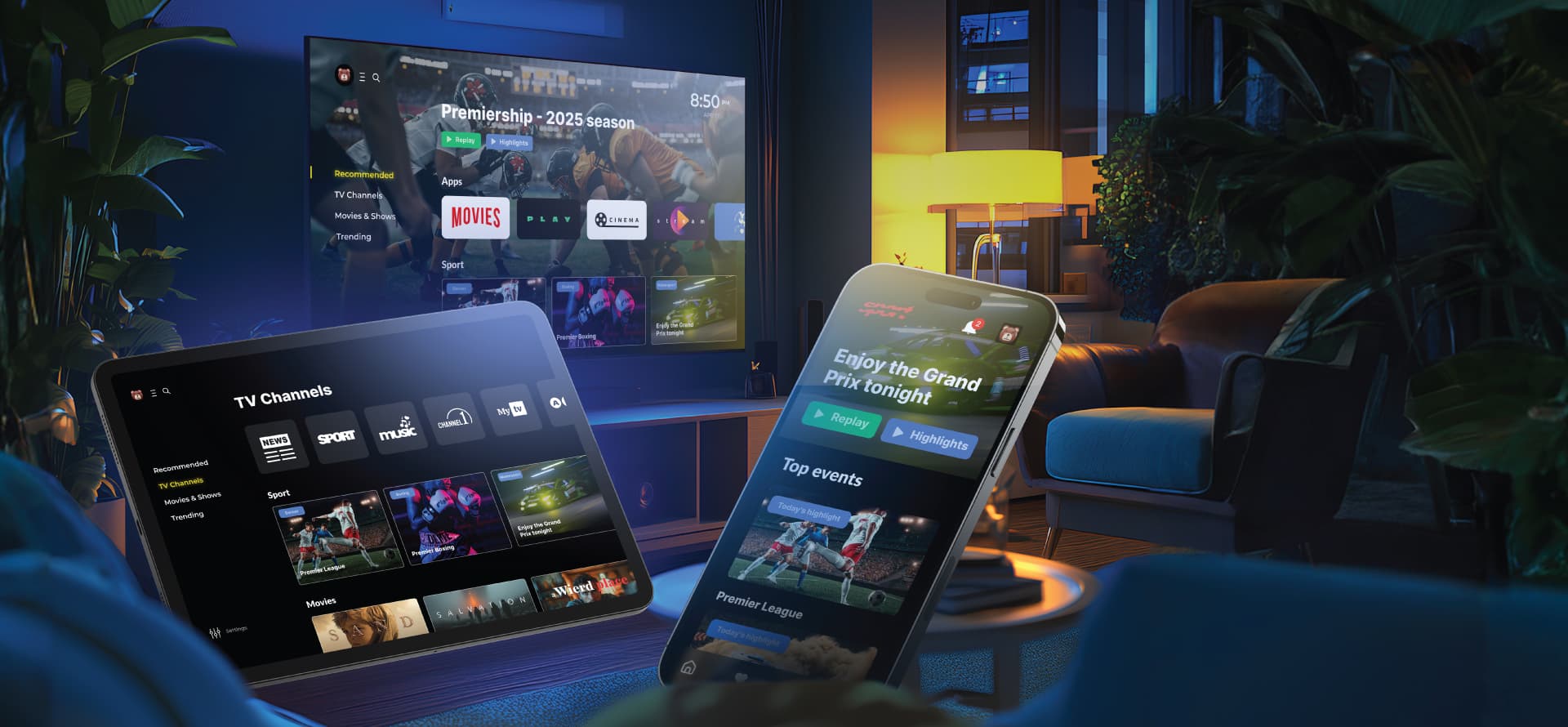
Client challenge:
A telco wanted a flexible OTT platform that could reach users across multiple devices, including mobile, web, set-top boxes, and Smart TVs, while maintaining consistent UX and branding.
Our solution:
We developed a modular, white-label OTT app using a single codebase. This approach allowed us to deploy the app across 13 platforms and 25 devices, including Android TVs and Apple TVs. The result was a highly adaptable, scalable solution that delivered a seamless user experience on every device.
How different is Android TV from mobile, really?
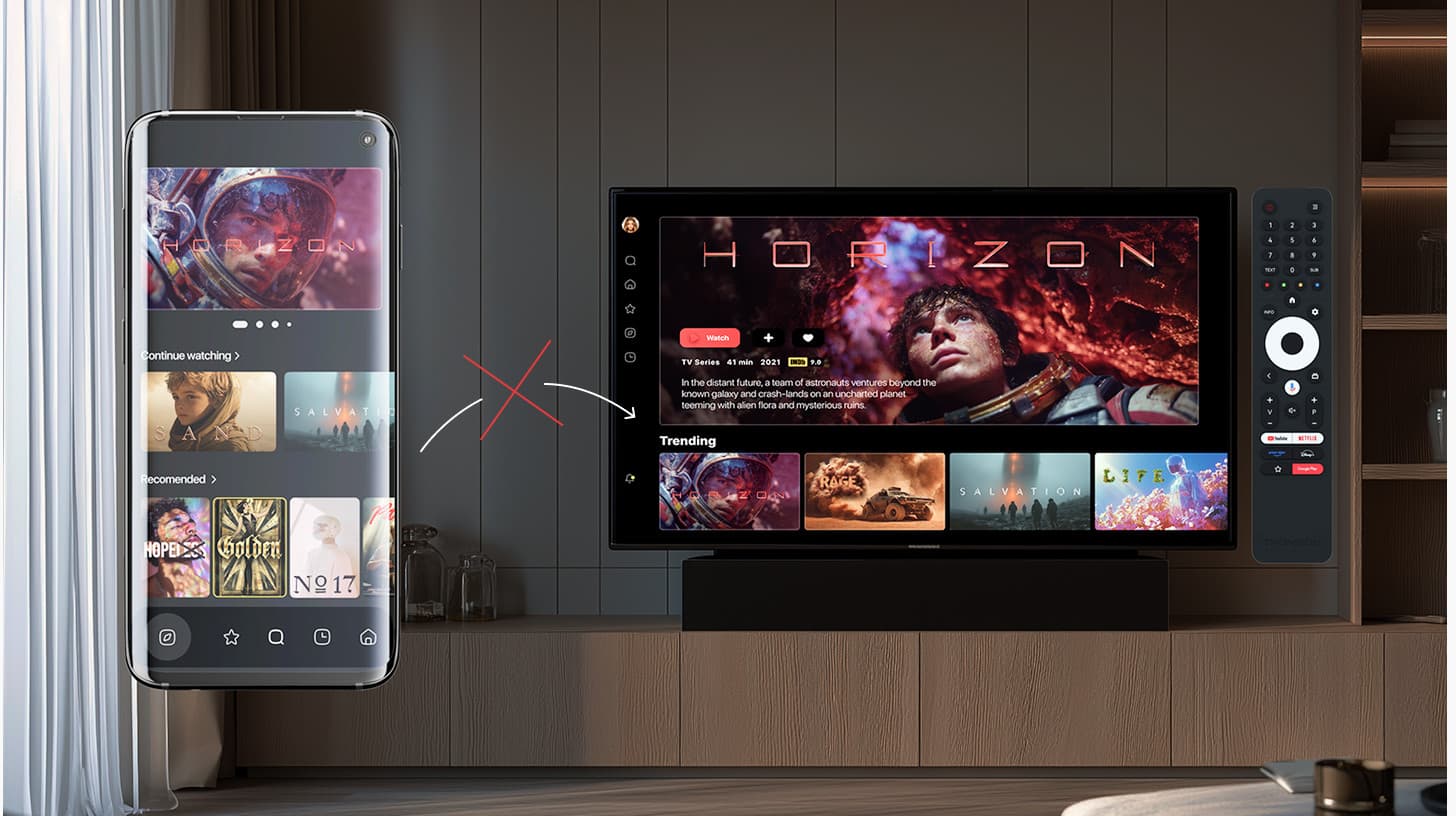
You find out the answer to this question fast.
There’s a tempting idea that shows up in real projects more often than anyone likes to admit. A company ships a perfectly fine Android mobile app. Then someone looks at Android TV and thinks, “How hard can it be? Three lines of code later, the app suddenly qualifies as a ‘TV app’. Leanback intent? Check. Banner? Added. Touchscreen requirements removed? Done”.
The Play Store accepts it. The app becomes downloadable on TV. On paper, everything works. And this is where the trouble begins.
Technically, Google’s requirements are satisfied. Those three lines are non-negotiable gates set by the marketplace itself. Once they’re in place, the app is allowed through the door. But what happens after the installation is a very different story.
Expert thoughts:
“Out of the box, Android will even try to help you. Focus navigation may partially work by default. If the mobile app wasn’t explicitly locked to touch input, buttons can sometimes be reached with a remote. ‘Up’ goes to the element above, ‘down’ to the one below. The app doesn’t immediately fall apart. The question is not whether it runs. The question is whether anyone would want to use it.”
On mobile, buttons are placed where thumbs expect them. On TV, those same buttons turn into a scattered obstacle course. Three actions on one screen, one slightly higher, one lower, one off to the side. Android’s default focus logic will move between them somehow, but “somehow” is rarely intuitive. Navigation starts to feel accidental rather than designed.
For very simple apps, this hack can survive. A basic VPN app is a classic example. One screen. One button. Turn it on, turn it off. No complex flows, no dense UI. It works. It’s not pleasant, but it solves a narrow, utilitarian problem. And because the business goal is simply “make it function”, no one invests further.
Now try the same approach with something richer: video streaming. Content catalogs. Carousels. EPGs. Nested lists. Screens where focus interacts with scrolling. This is where cracks start to show. You can get stuck on elements. You press ‘up’ and nothing happens. Focus disappears into places it shouldn’t exist. The app technically responds, but the logic feels brittle and unpredictable.
And that’s before we even talk about how it looks.
Expert thoughts:
“A mobile screen fits in your hand. A TV screen takes up half a wall. On a phone, you’re forced to be minimal. On a TV, you can show more, but only if the text is large enough to read from several meters away. Visual density that feels fine on mobile becomes illegible noise on a couch.”
There are also TV-specific considerations like overscan, where parts of the screen edges may be physically hidden by the display frame on older TVs. Mobile layouts don’t account for that. TV layouts must.
Different screen. Different distance. Different input. Different expectations.
So yes, you can upload a mobile app to the TV store with minimal changes. These apps exist, they work, and they even pass Android TV app certification and reviews. But they rarely feel intentional or TV-native, and users notice immediately.
Expert thoughts:
“Android TV isn’t a larger phone. It’s a different form factor with a different interaction contract. Treating a mobile app as a TV app almost always results in something that functions but never feels right.”

Effortless expansion beyond Android TV
We build Smart TV apps as part of a larger ecosystem, not one-off solutions. Android TV development can flow naturally into custom Smart TV builds for other platforms, reusing what works and adapting what doesn’t across OSes and screens.
The most common Android TV app rejection reasons
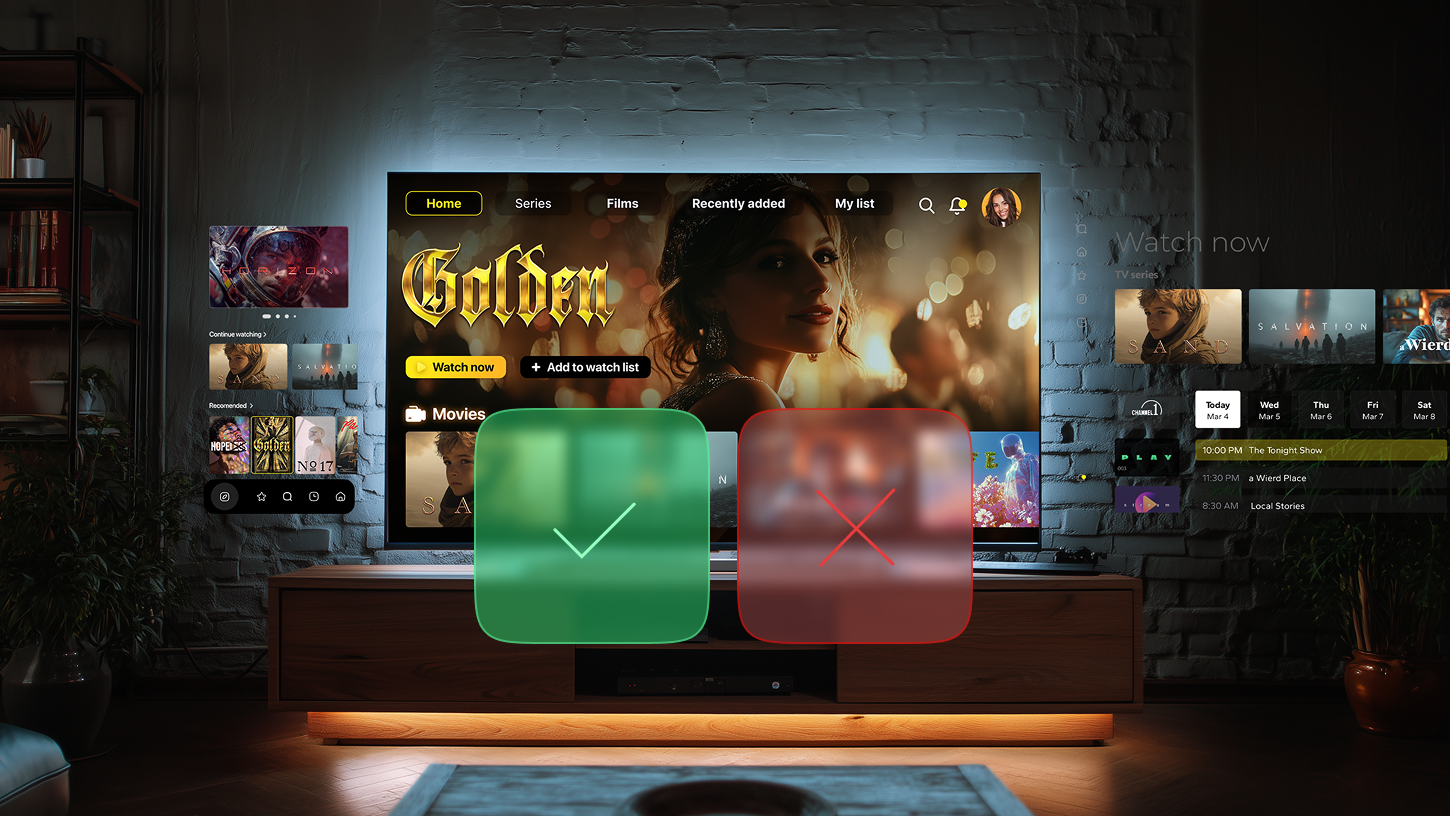
The most frequent reasons for store rejection are usually not about missing features, but about how well the app follows TV-specific platform requirements. A typical example is a UI that was designed with mobile or desktop logic in mind and only later adapted for TV.
Expert thoughts:
“On a television screen, spacing, safe areas, and element sizes play a critical role. Text must remain readable from a distance, interactive elements need clear visual focus states, and layouts should work consistently across different screen sizes and resolutions. When these aspects are overlooked, the interface may technically work but still fail store review.”
Another common issue is broken focus navigation. Since TV users rely on a remote control, focus behavior must be predictable and stable across all screens and transitions. Reviewers often reject apps where focus jumps unpredictably, disappears after screen changes, or lands on elements that are not logically next in the navigation flow. These problems can be subtle and hardware-dependent, but from the store’s perspective they directly affect usability.
Advertising is also a frequent source of rejection. On TV, ads must be integrated in a way that respects the viewing experience and remote-based interaction. Full-screen banners that interrupt content and cannot be closed with the back button are a clear violation of TV guidelines.
Expert thoughts:
“Ads that overlap core UI elements or block access to content are treated the same way. In most cases, these rejections come down to documentation: even if the guidelines are not perfectly written, reviewers usually point to a specific requirement that was ignored. Careful reading and interpretation of those rules is often the difference between smooth publishing and repeated rejections.”
Are emulators enough for testing?
Emulators are often underestimated, but they are extremely useful when developing Android TV apps. They make iteration faster, reduce the time spent on builds and deployments, and generally provide a much more stable debugging experience than real TV devices or set-top boxes. From a productivity standpoint, developing on emulators can save hours every month, simply because developers are not waiting for apps to upload and launch on physical hardware.
However, emulators have fundamental limitations that become especially visible in TV development.
Expert thoughts:
“Emulators attempt to simulate both the operating system and hardware, but real devices introduce many additional variables. TV manufacturers customize Android, modify drivers, add proprietary features, and ship devices with very different performance characteristics. As a result, an app may behave perfectly on an emulator and still fail on a real TV.”
Differences in CPU power can affect focus calculation timing, leading to navigation issues that appear only on specific devices. DRM support can vary, causing video playback to work in emulators but fail on certain TVs. Displays differ in brightness, contrast, and color reproduction, which can make some UI elements unreadable in real-world conditions.
Screen sizes, supported resolutions, and remote controls add another layer of complexity. A layout that looks balanced on one TV may expose design issues on larger or smaller screens, and remote controls vary widely in available buttons and interaction patterns.
Expert thoughts:
“Emulators can only simulate a small subset of these scenarios. For this reason, while emulators are more than sufficient for development and early testing, real-device testing remains essential for Android TV apps if the goal is to catch edge cases and avoid store rejections.”
What’s next?
Passing Android TV app certification may feel like the finish line, but in reality, it is more like the opening scene. Once the app is live, its real life begins, and that is an important thing to understand upfront.
We are not saying this to scare anyone off. Quite the opposite. The point is simply that post-release support is always a separate chapter of the story. An app, like any product, continues to evolve over time, adapting to new requirements, new expectations, and new technical realities. Reaching the store is a milestone, not a resting point.
Even after submission, an app keeps everyone involved on their toes. There is the initial review, and then there are secondary reviews that happen every time the app is updated. Updates are a routine part of Android TV app development: sometimes they are small and incremental, and sometimes they involve major changes, such as a full UI redesign driven by new trends or client requirements. Each of these updates goes through review again.
On top of that, platform requirements do not stand still. Google often updates its policies and technical requirements for apps already published in the store. New Android versions are released on a regular basis, and each of them brings additional rules that apps must comply with to keep working correctly. This means adapting existing versions so they remain compatible with the OS versions users will eventually upgrade to. There are also long-standing requirements to support newer OS versions, with the clear message that unsupported apps risk being removed from the store altogether.
Sometimes the changes are even more direct. Features that were acceptable yesterday may be restricted tomorrow due to security concerns or policy updates, and developers are given a limited window to remove or replace them before the app is taken down.
The good news is that this ongoing process is nothing to dread. It is not a series of obstacles, but the natural rhythm of a product that is alive and evolving. It is a space we are deeply familiar with, comfortable in, and actively working in every day. And when the time comes, we are ready to take this journey with you as well.
A trusted Android TV app publishing partner
Forget guessing games and “maybe it’ll pass” stress. We know the hidden rules, the obscure corners, and all the subtle catches. Our Android TV app development services take care of the details so your app sails through approval smoothly, efficiently, and without surprises.
FAQ
How can I publish an Android TV app without risking repeated rejections?
Publishing an Android TV app starts long before hitting the “submit” button. Businesses need to make sure the app is fully prepared: declare the leanback intent, provide TV-specific banners and assets, remove touch-only UI elements, and verify that D-pad navigation works across all screens.
What does the Android TV app approval process involve?
Android TV approval focuses on usability and TV-specific compliance rather than just functionality. Google Play Console reviews whether the app works with a remote, whether focus navigation is stable, banners are clear, and content is readable on a large screen. Apps that technically run but ignore TV design principles may pass automated checks but fail human review.
What are the key steps in Android TV app submission?
Android TV app submission involves uploading your APK or AAB, providing store listing details, and ensuring all TV-specific assets are included. Critical steps often overlooked include testing on real TVs (not just emulators), validating D-pad navigation, verifying that all touch inputs are removed, and ascertaining that ads respect remote-based interaction.
Which Android TV app requirements are often missed?
Essential Android TV app requirements include:
- Declaring leanback intent
- Full D-pad navigation coverage
- Focus visibility and predictability
- TV-optimized visual design (readable from a distance, proper spacing, safe areas)
- Touch-free interaction
- Correctly integrated advertising
Even apps that function perfectly on mobile often fail on TV because these requirements are overlooked or deprioritized. Meeting them assures both store approval and a quality user experience.
What are the most common Android TV app rejection reasons?
Rejections often stem from ignoring TV-specific considerations, not missing core functionality. Common Android TV app rejection reasons and issues include:
- Mobile-designed UI adapted superficially for TV
- Broken or inconsistent D-pad navigation
- Hidden touch-only screens
- Inadequate or missing banners
- Ads interfering with navigation or content
Even minor oversights in focus logic or visual clarity can trigger rejection. Businesses benefit from testing on real devices, checking guidelines carefully, and addressing potential issues before submission.