








This website uses cookies to help improve your user experience




Live streaming has evolved into a worldwide powerhouse that’s reshaping how audiences connect with content. The numbers speak for themselves: more than 28.5% of internet users engage with live content each week, whereas the industry’s market value may reach $345.13 billion by 20301. With its real-time urgency and authenticity, live video consistently drives the highest engagement rates across digital platforms.
Live streaming brings vivid, real-time emotions, whether in song contests, live talk shows, or interactive broadcasts. This immediacy is strongest in sports, where last-minute goals or photo-finish sprints matter only live.
In this article, we’ll explore what makes a good live streaming app and what to consider when building for Android — from must-have features of live audio streaming in Android to the differences between mobile and TV, with insights from Oxagile’s real-world projects.
Key takeaways:
Live streaming on Android is only as good as the experience it delivers. Viewers won’t tolerate lag, fuzzy video, or clunky navigation — they’ll simply switch to another platform. That’s why proper live streaming app development always prioritizes a “performance-first” architecture before a single line of UI code is even written and highlights the importance of determining the features that make streams seamless, secure, and engaging. Let’s review the major ones.
For viewers, smooth playback is non-negotiable. Adaptive bitrate streaming automatically adjusts video quality to internet speed and device performance, preventing buffering and dropouts. Combined with low-latency protocols, this ensures audiences see every moment as it happens — essential for sports, betting, or interactive formats.
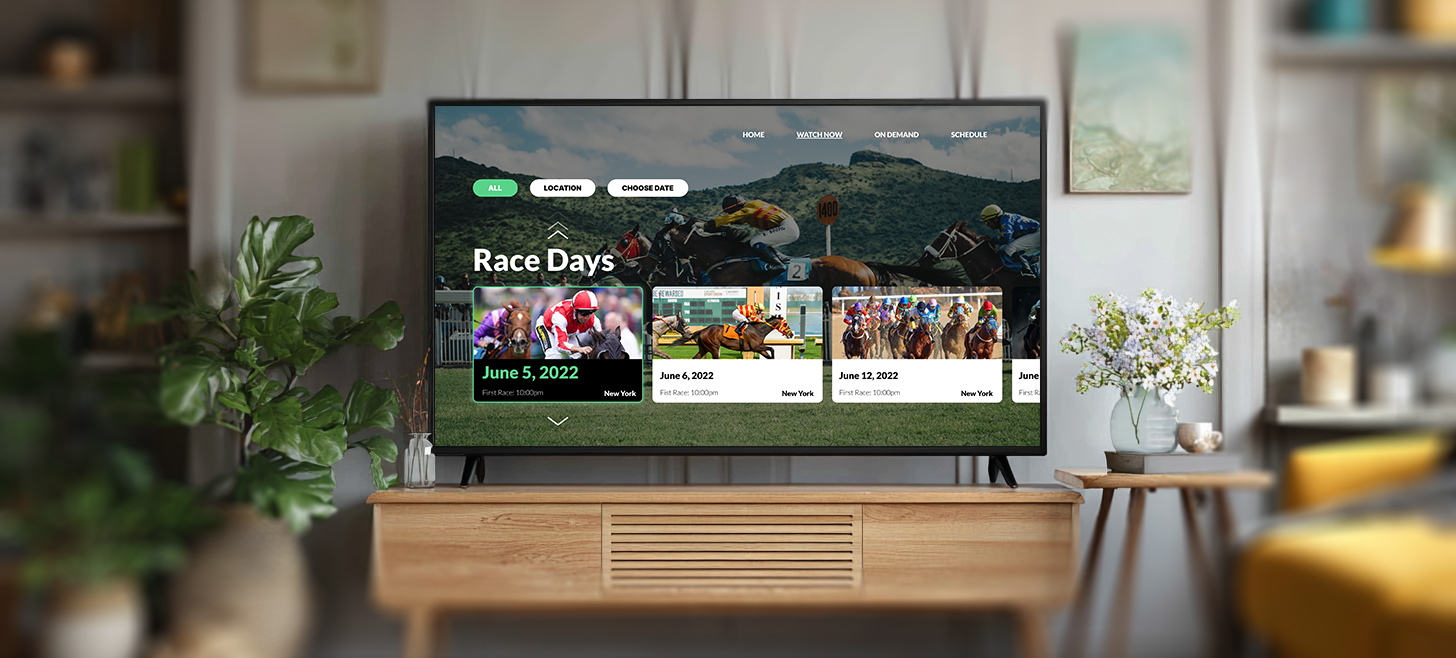
See how we helped a major horse racing venue launch a multi-platform video distribution platform, complete with live and on-demand streams, multi-camera views, and race schedules. The entire solution was delivered in just 2.5 months, in time for their flagship event.
Exclusive streams attract attention not just from fans, but from pirates. A secure app builds trust by protecting content through encryption, DRM systems, geo-blocking, and anti-hacking measures. Done right, this safeguards both revenue and reputation.
Live streaming opens multiple revenue channels, and the strongest platforms mix models: subscriptions, ads, pay-per-view, FAST channels, or even shoppable streams. Managing this complexity requires a robust backend, and understanding the nuances of live streaming platform development is key to guaranteeing that these monetization layers don’t compromise stream stability.
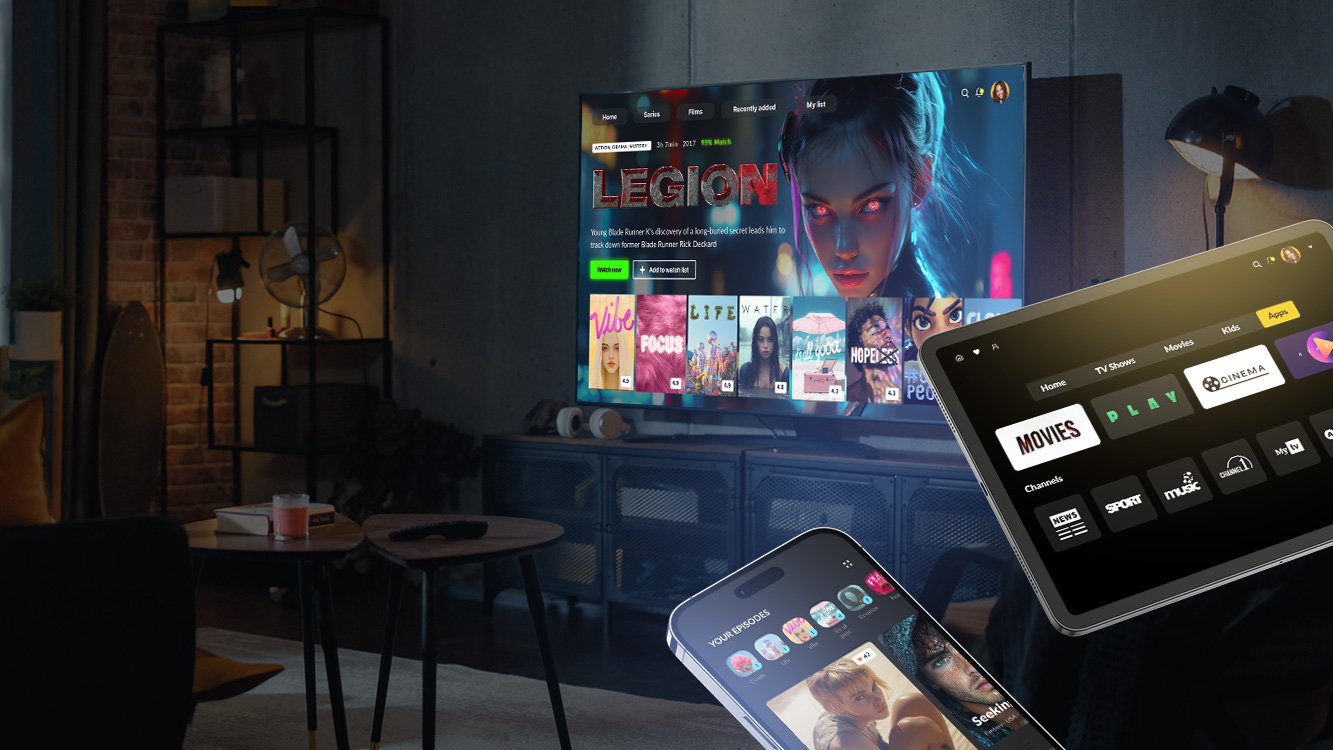
So, to back up what we’re saying, we helped one of the largest Scandinavian digital TV providers deliver a multiscreen OTT solution that streams live channels to iOS and Android devices. The product features a clean white-label UI, strong content protection, and a rock-solid backend designed to scale with millions of users.
Want to see how this live TV platform helps operators grow their OTT business?
Today’s audiences want to participate, not just watch. Features like live chat, polls, giveaways, or even multi-camera control create a sense of community and keep viewers coming back. Development services that enable interactivity turn a simple broadcast into a real experience.
AI now underpins smarter, more scalable apps. Beyond generating highlights, moderating chat, and enabling real-time translation, AI solutions power scene-related ad placement, automated video archive classification, and metadata management.
Also, AI-powered audience insights and smart object recognition help brands create live streaming experiences that feel personal as never before. For example, we developed a real-time football highlights solution that uses ML to identify key moments and automatically compile clips. You know those fantastic moments when your opponent scores a goal — again and again, from different angles, each one more stunning than the last? Our system captures them all, achieving 90% accuracy in detecting goals and fouls.

AI-powered highlights, personalized recommendations, and real-time stream monitoring turn video into an experience audiences truly engage with. We know how to apply the right AI capabilities to boost both content creation and content consumption.
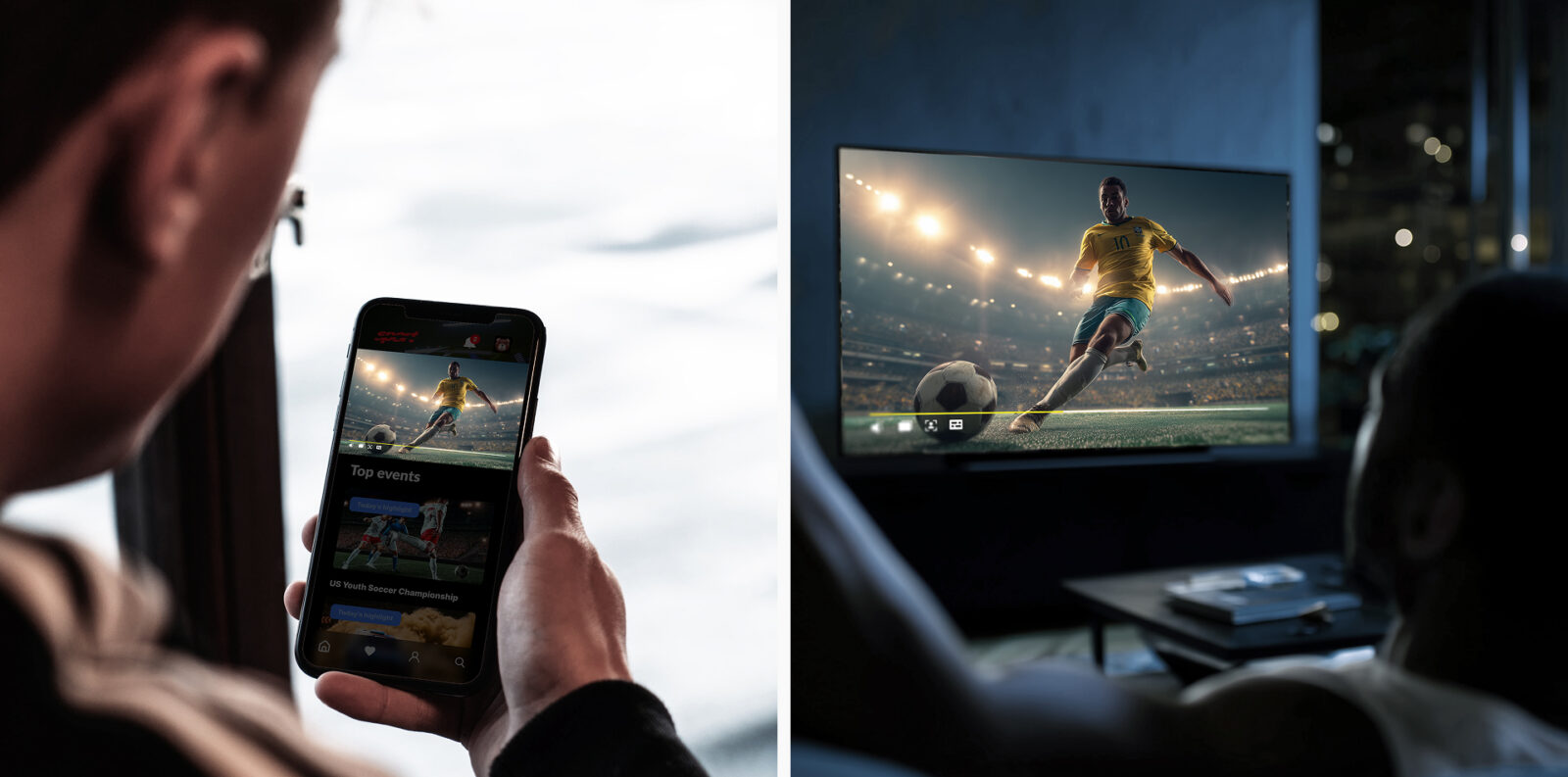
When we talk about Android live streaming development, it’s tempting to group mobile and TV together.
But in reality, they serve very different use cases. What works for a personal device in someone’s hand won’t always translate to the living room. To make the distinction clear, here’s how Android mobile and Android TV compare.
| Aspect | Android mobile | Android TV / STBs |
| Navigation | Touch gestures (swipe, tap, pinch); built for one-handed use | Remote control or voice input; focus order must be intuitive |
| Network conditions | Frequent shifts between Wi-Fi, 4G, 5G; requires robust adaptive bitrate | Usually stable broadband or Ethernet; consistency > switching |
| UI and layout | Small screen; portrait/landscape modes; dense overlays (chat, reactions) possible | 10-foot interface; large fonts, overscan-safe, minimal overlays |
| Hardware diversity | Thousands of device models, OS versions, performance tiers | Limited CPU and memory on low-end devices require optimizing the app for smooth playback across TVs |
| Features and personalization | Push notifications, picture-in-picture (PiP), social sharing, and location-aware prompts | Multi-user profiles, parental controls, catch-up TV, EPG integration |
| Monetization focus | In-app purchases, ads, social-driven subscriptions | Premium subscriptions, operator billing, bundled packages |
What works on one screen may backfire on another. A chat overlay feels natural on mobile but overwhelms the TV. Since great user experiences always depend on the device, it’s worth looking at one of the key technical factors behind them.
Android TV is expected to power around 25% of all smart TVs and connected TV devices worldwide already in 2026, totaling approximately 236 million out of 905 million units globally2. What’s fueling the boom? Affordable smart TVs, the unstoppable rise of streaming, and built-in perks like voice control and AI assistants that make the viewing experience smarter and more intuitive.
Let’s pause here to better understand how set-top boxes (STBs) and Android TV Boxes bring streaming to the living room:
Many also support local media through USB or SD cards and are controlled with a remote or smartphone app. Being more affordable than Smart TVs, they offer an easy way to upgrade existing TVs and access a richer viewing experience.
Android TV STBs stand out with the following features:
Many Android TV STBs are part of the Operator Tier program, which allows TV providers to pre-install apps, customize the launcher, and prioritize content. This is different from consumer devices like Fire TV or Roku, where the user controls the interface.
STBs often come with varying CPU, memory, and storage capacities, depending on the operator or region. Apps must be optimized for both high-end and low-end devices to ensure smooth playback.
Android TV STBs often integrate with middleware, BSS/OSS systems, DRM, and CAS. This requires custom development to connect the app with the operator’s ecosystem.
Unlike mobile apps, STB apps rely on remote-based navigation rather than touch. Every screen needs a logical focus order and legible design for distance viewing.
Apps must support live TV, VoD, catch-up, personal recordings, recommendations, ads, and subscription options, all while maintaining performance under heavy load.
In short, developing for Android TV STBs combines the challenges of Smart TV UX, large-screen layout design, remote-based navigation, legibility from a distance, and hardware variability. Understanding these nuances helps tailor custom launchers and Operator Tier integrations to optimize the viewer experience. Our STB development services cover these scenarios, providing practical solutions for integrating apps into IPTV and OTT ecosystems.
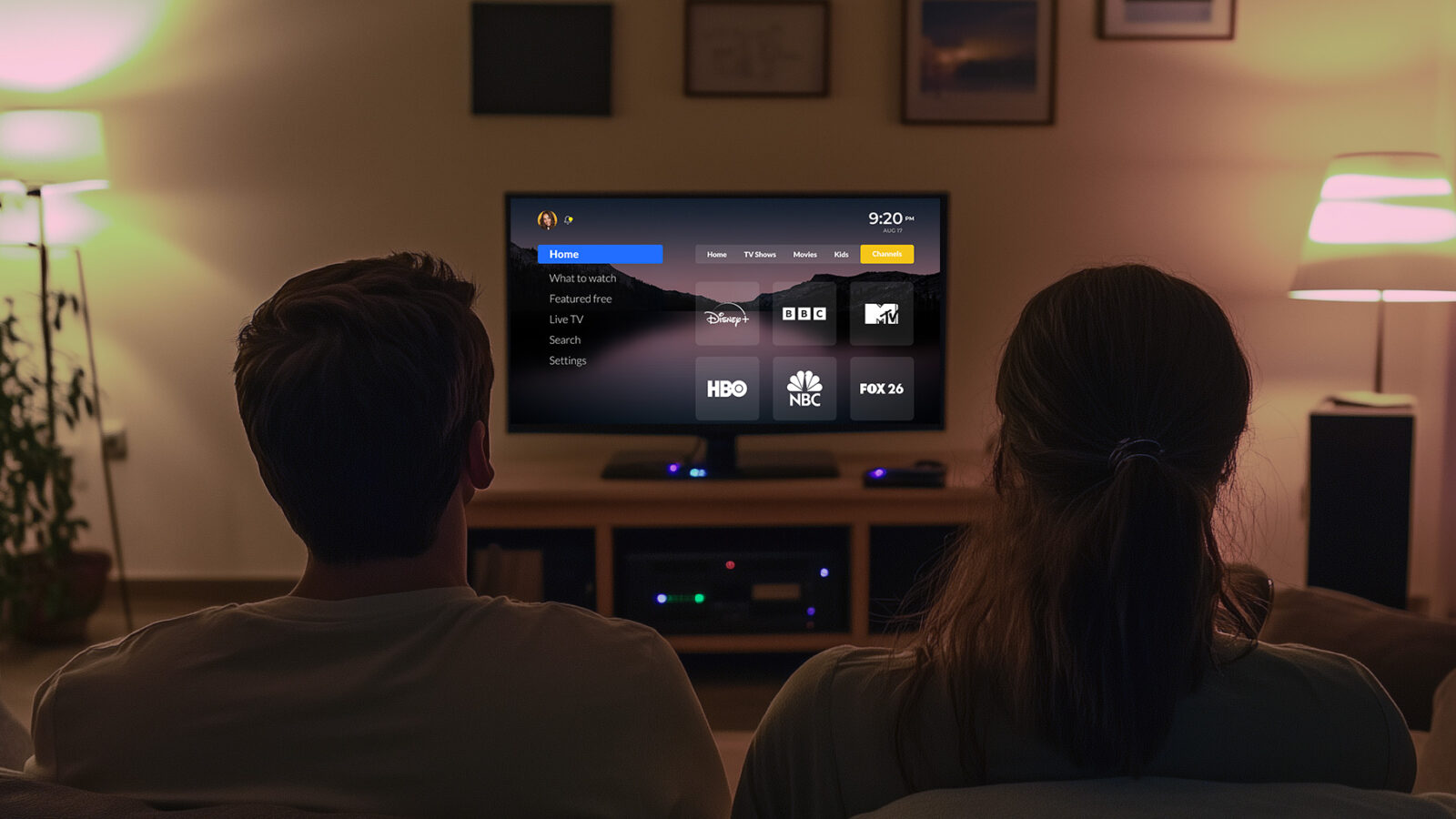
Delivering live and on-demand TV through branded Android TV STBs, we built features like catch-up, NPVR, advanced EPGs, and parental controls for a major telecom operator, overcoming legacy code and custom integration challenges.
At first glance, Android TV development may seem like any other Android project, starting with familiar tools like Kotlin or Android Studio. But once you move beyond touchscreens and STBs and start diving deeper into your own live video streaming in Android example, you’ll see that distinct platform features emerge, quickly reshaping how the app needs to be designed and built.
TVs rely on remote-based navigation, so every screen needs a clearly defined focus, logical directional movement, and layouts designed for distance viewing. Oversights in these areas can make an app frustrating or even unusable.
Device fragmentation is another major factor. Android TV spans a wide range of screen sizes, resolutions, hardware specs, and vendor customizations. Remote controls may have different layouts or colored buttons, and some platforms like Fire TV lack standard Google services. Developers must account for these differences in focus handling, layout scaling, and navigation to ensure smooth functionality.
Design for TV isn’t just bigger — it’s different. Design for TVs requires legible interfaces with large typography, well-spaced layouts, and safe margins to prevent overscan. Users should navigate naturally, and content should be easy to find via voice search and recommendations.
Testing on real devices is essential. Emulators can’t capture hardware limits, remote delays, or vendor quirks, so we’ve built a dedicated lab of physical TVs, from budget-friendly boxes to premium 4K sets, to stress test apps and ensure smooth, consistent performance across the Android TV ecosystem.
Submission is more than a click in the Play Console. Android TV apps require proper focus handling, TV-optimized assets, metadata for voice search, and sometimes separate builds for platforms like Fire TV. Planning for these requirements from the start and properly handling live video streaming in Android programmatically avoids delays and rework.

Here’s a concrete example of how we turn expertise into results. Oxagile developed a multiscreen app that works seamlessly on Android TV, Android mobile devices, iOS, and the web, providing a smooth, engaging viewing experience across platforms.
Key results:
Backed by automated QA, the solution delivered smooth performance across mobile and TV, boosted engagement, and supported millions of users.
Think Android apps are easy to port to TV? Think again. What works on a touchscreen often falls flat on a big screen, where users navigate with remotes from across the room. Miss the mark on design, navigation, or performance during multi-screen development, and viewers won’t stick around.
With millions of viewers tuning in on Android TV devices, following best practices is how you make an app people actually want to use.
Leverage TV-specific SDKs to create intuitive navigation, scalable layouts, and smooth media playback. Leanback and Compose help you design interfaces optimized for big screens, distance viewing, and remote control input.
Every element on a TV screen must have a logical focus path for remote navigation. Thoughtful focus management prevents user frustration and makes browsing content effortless, even on low-end STBs.
The transition from mobile or web to the 10-foot experience is rarely a direct translation. Success in this space requires a deep understanding of hardware constraints and platform-specific performance optimization. In our experience, the decision to port an existing codebase or build from scratch is always unique to the project’s technical debt and feature set. But often, developing custom Smart TV apps is the more effective route to bypass the inherent roadblocks of porting, ensuring the final product maintains high-fidelity performance and seamless navigation across the entire Android TV ecosystem.
Android TV spans a huge range of hardware, from budget operator boxes to premium 4K sets. Profiling memory, CPU usage, and playback smoothness ensures apps run flawlessly for all viewers, minimizing crashes and buffering.
Whether you’re building an Android TV app from scratch or bringing live streaming to an existing platform, success comes from more than just video. Think seamless navigation, cross-device continuity, and seamless experiences that keep viewers coming back.
Top-of-the-line live streaming on Android combines smooth playback, device-aware design, and engaging features. From mobile to TV, every screen has its peculiarities, and handling them well makes all the difference. With careful planning, cross-platform consistency, and smart use of AI, your app can deliver experiences that keep viewers coming back.
Whether you’re delivering real-time sports, interactive shows, or on-demand content, the key is seamless playback, intuitive features, and scalable performance.
Let’s create the kind of app today’s audiences expect: across mobile, TV, and web.
1. The total market value of live streaming is projected to reach $345.13 billion by 2030 — Demandsage
2. Android TV is set to reach 25% share of Smart TVs and Connected TV Devices by 2026 — Rethink Technology Research

Implementing live streaming in Android requires combining adaptive bitrate streaming, low-latency protocols, and optimized playback for both mobile and TV devices. Using frameworks like ExoPlayer ensures smooth video delivery while maintaining compatibility across various Android versions and device specifications.
A common live video streaming in Android example is a sports app that delivers multiple camera angles, real-time highlights, and interactive features. For instance, we helped a horse racing venue launch a platform with live and on-demand streams, showing how viewers can engage instantly while maintaining low latency and high-quality playback.
To set up live audio streaming in Android, developers can rely on native tools such as MediaRecorder and ExoPlayer. The MediaRecorder API is well suited for capturing audio from the device’s microphone and sending it to a server in real time. ExoPlayer, on the other hand, supports advanced audio streaming scenarios, including multiple audio formats and adaptive bitrate streaming. You can also integrate third-party services for things like audio encoding, noise reduction, and streaming to different platforms.
To set up live video streaming in Android programmatically, use ExoPlayer for playback and WebRTC for real-time peer-to-peer streaming. ExoPlayer supports adaptive bitrate streaming and formats like DASH and HLS, while WebRTC is ideal for live video chats and broadcasting. These tools allow you to adjust video resolution and bitrate based on network conditions.

