











This website uses cookies to help improve your user experience




Some OTT app certifications feel like routine. You open the checklist, follow the steps, tick the boxes, and move on with your day. The one we’re going to talk about in this article does not. This one began with a deceptively simple line from one of our clients: “We need CVAA approval for our Roku app.” And what sounded like just another Tuesday task quickly revealed itself as something far more intricate.
This is the story of how CVAA compliance for a Roku app turned into a real quest, where you move forward room by room, learning the rules only after you have already stepped inside.

The expert who was piecing together the way through this whole endeavor was Ivan Popovich, Oxagile’s senior Roku developer. He’s spent years mastering every corner of the Roku platform, including its accessibility layers: the parts that go beyond basic captions and navigation into the finer details of how a user interacts with an app.
This article pulls directly from his recent hands-on work on the project: the specific issues he solved and the practical insights that finally led to CVAA approval.
Key takeaways:
CVAA stands for the Twenty First Century Communications and Video Accessibility Act which exists to ensure that people with disabilities can access video content and the interfaces that deliver it. It is a legal requirement in the United States for certain types of video programming and the devices and applications that present it.
For streaming apps on Roku, the focus lands squarely on practical accessibility: text to speech support, screen reader compatibility, and properly exposing UI elements so they can be navigated and understood without relying on sight. It weaves together platform behavior, content preparation, and app logic in ways that touch everything at once.
The Roku app at the heart of this story — one Oxagile has long maintained and upgraded for our client, a public television station — met all standard platform expectations. Roku accessibility features that are commonly expected during platform certification were implemented and Roku certification had been successfully completed before. Subtitles could be handled by the native video player component, which resolves Roku closed captions support at the stream level through adaptive HLS. Text input and playback navigation were enhanced through voice control Roku TV capabilities available via the remote. These were familiar mechanics, tested and reused across multiple Roku projects.
In other words, the usual checkpoints were not the challenge.
Subtitles were a known quantity. Voice control was a known quantity. The team understood how they worked, why they mattered, and how Roku expected them to behave.
The real movement began when the focus shifted specifically to Roku CVAA compliance, as it did not come with a practical criteria and requirements guide.
And at this point, the story really turned into something closer to a quest, because the path forward had to be discovered rather than followed.
As you begin this Roku CVAA compliance quest and unfold your map, you’ll find it’s mostly blank: no clear paths marked, no specific waypoints, just a vague outline of the overall destination. So the opening stage for our team proved far less about immediate technical implementation and far more about definition, as we had to determine that scope ourselves.
Ivan’s journal entry:
“The absence of defined, expected behaviors and explicit criteria turned compliance into the problem to solve. The natural first step was to look for guidance within the platform documentation, and the Roku SDK did contain a page that mentioned accessibility. It outlined the existence of the requirements and pointed to external regulatory materials.
In practice, it left us with more questions than answers, as that documentation focused on regulatory language rather than implementation. It described what must exist, but not how it should be achieved in a specific technological context.”
This gap was not accidental. CVAA operates above individual platforms and technologies. Its requirements are shaped by both federal and state level regulations, which can vary across jurisdictions. Translating those obligations into concrete platform behavior is something a single document can hardly fully prescribe.
What the team received, therefore, was not a missing map but an incomplete one. The direction was defined, but the path had to be discovered along the way. With that understanding, the team moved forward, treating the absence of precise instructions not as a blocker, but as the starting condition for the work that followed.
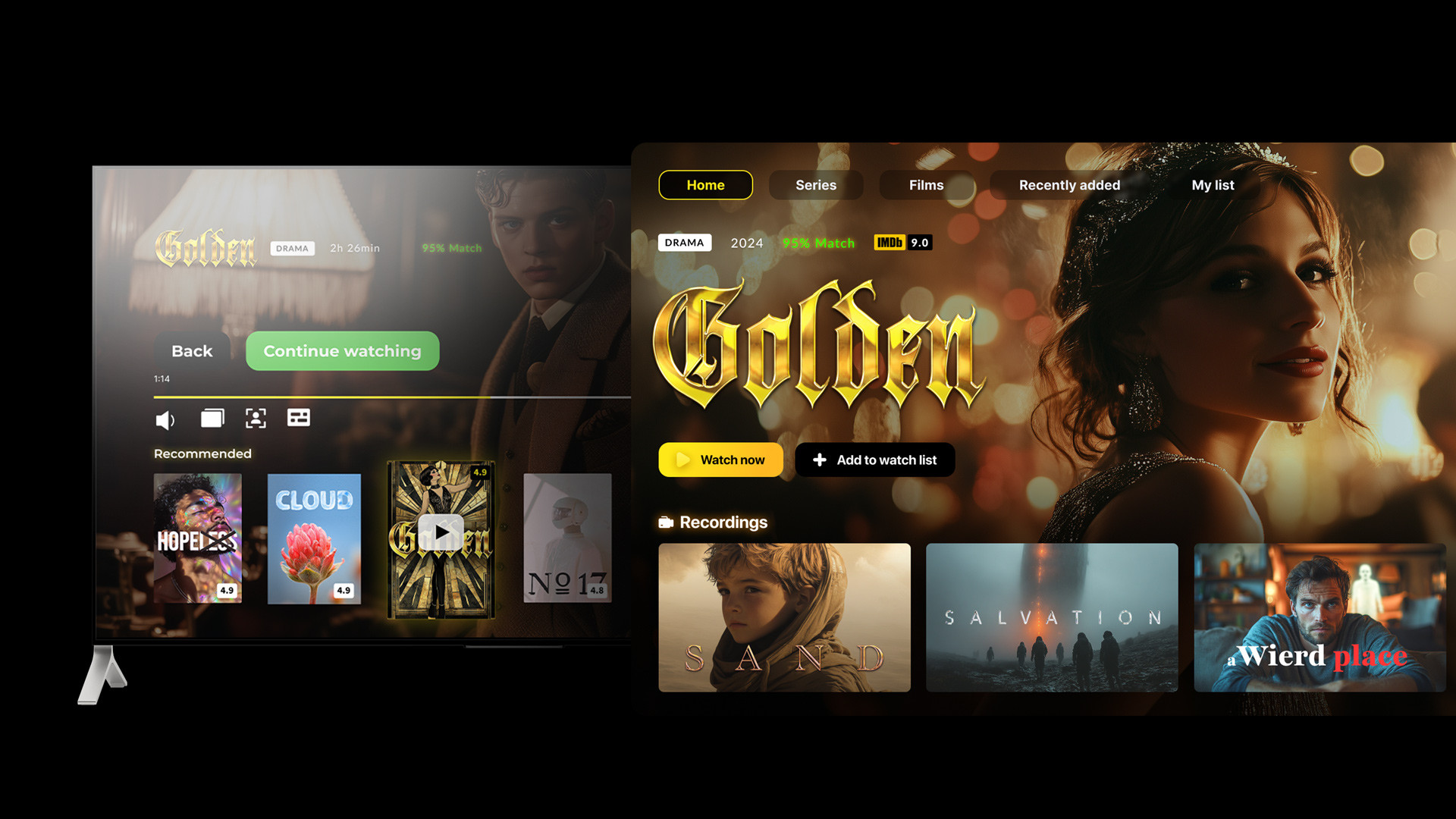
The next stage shifted to hands-on work: adding text to speech support.
On paper, this seemed to be the most straightforward piece. Roku native components include Roku Audio Guide, which also serves as the platform’s built-in screen reader. When enabled at the device level through Roku accessibility settings, it automatically reads metadata such as lists, grids, and other standard components as the user navigates through the interface.
That was the base for introducing our custom text to speech component.
And since Roku does not offer multiple competing approaches, and there is a single Audio Guide class that provides this functionality, the process promised to be very fast. Unlike other platforms, where you often need to spend some time comparing players or debating architectural options, there was no need for such discussion here.
As Ivan recalls:
“What complicated the situation was not the lack of options, but the lack of examples. Roku documentation typically includes sample implementations for most important SDK topics. In this case, there were none. No reference projects, no minimal examples, no demonstration of how Roku accessibility support should behave in a real application.”
As a result, the team started from scratch, building their own service around the Audio Guide class. From a purely technical standpoint, this part was not difficult: the service could accept a string and pass it to the Audio Guide, which would then read it aloud.
The real complexity appeared once the Roku team moved beyond basic mechanics and into real interface behavior. The question was what exactly should be read, when, and in which order. Any modern streaming application presents a large amount of metadata on screen. Titles, subtitles, descriptions, genres, dates, language, cast — often several layers of information are visible or partially visible at the same time. As users navigate through rails and grids, focus changes constantly, and metadata updates in the background.
This raised several fundamental questions. Which metadata should be read when an item receives focus? Should the system read a short variant or a full description?
Ivan describes the first impression clearly:
“So at first, having Roku native components looked like a blessing, as this created an obvious reference point. If Roku already defined how metadata should be read for its own components, following the same logic for custom components appeared to be the most consistent and predictable approach.”
Roku native components rely on a short version of metadata. This is the concise label that appears in navigation contexts and provides a brief description of the focused element. For consistency, it was decided that custom components would follow the same pattern.
At that point, the first stage appeared complete. Text to speech was implemented. Custom components behaved consistently with native ones. From an engineering perspective, the solution was clean and aligned with platform behavior.
The roadblock appeared during the first round of certification.
As part of the CVAA review, Roku QA experts provided a detailed assessment of the application. What emerged from that feedback was unexpected. The behavior of text to speech in native Roku components did not fully align with the expectations defined for CVAA compliance.
The certification feedback included a structured document that compared actual behavior with expected results. It was thorough and precise. And for the first time in the process, it translated regulatory expectations into concrete application behavior.
Ivan explains:
“The requirement, in a nutshell, became clear after analyzing this document. The long version of metadata had to be read instead of the short one. This meant that the initial implementation, although logically consistent with Roku native behavior, did not satisfy CVAA requirements as interpreted by the certification reviewers.”
The outcome of the first certification round was failure. At the same time, it was progress.
For the first time since the CVAA certification endeavor began, the team had a clear signal. The feedback did not simply point out what was wrong. It defined how text to speech was expected to behave in practice. After navigating abstract regulations and incomplete guidance, this was the first moment when the route forward became visible.
The quest had not moved past its first stage, but the map was finally starting to take shape.

We’ve launched and refined dozens of apps through Roku’s shifting certification rules, mapping out the exact SceneGraph nuances and subtle flags that separate instant approval from weeks of back-and-forth.
We’ll hand you the shortcuts that actually work.
The first set of fixes unlocked the next level of the quest. And, as it often happens, passing one gate revealed that the rules of the game were broader than initially expected. This time, the focus shifted from what should be read to when reading should be triggered.
Our expert explains:
“The new requirements introduced two new cases. Not only should something be read when it is in focus, but we also had to cover screensaver behavior and turning audio guide on and off while the application is active. Both scenarios shared a common requirement. After each of these events, the application had to reread the entire screen content using text to speech.”
The complexity was hidden in the details.
Roku does not notify applications when the screensaver starts. There is no signal that warns the app in advance or marks the transition into screensaver mode. The only event that is reported is the exit from the screensaver.
Ivan describes the challenge directly:
“This asymmetry created a problem. When the screensaver exits, the application receives a global signal, but at that moment it has no immediate context. The user might have been on any screen before the screensaver appeared. There could be multiple screens in the navigation stack. A detail screen, a grid, a menu, or completely something else. The system does not report which screen is currently active or which element is in focus.
After exiting the screensaver, the application still had to do one specific thing. It had to correctly identify the active screen, determine the current focus, and then read all relevant metadata aloud.
Doing this reliably requires additional logic to reconnect the global event to the local UI state. And that was a bit challenging, because you need to figure out what is active at that moment and what should be read.”
The second challenge looked different on the surface but behaved almost the same internally.
On Roku devices, text to speech can be enabled or disabled while the application is already running. This happens through a button combination on the remote. From the user’s perspective, it is instantaneous.
Ivan highlights:
“From the application’s perspective, it creates the same challenge as the screensaver. When Audio Guide is toggled, Roku does not resend information about which element is currently in focus. The application receives the event, but again, without context. The requirement remained the same. Once Audio Guide is turned on or off, the application must reread the entire screen content based on the current focus and active screen.”
At this stage, the team had a choice. To implement two separate flows for two different events or step back and look at the quest objective instead of individual obstacles. The key insight was simple: although the triggers were different, the expected result was exactly the same.
And Ivan’s team found a way out:
“Luckily, we found a way to implement both cases with the same logic, without repeating code and without creating separate implementations.”
Once either event is detected, screensaver exit or Audio Guide toggle, the application follows the same sequence:
Instead of duplicating logic, the team built a unified mechanism. Different events were handled separately at the detection level, but once detected, they both triggered the same internal flow. This approach reduced complexity, avoided unnecessary duplication, and made the behavior consistent across scenarios. Once implemented, the solution satisfied both new requirements.
With this unified approach in place, the quest finally started to feel navigable. And the second certification round confirmed it: the application passed.
From the moment the new requirements surfaced to the final approval, the journey took just under two months, transforming an unknown path into a repeatable route.
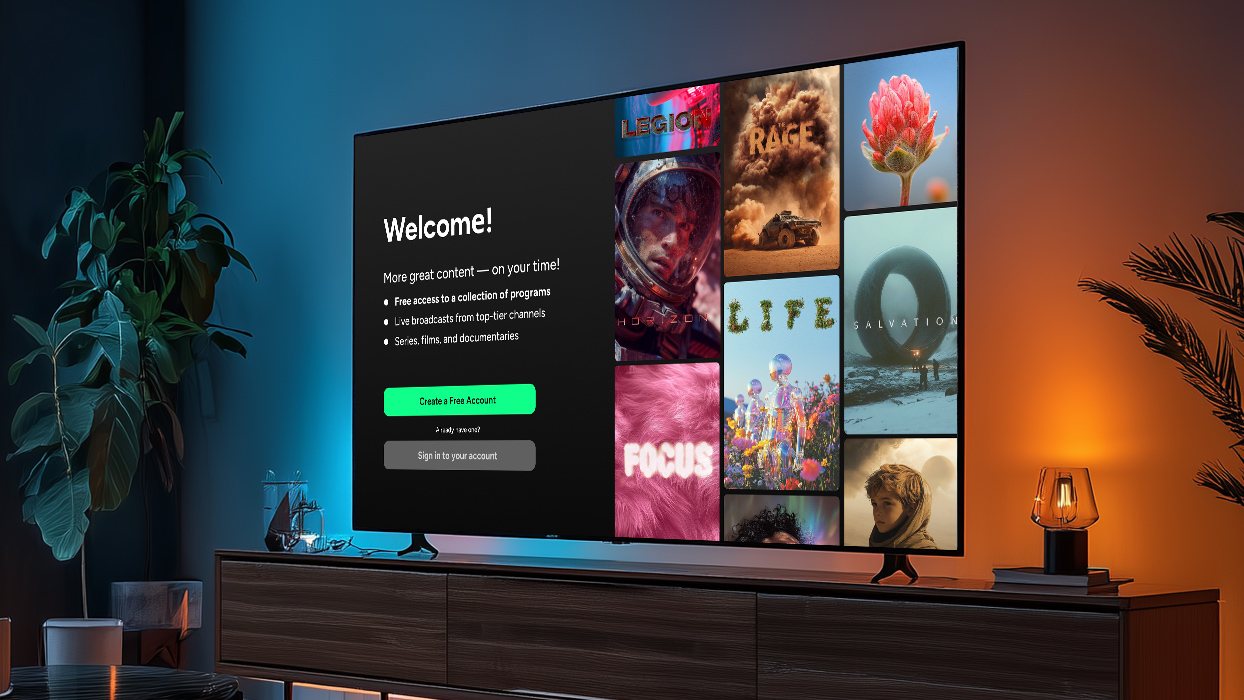
The challenge faced: A public media organization needed to modernize its Roku app, which faced slow loads, complex legacy code, and old framework limitations, while maintaining white-label flexibility.
Solutions implemented:
This story on CVAA compliance was never about a technically complex feature. Text to speech on Roku is not exotic engineering, and it does not demand architectural heroics. The real difficulty lived elsewhere.
When requirements are undefined and platform behavior does not fully align with certification expectations, progress depends on interpretation rather than instruction. In such conditions, correctness is not achieved by following examples or copying native behavior. It is earned through iteration, validation, and dialogue with the certification process itself.
Once the underlying logic of CVAA expectations becomes clear, the task stops being exploratory. Decisions become intentional, and implementation becomes predictable. What once required careful navigation turns into a repeatable method that can be applied with confidence across Roku projects of any size, an approach Oxagile has successfully executed across multiple projects. Because when the rules are unclear, experience becomes the most valuable asset.
There is also a larger context that matters. Accessibility is steadily becoming a baseline rather than an exception. Streaming platforms are expected to meet users where they are, not the other way around, and knowing how to translate regulatory intent into real product behavior is no longer optional.
We’ve tackled accessibility features implementation across fragmented TV platforms, bridging gaps with custom native modules until voice cues fired reliably, focus order stayed predictable, and pronunciations didn’t grate on rapid navigation.
Read how the platform’s specifics we untangled (limits, inconsistent focus handling, latency under load) and the hybrid fixes that held up in production. Because accessibility hurdles you’re bracing can force smarter architecture decisions.

To fully support accessibility in a Roku app, you should:
Roku accessibility settings control system-wide behavior for text to speech, focus announcements, and navigation feedback. Applications must correctly respond to changes in these settings while running, especially when Audio Guide is toggled dynamically.
Roku closed captions are handled by the native video player and resolved at the stream level. While captions are essential for accessibility, CVAA certification for apps focuses more on interface narration and navigation rather than subtitle rendering itself.
Yes. Roku Audio Guide functions as the platform’s built-in Roku screen reader, reading metadata for focused elements and navigating the user interface through audio feedback.
Voice control Roku TV features support text input and playback commands via the remote. While voice control is part of general Roku certification requirements, it is not the primary focus of CVAA testing, which centers on text to speech and UI accessibility.
CVAA requirements are defined at a regulatory level rather than a platform level. Roku does not provide a detailed implementation guide, so compliance is validated through Roku QA testing rather than prescriptive documentation.

