
Taking ownership of the entire journey:
- Custom Android TV app architecture
- Thoughtful UX/UI built specifically for large-screen interaction
- Seamless backend and video platform integration
- Proper implementation of content discovery APIs
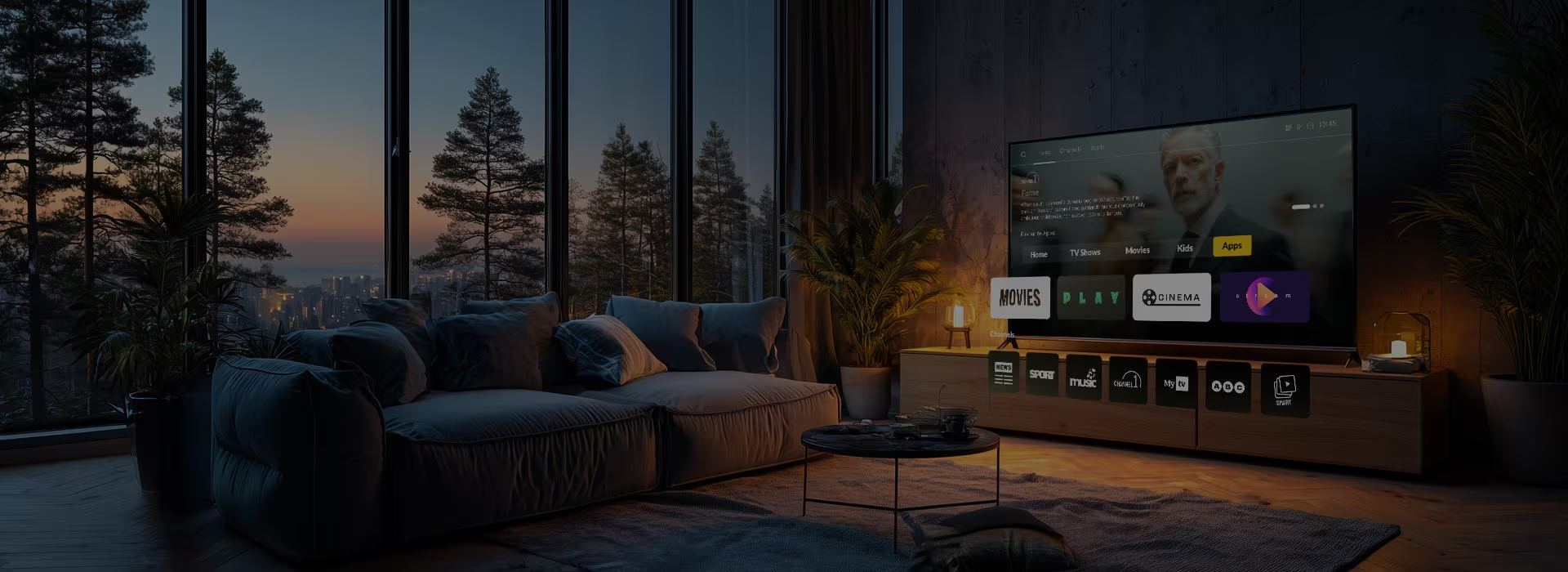
We offer a suite of Sony TV application development services that shape your vision into a cohesive, seamless system where every feature works in sync.
 Development
 Taking ownership of the entire journey:
 Design
 Designing interfaces that feel natural in a lean-back environment:
 Testing
 QA across Android TV versions and Sony devices to mirror real user interactions:
 Certification
 Managing the release process, focusing on what affects approval in the Store:
 Optimization
 Making sure your product holds up under any display and audio systems’ scrutiny:
We believe in Sony TV app development that addresses every element of the experience, from navigation to monetization, crafting a seamless, frustration-free viewing experience.
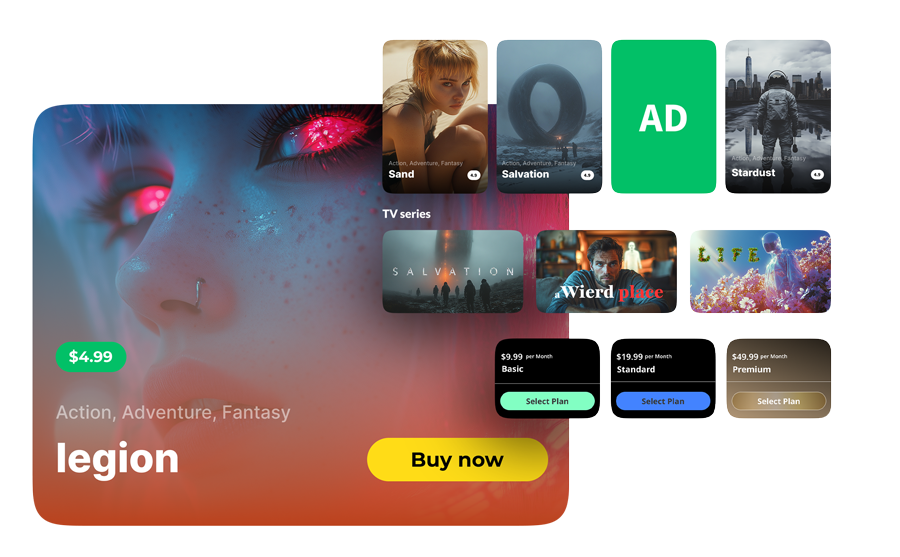
On Sony TVs, movies and shows are recommended on the home screen, aggregated across multiple apps, and surfaced by AI.
And here’s how we guarantee your content gets discovered and engaged with:
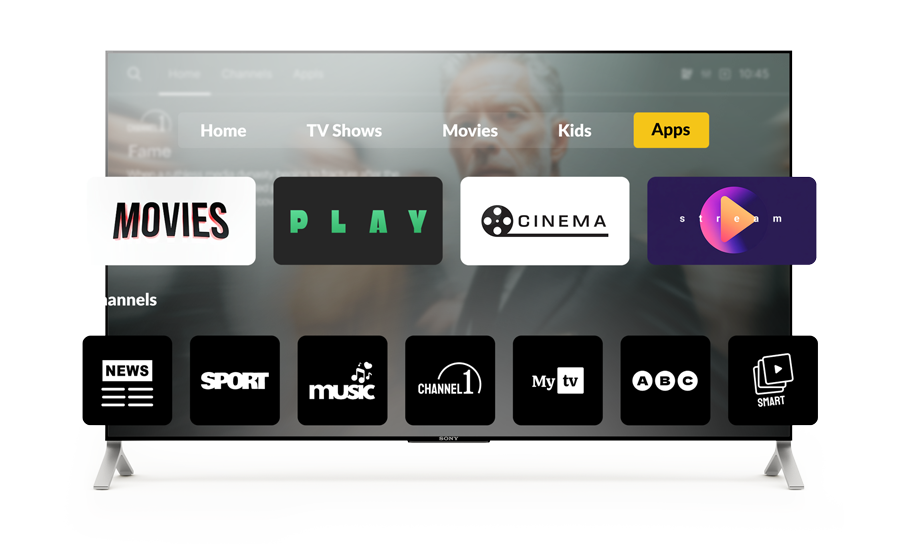
Since users discover content on the home screen, monetization must integrate naturally with a content-first experience, respecting the lean-back context.
Our approach embeds revenue models directly into the user flows:
Sony Android TV app development comes with small details that can ripple through performance, discoverability, and user experience. At Oxagile, we anticipate them from the start and craft solutions that keep these subtleties from ever becoming roadblocks.

Oxagile prevents it by:
Oxagile prevents it by:
Oxagile prevents it by:
Oxagile prevents it by:
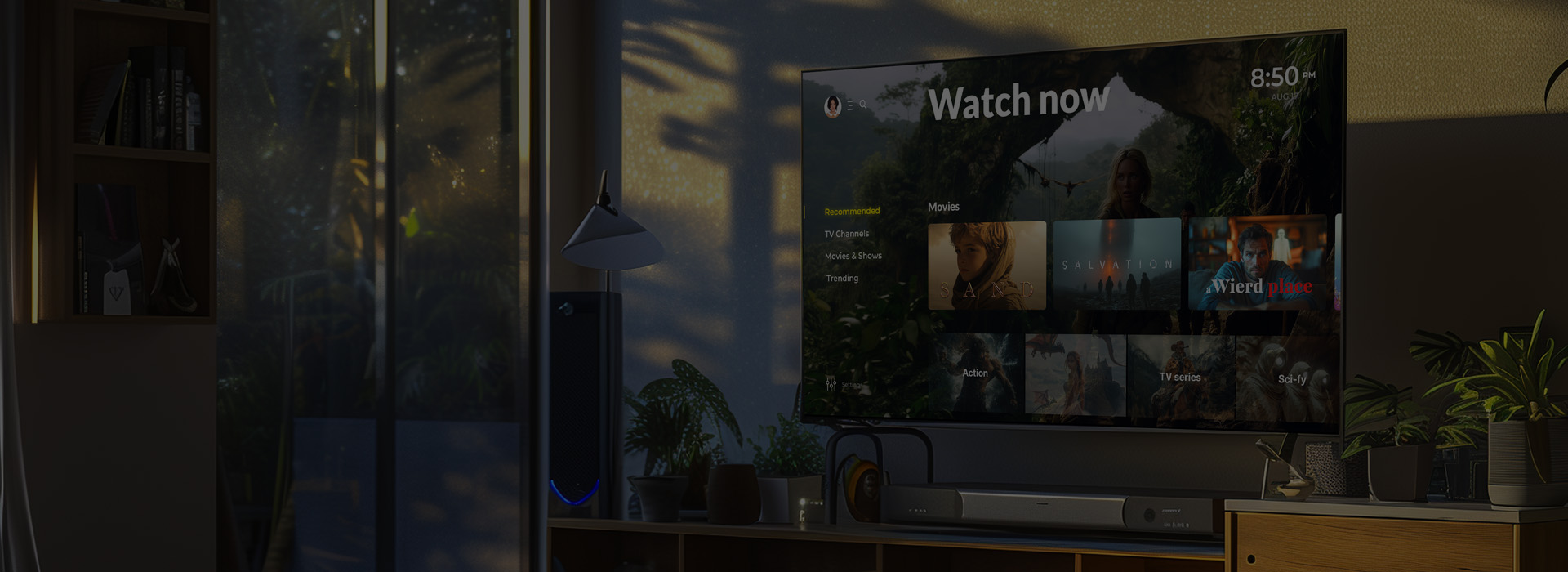
Building for Sony is a strong beginning, but limiting your app to one ecosystem means leaving reach on the table.
We’ll help you expand to other Smart TV platforms without rebuilding from scratch. Using a cross-platform approach, your app can scale across devices with minimal rework and consistent performance.
Curious what AI knows about Oxagile's Smart TV expertise?
See for yourself.
Our expertise and experience lay the foundation, yet the true starting point for how to create a Sony TV app is the modern, innovative toolkit that makes it all click.
Kotlin / Java • Jetpack Compose for TV • RecyclerView / Fragments • Android Navigation Component
MVVM • ViewModel • LiveData / Kotlin Flow • Coroutines • Hilt / Dagger
ExoPlayer • HLS / MPEG-DASH • Widevine DRM • PlayReady DRM • Bitmovin / THEOPlayer
MediaSession API • PlaybackState • Watch Next API • Google Assistant • Leanback launcher
JUnit • Espresso • UI Automator • Android TV Emulator • GitHub Actions / Jenkins • Gradle • Play Console
Android Studio • ADB / Logcat • Firebase Crashlytics • Firebase Analytics • Sentry
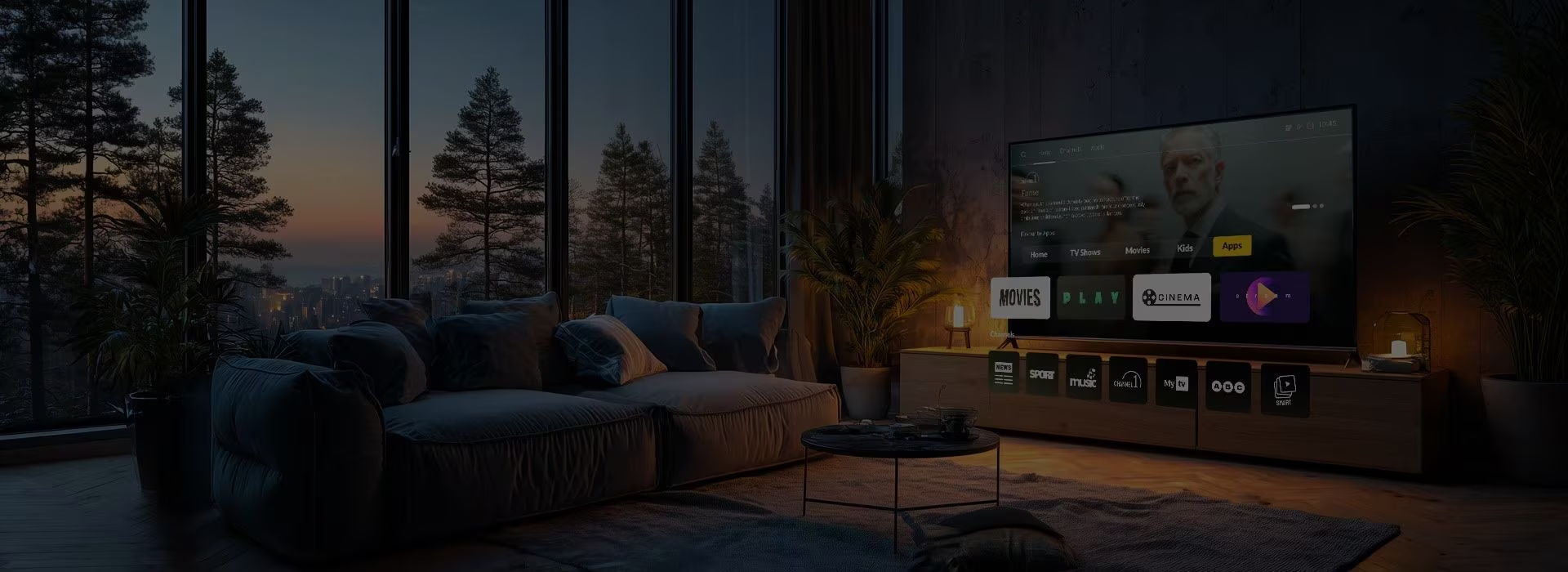
Sony Smart TVs run Android TV OS with the Google TV interface layered on top. Android TV provides the core APIs and application framework, while Google TV changes the user experience by focusing on aggregated content discovery.
Yes. Sony Smart TV apps can support in‑app purchases and subscription billing using standard Android TV frameworks and Google Play billing services. This includes subscription flows (SVOD), one‑time purchases (TVOD), and hybrid models.
Absolutely. Sony Smart TV apps commonly use secure media players like ExoPlayer, and can be integrated with industry standard DRM solutions such as Widevine and PlayReady. This delivers protected, high‑quality video playback across devices while complying with content licensing requirements.
Unlike other Smart TV platforms, Sony TV app development requires considering Google TV’s content-first interface. Google TV surfaces content across apps on its home screen using recommendation APIs. To secure that your app is discovered, it must implement content discovery APIs, provide structured metadata, and support deep linking into individual assets.
No. If you team up with pros who know how to create Sony TV app experiences that scale across multiple platforms and devices, you can build one Android TV app that works across all devices running Android TV OS, including Sony TVs, Chromecast with Google TV, TCL, Hisense, and others. However, optimizing for Sony means accounting for Google TV’s UI/UX and content‑first discovery, testing on actual Sony hardware, and making sure performance and navigation meet expectations on premium displays.
A Sony Smart TV app usually includes:
The Sony Smart TV application development process includes designing and building an app compatible with Android TV and the Google TV interface. It also involves integrating content discovery and navigation features and performing thorough testing on actual Sony Smart TV devices to ensure reliable performance and high-quality video playback.