Multi-Screen Solution Development Guide: Features, Tips, and Real-World Lessons

Table of contents
TV is no longer the only screen people turn to. Viewers now stream on phones while commuting, switch to tablets for portability, and use laptops for more focused sessions — often all within the same day. If a streaming service focuses solely on the traditional TV experience, it risks missing out on a significant proportion of its potential audience. A multi-screen solution helps close that gap, making content accessible with the same quality, features, and personalization on every device.
For streaming providers, this isn’t solely a convenience. Multi-screen streaming solutions help expand reach, boost engagement, and open new monetization options across connected TVs, mobile platforms, and the web.
In this guide, we’ll break down why multi-screen coverage has become essential, what features to include in a modern multi-screen app, and how to approach development across different platforms. You’ll also see lessons from real projects that highlight both opportunities and common mistakes in building for many screens at once.
Why going multi-screen is beneficial for your streaming business
Before we dive into architecture and frameworks, let’s address a practical question: Does multi-screen coverage really make a difference? The short answer is yes. Streaming continues to take over traditional TV, and every platform you don’t cover is a group of viewers you’re leaving behind.
Proof from the market
Take HBO Max as an example. For months, it wasn’t available on Roku or Amazon Fire TV, even though those devices dominate living rooms in the U.S. Once HBO Max finally launched on them, activations jumped by millions within weeks. That single distribution move unlocked entire households who simply couldn’t watch before.
It’s a clear reminder, platform presence can change your growth curve overnight.
Streaming’s share keeps rising
Nielsen reports1 that streaming has now overtaken cable and broadcast combined, accounting for almost half of all TV time in the U.S. And that’s not a headline; it means your potential audience is there, waiting, but only if you show up on the screens they use. If your app isn’t on their TV or doesn’t run smoothly on their tablet, they’ll move to the service that is.
Smart TV fragmentation is real
Here’s where it gets tricky with smart TV app development: there isn’t just one “TV platform”. Google TV and Android TV lead globally, Samsung’s Tizen and LG’s webOS hold strong shares, and Roku dominates in the U.S. If you only ship for one OS, you’re effectively saying “no thanks” to entire regions of users.
You can see the impact by comparing Twitch and Kick. Twitch has apps across practically every screen: TVs, consoles, mobile, and web. It’s frictionless for viewers to switch devices. Kick, meanwhile, is growing fast, but its app footprint is still limited. Viewers might catch a stream on their phone but struggle to continue on the living room TV. The difference isn’t just technical — it’s a competitive advantage for Twitch.
Takeaway: to reach everyone, you need to think in clusters, not one-size-fits-all.
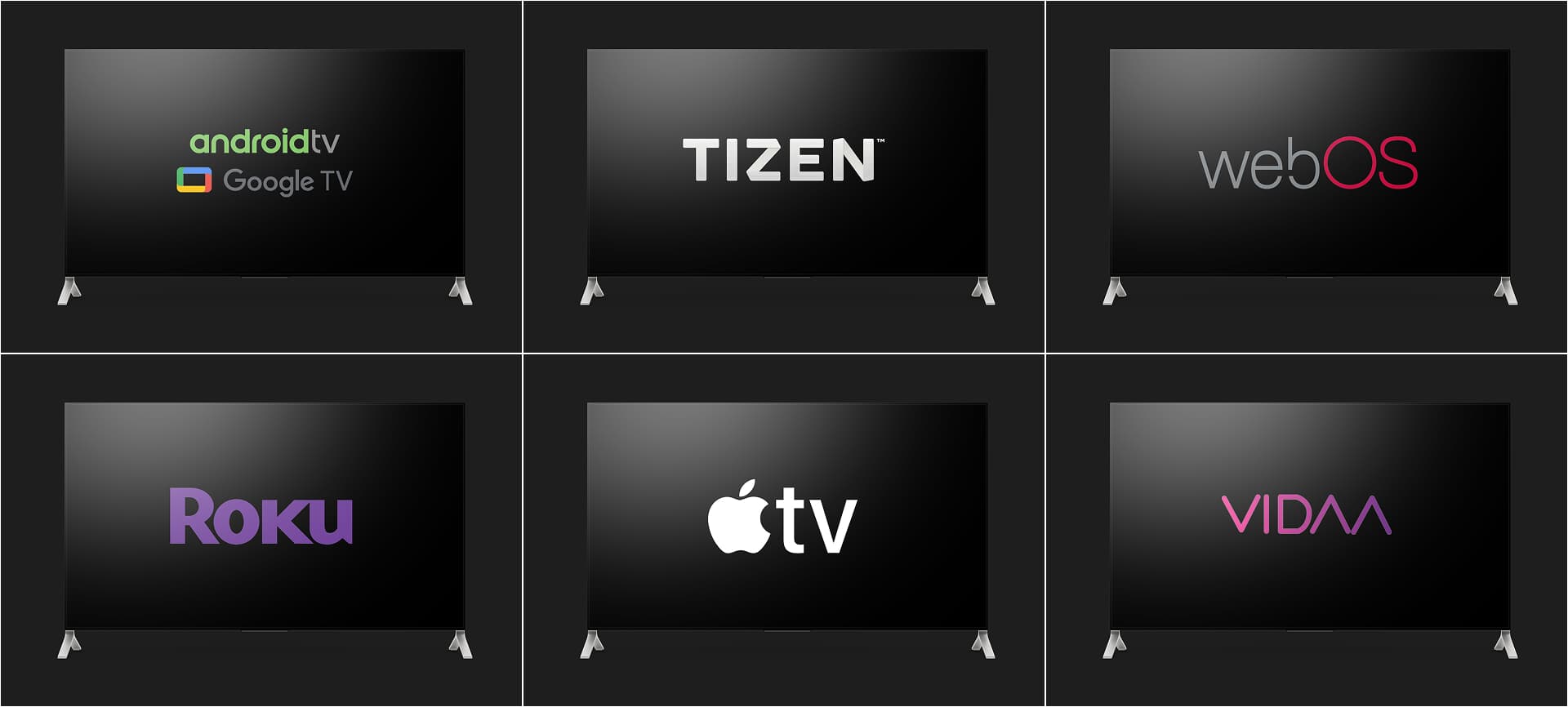
Why does a multi-screen strategy pay back?
Let’s put it in everyday terms:
- More people are watching. Someone may discover you on their phone during a commute, continue on the laptop at work, then finish on the family TV in the evening. If your service isn’t ready for that jump, you’re not only losing convenience but losing that viewer altogether.
- Tailored experiences by device. On Roku, a remote-first layout matters. On Tizen or webOS, voice search is king. On mobile, it’s more about downloads and quick start. A proper multi-screen setup lets you tune each app to the way people actually use it.
- Better ways to monetize. Ad-supported tiers or hybrid models work best when your content is everywhere. Roku alone reaches over 90 million households, and being absent there means leaving ad dollars on the table.
- Future-proofing your service. Devices evolve. Policies change. Having a flexible multi-platform approach means you’re not scrambling every time an OS updates or a store tightens rules.
Oxagile in action
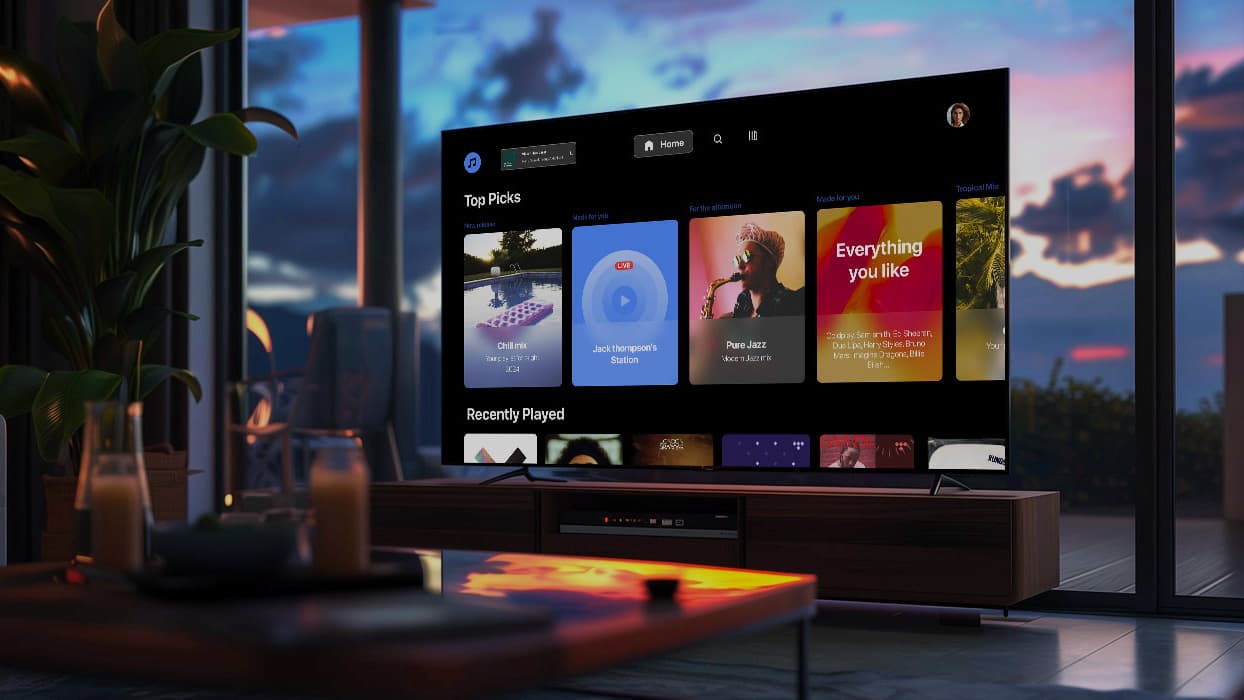
One of Oxagile’s clients, a leading music streaming service, wanted to expand its presence in the US. Because Roku has such a big footprint there, we started by building a custom Roku app. The important thing was reaching the right audience, not just ticking a box. And it worked! The client expanded its reach fast by showing up where users already were.
How to stay on the right course with multi-screen app development
The easiest mistake is taking a mobile app, blowing it up for TV, and hoping it works. Spoiler: it doesn’t. Remotes, focus states, safe zones, performance quirks — every platform plays by its own rules.
The upside? Once you know those rules, expanding across screens is far less painful than it looks. In fact, with the right plan, multi-screen rollout can be faster than building separate apps from scratch.
Think of the steps below as your practical checklist for developing a multi-screen app that feels right on every device.
1. Scope by screen group, not only features
Instead of asking “what features should we build?” ask “how will people use this screen?”
- Lean-back screens (Smart TVs, set-tops). Big tiles, voice search, quick start, and smooth navigation with a remote are all features that should be considered.
- Lean-forward screens (web and desktop). Here, users dive deeper, browse, search, and manage accounts.
- On-the-go screens (mobile and tablet). The priority is speed. One-tap start, offline downloads, handy notifications, resume playback anywhere.
This mindset saves you from designing a TV app that feels like a blown-up phone or a phone app that feels like a shrunk-down TV.
2. Budget smartly: reuse where you can, customize where you must
The secret to speed is deciding which parts should be the same everywhere and which must be tailored.
- Where possible, centralize business logic, playback rules, catalog, and analytics.
- Keep the UI and navigation native for each device.
3. Put UX and UI decisions up front, especially for TV
White-label sounds fast, until you discover that focus paths and remote ergonomics don’t bend so easily. That’s why design has to lead, not lag.
Some practical moves we swear by:
- Map focus states for every view and test them on real remotes.
- Standardize spacing, fonts, and image ratios so your design works from 720p to 4K.
- Decide how long lists scroll without turning laggy on older sets.
- Treat voice search and continue-watching as must-haves, not extras.
Designed for TVs from the start
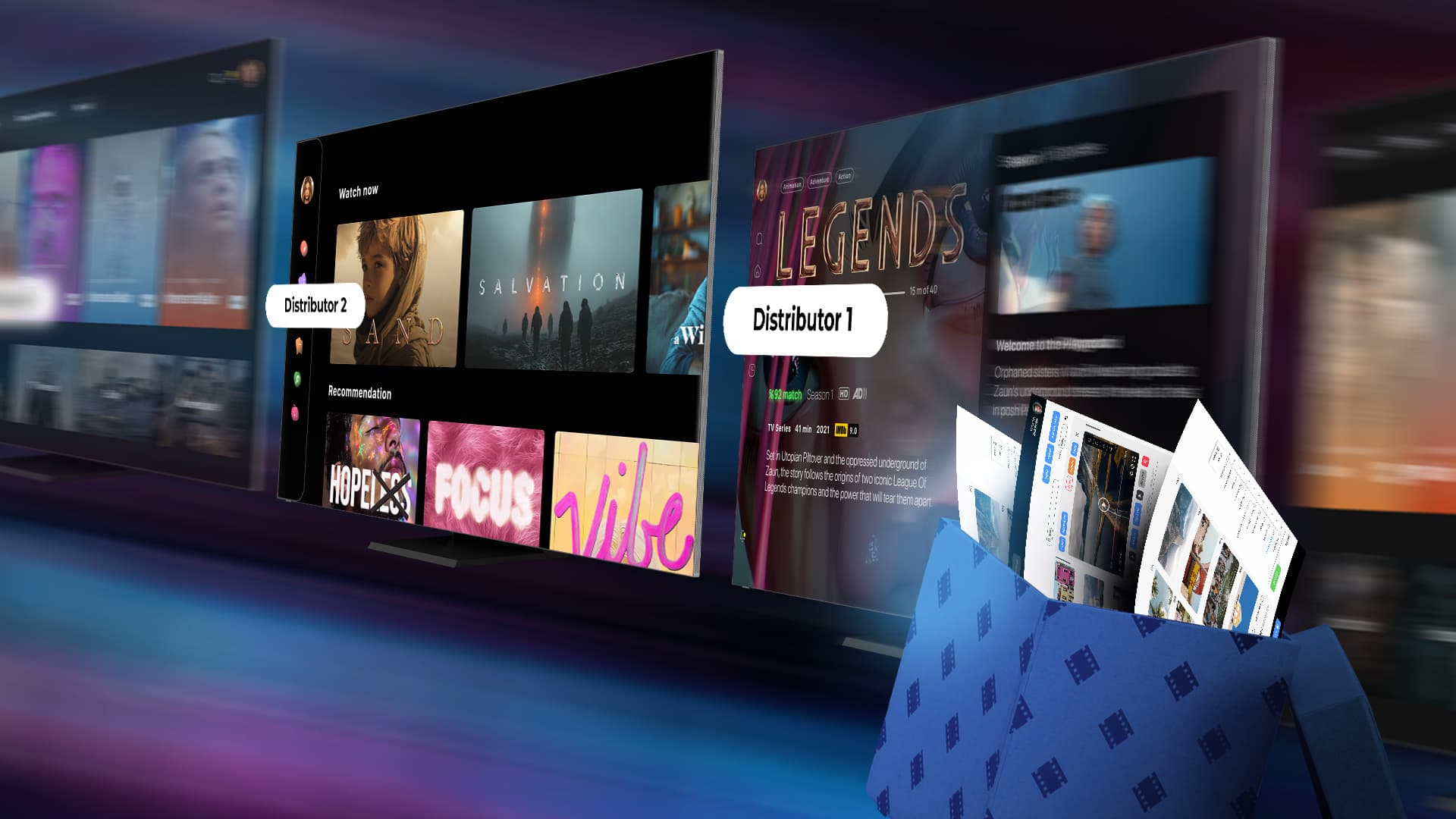
In Oxagile’s white-label OTT projects, the TV experience is never left for later — it shapes the build from the very beginning. Remote navigation, focus paths, and screen-safe layouts were treated as essentials in this case, helping the team move fast while delivering a polished living room experience.
4. Choose the right tech stack per device cluster
There’s no one-size-fits-all. The “right” stack is the one that fits your audience mix and your team’s strengths.
 Android TV / Google TV — Kotlin, ExoPlayer (media player library for Android), Widevine (Google’s DRM — Digital Rights Management).Samsung Tizen — lightweight TypeScript frameworks, AVPlay (Samsung’s native video playback API).LG webOS — webOS SDK (software development kit), Shaka Player (open-source JavaScript player), PlayReady (Microsoft’s DRM).Roku — SceneGraph + BrightScript (Roku’s proprietary development languages), tuned for fast start.Apple TV (tvOS) — SwiftUI / UIKit (Apple UI frameworks), AVPlayer (native iOS/tvOS media player), FairPlay (Apple’s DRM).Web — SSR (server-side rendering) for speed, MSE (Media Source Extensions) / EME (Encrypted Media Extensions), offline with service workers.Mobile — Kotlin / Swift for top performance, or a cross-platform layer if you need speed over polish.
On the backend side, think:
- microservices
- HLS (HTTP Live Streaming) / DASH (Dynamic Adaptive Streaming over HTTP) with CMAF (Common Media Application Format)
- per-platform DRM (Digital Rights Management)
- tuned ABR (Adaptive Bitrate) ladders
- and multi-CDN (Content Delivery Network) setups
5. Test on real devices, not emulators only
Emulators lie. They don’t show you how a five-year-old Samsung handles memory, or how an older Roku deals with DRM combos. Build a small device lab, run long sessions, and test startup speed, trick play, and ABR stability.
6. Plan store approvals early
Each TV store has its own rules, and they’re strict. Roku checks launch times and UI behavior. Samsung and LG want performance headroom and clean focus navigation. Bake these into your Definition of Done so approvals don’t derail your timeline.
Feature checklist for a modern multi-screen solution
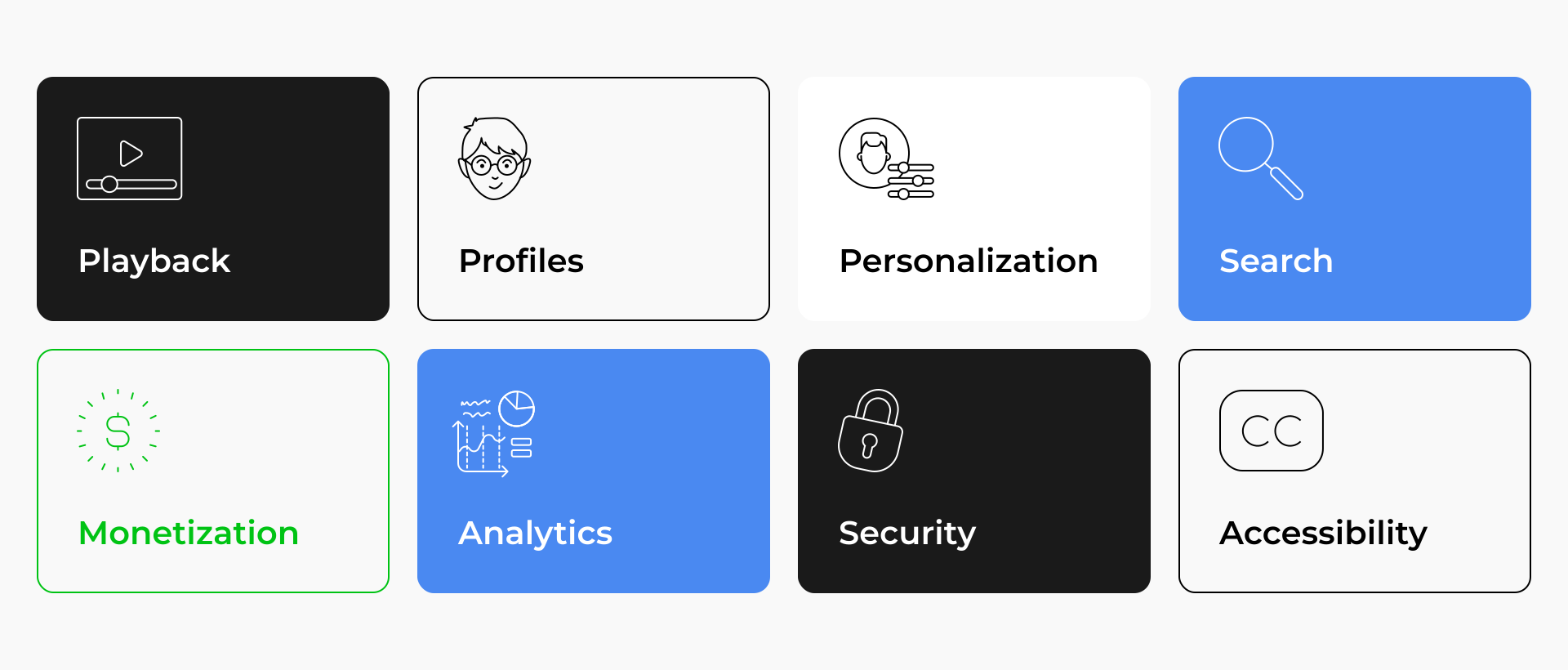
Here’s a breakdown of the key features to consider when scoping your project. Each one isn’t just a technical item — it’s a lever to improve user experience and strengthen business outcomes.
1. Playback
- HTTP Live Streaming (HLS)
- Dynamic Adaptive Streaming over HTTP (MPEG-DASH) with Common Media Application Format (CMAF)
- ABR tuned per device
- Trick play, thumbnails for scrubbing
- Low-latency for live
Why it matters: Ensures smooth video delivery across all devices. ABR adapts to user bandwidth, CMAF reduces latency, trick play improves navigation, and low-latency streaming is critical for sports or live events.
2. Player SDKs with analytics hooks
Why it matters: A proper software development kit (SDK) per platform guarantees stability and consistent playback. Analytics hooks allow tracking of startup times, buffering, and user drop-offs, feeding into product and monetization decisions.
3. Profiles and households
- Profiles
- Maturity ratings
- PINs
- Kids mode
- Watchlists
- Household rules
Why it matters: Families expect personalization. Profiles increase retention by tailoring recommendations, while parental controls build trust with parents and ensure compliance with child safety requirements.
4. Personalization and state
- Cross-screen resume
- “Because you watched” rails
- Recommendations
- Editorial picks
- A/B tests
Why it matters: Keeps users engaged by letting them pick up where they left off, discover relevant content, and see promotions that drive watch time. Personalization boosts viewing hours and reduces churn.
5. Discovery and search
- Voice search on TV
- Semantic search on web and mobile
- Curated collections
Why it matters: A big library without discovery tools feels more like a maze than a resource. Voice search makes TV apps easier to navigate, semantic search improves relevance on web and mobile, and curated collections give providers a chance to spotlight content or ads.
6. Monetization
- Subscription Video on Demand (SVOD)
- Advertising-based Video on Demand (AVOD)
- Transactional Video on Demand (TVOD)
- Free Ad-Supported Streaming TV (FAST)
Why it matters: Flexibility to monetize content through subscriptions, ads, pay-per-view, or FAST channels. AVOD and FAST are growing rapidly, so having the infrastructure ready opens new revenue streams.
7. Analytics
Quality of Experience (QoE) metrics: startup time, rebuffer ratio, latency, ad viewability, and completion rates.
Why it matters: Analytics tied to user experience help teams spot weak points, fix them fast, and maximize engagement. This goes beyond business dashboards, focusing on what actually keeps users watching.
8. Security and DRM
- Widevine
- FairPlay
- PlayReady
- Watermarking
- Offline storage protection
Why it matters: Protects premium content from piracy, ensures compliance with studio requirements, and gives users confidence that downloads and streams are secure.
9. Content processing
- Automated ingest
- Quality control
- Captions
- Ad markers
- Promos
- Dynamic image service
Why it matters: Automates repetitive workflows, improves content quality, supports accessibility with captions, and ensures images and videos look right on every device without bloating performance.
10. Accessibility
- Contrast
- Focus indicators
- Subtitles
- Audio descriptions
- Remote navigation paths
Why it matters: Makes the platform usable for people with visual or hearing impairments. Also helps with regulatory compliance and broadens the user base.
11. Supportability
- Feature flags
- Remote configuration
- Version gating
- Kill switches
Why it matters: Gives product teams control to test, roll back, or disable features without waiting for app store approvals. Increases agility and reduces downtime during issues.
For a deeper dive into features tied to monetization strategies, check out Oxagile’s breakdown here.

Need clarity on your stack?
The right stack must be chosen, and this is not only a technical choice. It is also about ensuring that your app works for your audience and your launch goals.
Bonus: What real projects taught us about multi-screen apps
No matter how well you plan, multi-screen rollouts always bring surprises. After working on dozens of projects, we’ve noticed a few patterns that consistently decide whether an app feels polished or patchy. Below are five lessons worth keeping in mind, each backed by real-world cases.
1. Guarantee a superior viewing experience everywhere
Movies, series, or live sports — viewers expect them to look sharp on every screen. That’s easy to say, but performance bottlenecks appear quickly in a multi-screen setup. Animations that feel smooth on a high-end tablet can stutter on a mid-range TV. ABR ladders that work on mobile devices may overload older living-room devices.
When Oxagile delivered an enterprise-grade OTT solution across four platforms, performance testing wasn’t a side task, but a backbone. Every device group was tested for startup speed, scrubbing behavior, and consistency under load.
Takeaway: don’t settle for global KPIs. Calibrate playback and UI responsiveness per platform and per device class.
2. Save time with a white-label core — customize where it counts
White-label is one of the most effective accelerators in multi-screen delivery, but it works only if you use it wisely. The trick is to centralize the invisible parts like business logic, entitlement, and analytics while still tailoring the look and feel per device.
That’s actually how Oxagile’s modular OTT solution was rolled out for a telecom operator. A unified core made scaling lightning fast, while UI modules were adjusted per screen type to preserve a native experience.
Takeaway: reuse under the hood, personalize on the surface. That balance makes white-label both fast and effective.
3. Treat low-end devices like VIPs
It’s easy to focus on the newest smart TVs or mobile flagships, but a significant share of viewers still rely on older TVs and mid-tier phones. Keeping them in mind means you’re not narrowing your own reach — every supported device adds to your potential audience.
In one project, Oxagile adapted a music streaming app for low-end devices. By optimizing loaders, trimming heavy visuals, and simplifying transitions, the app became accessible to thousands of users who previously struggled with it.
Takeaway: every screen matters. Optimizing for older hardware expands reach and builds goodwill with users who expect to be included.
4. Put UX and UI front and center
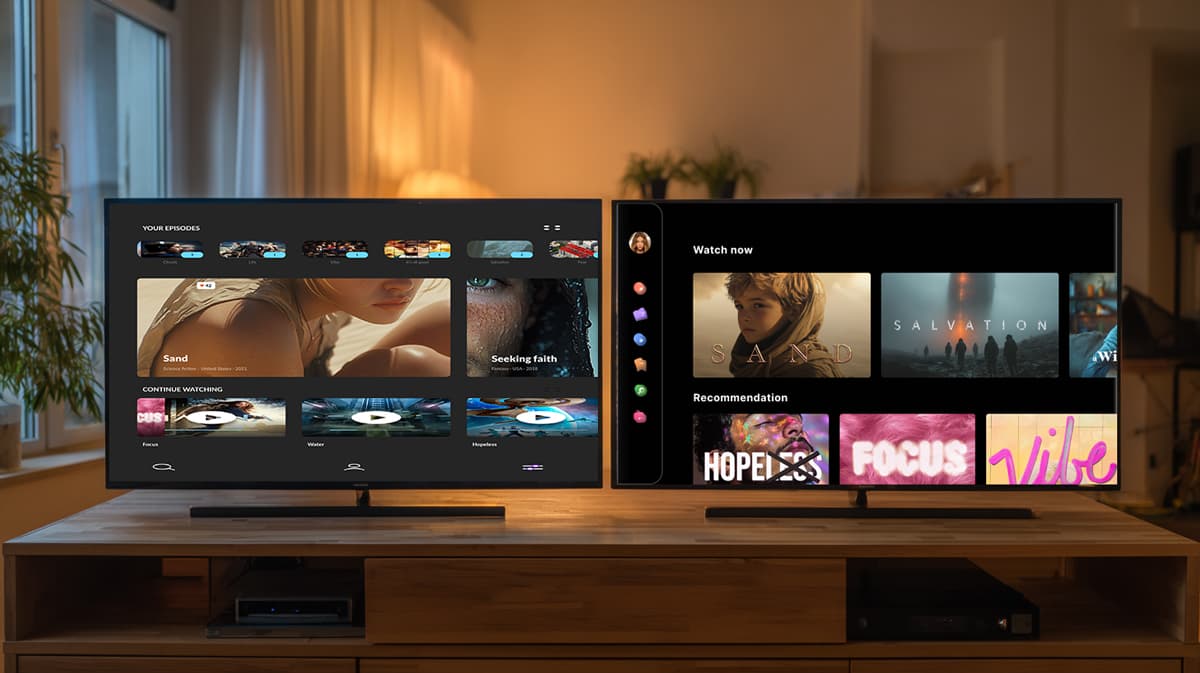
The success of multi-screen apps depends on navigation. If remote ergonomics, focus paths, and safe zones feel clunky, users will drop off quickly. Designing for TV as if it were a stretched mobile app is the fastest way to frustrate viewers.
When working on a VoD platform’s UX/UI, Oxagile built navigation maps for TV from the ground up. Focus states, grid density, and remote behaviors were treated as primary design elements, not afterthoughts.
Takeaway: let UX drive the build, especially for TV. Smooth remote navigation matters as much as the content itself.
5. Prioritize scalable architecture, especially for live
The choices made about architecture are very important in every rollout, but in live streaming, they are absolutely key. Sudden spikes generated by sports events and major film premieres can overwhelm fragile systems. Without multi-CDN delivery, geo-steering, and stress-tested failover, even strong platforms can collapse under peak load.
Oxagile faced this challenge while building a live streaming and VoD platform for a motorsport media group. The solution was an architecture that could handle bursts, not just averages, ensuring that the service could withstand the increased traffic on race day.
Takeaway: architect for the worst day, not the typical one.
More pitfalls to consider
These aren’t the only hurdles multi-screen projects bring. In fact, we’ve covered other common challenges and fixes in this guide on achieving multi-screen excellence. If you want to not only implement a multi-screen strategy but also make sure it runs smoothly, that’s your next read.
To summarize
At the end of the day, no one installs an app because of the framework you picked or the cleverness of your backend. They install it because it works on their TV, their phone, their tablet, whichever screen they reach for. That’s the real promise of a multi-screen solution.
The services that win are the ones that make switching between devices feel invisible. Smooth playback, quick start, synced progress — these little details add up to loyalty.
If you want to be the platform viewers can count on every time they press play, the time to plan is now.
Ready to go multi-screen?
We’ve helped media brands roll out apps across TVs, mobile, and web: from Roku-first launches to white-label expansions. With the right approach, multi-screen isn’t just possible, it’s faster than you think.
Sources
- — Nielsen
Streaming Reaches Historic TV Milestone, Eclipses Combined Broadcast and Cable Viewing For First Time
FAQ
What is a multi screen solution in streaming?
A multi screen solution is a coordinated set of apps and services that deliver one video experience across TV, web, and mobile, with shared identity, synced state, and native UX per platform. It matters because streaming has reached a record share of TV usage, and coverage directly influences reach.
What are multi-screen streaming solutions, and how are they different from generic cross-platform apps?
Multi-screen streaming solutions treat each screen group as first-class. You share business logic, analytics, and content pipelines, but you keep navigation and visuals native. Generic “cross-platform” often stretches one UI across devices, which usually hurts TV usability.
Which platforms should we prioritize first when aiming for multi-screen streaming solutions?
For the U.S., prioritize Roku, Android TV or Google TV, Samsung Tizen, and LG webOS for the living room, then add web and mobile. Roku is hard to skip due to its footprint and ad stack, and Android or Google TV leads globally in shipments. Add tvOS early if your audience leans toward Apple.
What features are non-negotiable for multi-screen solutions?
Fast startup, smooth playback with ABR, solid search, profiles and parental controls, continue-watching that syncs, and analytics wired to product decisions. If you plan AVOD or hybrid, plan SSAI or per-platform ad SDKs during discovery, not after.
How do you avoid performance issues on older TVs?
Gate features by OS generation, choose stream-plus-DRM combos older sets can handle, utilize right-sized images, keep animation budgets modest, and test on a real device lab, not only emulators. Oxagile’s low-end adaptation work and Tizen tips are good reality checks.