












This website uses cookies to help improve your user experience
Curious about how Roku apps really work? This all-in-one Q&A breaks it down in plain language, from how Roku TV operates to what sets it apart from other smart TV platforms and more. With insights from Oxagile’s Roku development team, it answers common questions about setup, certification, and optimization, helping you understand the process from idea to launch.
Our experts can guide you through design, development, and certification so that your app performs flawlessly.
Roku has reshaped home streaming with its lightweight OS and content-first interface. Learn how it works, how it compares to competitors, and what makes it popular with developers and viewers alike.
Many media brands exploring OTT (Over-the-Top) growth begin with a simple question: how does Roku TV work and how can it scale their audience? Let’s start with the basics: it delivers “channels” (or apps) through a simple, content-first interface, allowing developers to use Roku’s own tools, BrightScript and SceneGraph, to build fast, efficient streaming apps.
How Roku differs from a standard smart TV:
The core of the Roku vs smart TV debate: Roku is a streaming platform that can be added to any TV, focusing on ease of use and broad content access. Smart TVs, on the other hand, come with built-in apps and features, focusing on integrating streaming services directly with the TV’s hardware.
Here’s a snapshot of the key differences that matter for developers, content owners, and businesses planning their streaming strategy:
| Aspect | Roku | Other Smart TV platforms (Apple TV, Fire TV, etc.) |
| Reach and neutrality | Huge channel catalog; neutral platform | Quite large app stores; tighter ecosystem control |
| Development | BrightScript and SceneGraph | Use popular development environments such as Swift (Apple TV) or Android toolchains (Fire TV) |
| Hardware and performance | Runs on a wide range of devices, from budget to premium; apps need careful optimization | Generally offer more consistent hardware; performance varies based on the brand and model |
| Personalization and integrations | Focus on scale; fewer OS-level integrations | Tighter OS-level features; deeper personalization and native integrations with their respective ecosystems |
A Roku TV is a smart television with the Roku OS built directly into the hardware, allowing users to stream content without additional equipment. It connects to the internet and provides access to thousands of channels and apps through Roku’s interface.
A Roku streaming device — such as the Roku Express, Streaming Stick, or Roku Ultra — plugs into a TV via HDMI to deliver the same Roku experience. It turns any compatible television into a smart TV supporting Roku.
In short, the Roku TV vs Roku device distinction is that the first one has the platform built in, while devices extend the platform’s functionality to standard TVs.
The Roku market share shows this TV operating system’s strong position in the streaming device and smart TV OS market. The platform reaches nearly half of all broadband homes in the U.S., Canada, and Mexico.
The platform has over 90 million active accounts, with streaming hours growing about 20% year over year. This steady growth highlights Roku’s robust ecosystem, wide device support, and strong audience loyalty — all key drivers of its continued global expansion.
Current Roku trends show the platform isn’t just surviving, it’s streaming circles around traditional TV. Here are three key Roku ecosystem trends:
Combined with strong financial growth (17.32% revenue increase and solid earnings performance), these innovations support an enriched content ecosystem and robust monetization opportunities.
Apple TV vs. Roku isn’t just a matter of preference, it’s two very different visions of streaming. The table below outlines key differences shaping how users watch and developers build.
| Aspect | Apple TV | Roku |
| Platform type | Premium, closed ecosystem running tvOS | Open, platform-neutral OS for sticks, integrated TVs, and other devices |
| User experience | Polished, 4K HDR, seamless integration with iCloud, AirPlay, and HomeKit | Simple, content-first interface that’s easy to navigate |
| Development tools | Swift and Xcode, suited for complex apps | BrightScript and SceneGraph, optimized for fast, lightweight streaming apps |
| Audience reach | Smaller, premium segment | Broader user base and open app store, appealing to mass-market content distributors |
Apple TV focuses on a premium experience and advanced features; Roku emphasizes scale, neutrality, and faster development. Ultimately, striking a balance between premium features and broad accessibility is key for both viewers and developers.
The difference between Roku and Google’s Chromecast or Google TV lies in their approach to streaming and device ecosystems.
Roku vs Chromecast is essentially accessibility and developer simplicity versus Google’s smart ecosystem and device integration.
The difference between Roku TV and Fire TV from a developer’s perspective comes down to ecosystem control, development tools, and flexibility.
While Roku TV uses BrightScript and SceneGraph to build lightweight, fast-loading streaming apps, Fire TV relies on Android tools like Java or Kotlin for greater customization. Roku’s environment is simpler and faster to develop for, but it limits advanced UI and integrations. Fire TV, by contrast, offers more power and flexibility, yet it demands more optimization and has stronger ties to Amazon services.
In short, when comparing Roku TV vs Fire TV side by side: Roku favors efficiency and neutrality, while Fire TV favors depth and ecosystem integration.
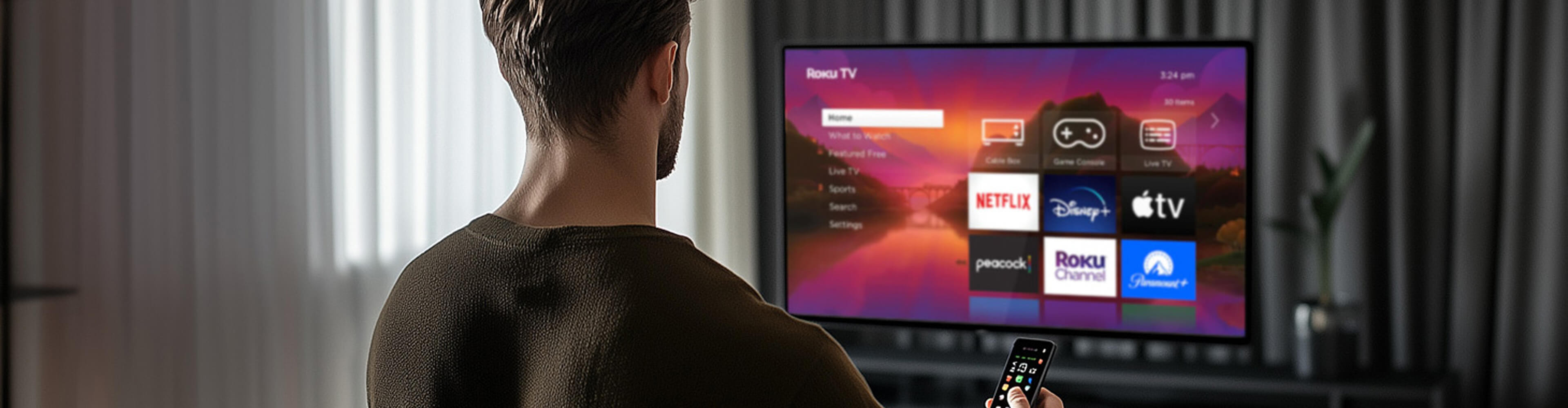
Dive in for more details on how it compares to Google Chromecast, Amazon Fire TV, and Apple TV.
Ever scrolled through Roku and wondered how those apps just work? Here’s the story behind building one.
Creating apps for the Roku streaming platform means blending smart planning with hands-on technical work to deliver fast, reliable experiences that scale.
First, you define your content type, choose a monetization model, and design the user experience. Then, developers decide whether to launch quickly using native Roku components, build fully custom features, or combine both approaches.
Using Roku’s SceneGraph framework, they craft interactive interfaces, write app logic in BrightScript, integrate media players, and optimize loading and playback. Finally, the apps are tested across multiple devices to check that performance is consistent.
The process uses proprietary tools, limited third-party support, and strict certification to create apps that are fast, reliable, and engaging. These apps deliver a polished experience while reaching a large and growing audience.
BrightScript Roku is the main programming language used for developing such applications. It is a proprietary scripting language designed specifically for creating app logic, handling media playback, and managing navigation.
SceneGraph is Roku’s component-based UI framework, which developers use to build interfaces, lists, buttons, carousels, and other interactive elements.
The Roku SDK provides essential tools for integrating media players, analytics, ads, and monetization features. Developers often use simulators, device emulators, and debugging tools to ascertain that apps run like they’re supposed to on different Roku devices. Optional third-party SDKs, such as Bitmovin, can extend playback and analytics capabilities for cross-platform consistency.
Key steps in Roku development include:
This combination of proprietary languages, frameworks, and tools makes apps fast, reliable, and optimized for Roku’s audience.
SceneGraph Roku is the platform’s component-based framework for building user interfaces in streaming apps. It allows developers to create screens, buttons, carousels, and other UI elements.
SceneGraph separates logic from visuals, letting developers control layouts, navigation, and interactivity efficiently. While it’s flexible, it also enforces certain design rules so that performance is top-notch across all Roku devices.
Key framework features:
SceneGraph makes building Roku TV apps faster and more reliable. It offers ready-made UI components, optimized navigation for remote control, and dynamic layouts that update seamlessly. Combined with BrightScript, it leads to quality playback, fast load times, and compliance with Roku standards.
Roku app development time varies because of platform-specific factors like custom UI and features, backend, and testing across devices. Simpler apps can go live in days, while full SDK-based apps usually require 8-16 weeks, depending on complexity.
Considering these factors, developers create a tailored plan that maps out each stage of the process. Check it out along with rough time estimates.
New Roku features enhance content discovery, personalization, and accessibility across Roku devices. Major updates include:
For developers, these features provide opportunities to optimize app layouts, tailor content experiences, and boost user engagement. They allow dynamic content delivery, improve retention, and reduce friction in multi-device setups. Curated categories and personalized rows help highlight high-value content, keeping apps lightweight and fast.
Roku UI design is all about balancing performance, usability, and platform compliance. Because Roku apps run on TVs with limited hardware resources, interfaces must stay simple, responsive, and visually clear.
To create an engaging experience, you need to:
For example, when redesigning a live concert streaming app for Roku, the team implemented fully custom UI components and simplified navigation, which improved performance and made the app more intuitive compared to the client’s previous Apple TV interface.
This approach keeps the interface fast, accessible, and visually appealing while meeting Roku’s certification and performance standards.
 Learn about the ins and outs of developing such applications, including a step-by-step guide, challenges, and mistakes to avoid.
Time to make your platform TV-first. Learn what it takes to go live and reach millions.
The main reason content owners invest in Roku channel development is to reach one of the largest and most loyal streaming audiences in a crowded OTT market.
Creating a Roku channel helps content owners:
If you’ve ever wondered how to start Roku channel development and get your content live, prepare a few key prerequisites so it succeeds.
Once these prerequisites are in place, you can move on to building the channel, integrating monetization, testing across devices, and submitting the app for Roku certification. Laying this groundwork first makes development smoother, reduces surprises, and positions your channel for success with Roku’s massive, engaged audience.
Roku channel development software refers to the tools and languages used to build, test, and publish apps for the Roku ecosystem.
The core programming language is BrightScript. It is Roku’s proprietary scripting language designed for fast performance and TV-first experiences. UI creation relies on SceneGraph, an XML-based framework for layouts, animations, and visual elements.
Developers also use:
In addition, developers often need to adapt media formats for different Roku devices, optimize performance for both low- and high-end hardware, and work within Roku’s proprietary component constraints.
Using third-party tools strategically helps maintain cross-platform consistency and boost insights with smarter analytics and advanced monetization options.
The cost to start a Roku channel depends on several key factors that shape development, hosting, and maintenance budgets.
In short, planning for Roku channel creation requires balancing development complexity, hosting, and ongoing maintenance to match your budget and goals.
Roku OS 12.5 features enhanced content discovery and sports personalization. Users can now browse content by predefined categories such as Movies, TV Shows, and New & Popular. Within each category, genre filters like Action, Comedy, and Crime make finding content faster and more relevant. Curated collections, including Food and Home, highlight themed content to reduce scrolling.
Roku OS 12.5 also made following favorite sports more exciting than ever. Compared to the previous version, it introduced:
Regarding Live TV enhancements, personalized ordering of channels in the Live TV guide (removing numbering and organizing by genre) is now available. The Live TV tile is automatically added to the home screen for quick access to 400+ free live streaming channels.
Ultimately, the key benefits for various stakeholders include:
 Find out whether Roku channel creation is worth your budget and energy.
For some, standard options are enough. But off-the-shelf solutions can feel too mundane for today’s savvy viewers. If you want every interaction, animation, and feature to wow your audience, custom development is the way to go (at least in those parts where it’s truly necessary).
Want full control over your Roku app? The biggest benefit of custom development is shaping every detail exactly how you want. Many streaming providers choose to build custom apps for Roku to achieve consistent performance and branding across devices with a level of optimization that standard templates simply can’t match.
The most prominent benefits include:
Using only Roku templates can feel limiting. Sometimes even implementing seemingly tiny details that weren’t accounted for out-of-the-box requires a custom workaround. For example:
Comparing a custom Roku app vs template shows that custom solutions can solve performance and interaction issues that built-in components and templates often cannot. With a custom build, you have the opportunity to:
To cite one example, Oxagile’s team replaced the standard RowList template in the music streaming app with custom tiles. This fixed focus problems and made scrolling feel buttery smooth.
Yes, you can mix built-in and custom Roku components within the same app. Built-in templates are often a good choice for handling foundational functions like basic layouts, timers, and background tasks. Custom components give precise control over animations, focus management, and specialized UI elements. Using both allows you to maintain stability and add unique branding and interactivity.
Here’s how to mix them effectively:
To get the most out of mixing built-in and custom components, keep the focus on performance. Lightweight components keep playback stable and navigation fast, even on older devices. Personalization works best by combining Roku OS features like category browsing and personalized sports zones with custom layouts and interactive elements.
Plus, achieving cross-device consistency users a seamless experience on TV and mobile. Meanwhile, the scalable components design keeps the app ready for future updates like short-form content rows, live sports feeds, or evolving UX patterns.
By carefully combining built-in and custom components, you can create a Roku app that’s both reliable and scalable. Simultaneously, it can stay engaging for users, making the most of the platform’s capabilities without feeling overly complicated.
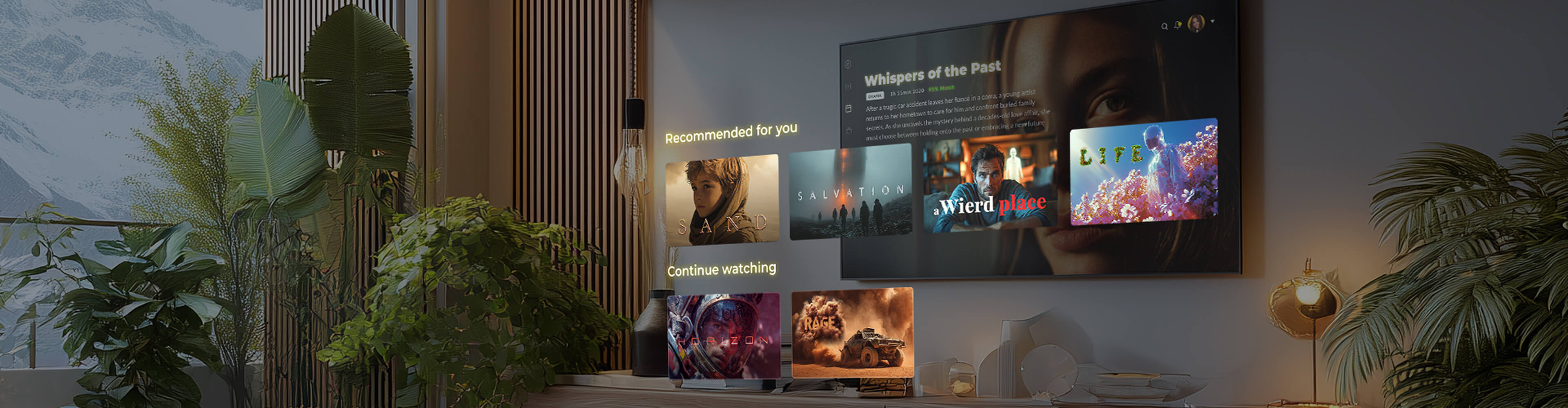 Check out how to cut corners and when using Roku native components makes sense.
Successful monetization balances viewer experience with smart strategies that drive revenue and channel success.
Roku channel monetization works through three main strategies.
1. Advertising
Roku offers a variety of ad types, and getting them right means slick playback, happier viewers, and reliable revenue tracking. The main insertion methods include:
2. Subscriptions
Subscriptions not only deliver reliable revenue but also keep viewers coming back for more. Key features include:
3. Channel promotion
Smart promotion puts your channel in front of the right audience, boosting both visibility and revenue potential. Here’s how to stand out:
Using a mix of these methods allows to maximize revenue, maintain good UX, and tailor content experiences to viewers’ preferences.
Common types of Roku monetization models include:
Each model can be combined to create a balanced Roku channel monetization strategy that optimizes revenue, engagement, and retention. For example, the Roku Channel uses ad-supported streaming (AVOD) to offer free movies and shows while generating revenue from ads.
Disney+ on Roku and Paramount+ exemplify subscription models, giving users full access to content for a recurring fee. Feature-based tiers are also used by some niche apps, like sports or fitness channels, where premium content unlocks advanced stats or live events.
In addition, channels can pay for featured spots or banner placements in the Roku Channel Store, helping them appear at the top of search results or in curated categories. For example, PBS Kids has used these promotions to increase visibility and attract more family viewers.
These are just a few examples of how these models can be combined to create a balanced monetization strategy for Roku channels. It all ultimately depends on the target audience and overall business goals.
Pre-roll, mid-roll, and post-roll ads are Roku ad formats that appear at specific points in video content to monetize viewership. Here’s how each works:
For optimal Roku channel monetization, combine pre-roll and mid-roll ads in long videos and always integrate with the Roku Ad Framework (RAF) for proper tracking and compliance.
Roku subscription models are the paid access options that content publishers can offer on their Roku channels to monetize viewers directly. There are three main types:
Roku’s subscription framework lets publishers configure one or more monetization types, while users can subscribe, rent, or watch pay-per-view content directly through the Roku interface. The platform handles billing and promotional campaigns and allows users to upgrade or downgrade plans seamlessly, with publishers receiving revenue minus Roku’s 20% commission.
Mini tip: Feature-based tiers often outperform simple time-based plans because they clearly communicate value (e.g., Basic with essential access vs Premium with multi-device sync and early releases).
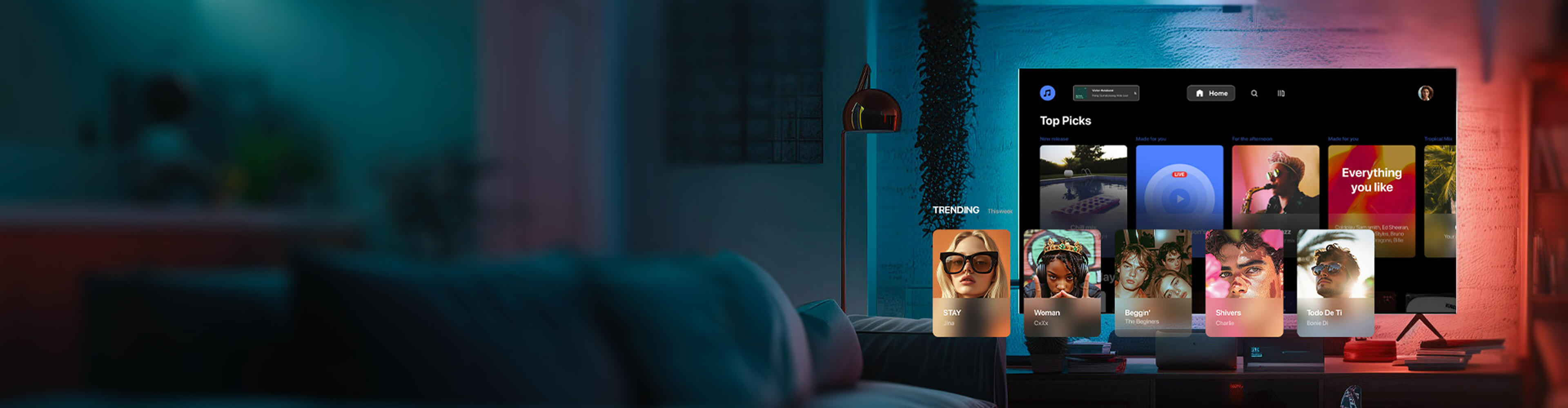 Take a close-up look at the tactics and strategies that can help make the application more profitable.
From automated tests to full QA reviews, Roku’s certification keeps apps high-quality and consistent. Knowing all the ins and outs makes meeting requirements much easier.
As a result of ongoing submissions, many new Roku apps per day keep the Channel Store dynamic and up-to-date. In October 2025 alone, the Roku Channel added 14 new channels in a single day2 — proof that the platform is buzzing with new content.
Each submission goes through automated Static Analysis, sometimes combined with Channel Behavior testing or full QA review, necessary for problem-free performance, reliable streaming, and compliance with monetization and accessibility standards.
Even minor updates or bug fixes must pass certification before appearing live, contributing to the store’s daily growth.
As a result, users benefit from fresh content, diverse categories, and a more robust viewing experience across all Roku devices.
The Roku app certification process is like a careful quality gate for apps. Once you submit your app, it goes through automated tests that check launch speed, video playback, navigation, accessibility, and overall user experience.
If the app is very popular, it may also face an extra layer of manual QA across multiple Roku devices to make sure everything runs correctly. Certification doesn’t stop at launch — every future update must pass the same checks to stay compliant and keep users happy.
Completing this process is done so that apps meet platform standards, perform reliably, and deliver a high-quality streaming experience… though, as with any process, a pinch of luck never hurts.
To learn how to publish Roku app content, follow a structured workflow from preparation to launch (indeed, the list is quite long, but rest assured — none of the steps are unnecessary):
With this approach, publishing your app publishing your app and passing Roku app certification is predictable, efficient, and fully aligned with Roku standards.
If you’re updating an existing Roku app or planning to scale it, adhere to a proactive approach as it minimizes submission surprises and keeps users happy, turning performance optimization into a win-win.
The main steps for Roku app performance optimization are:
Following these steps helps deliver a reliable streaming experience and long-term Roku app performance optimization. For example, see how platform constraints can be turned into opportunities for better user experience.
 Browse the tips by Oxagile’s expert on what it takes to get a Roku app certified for publishing on the first try.
Behind every smooth, high-performing Roku app is a team of skilled developers turning complex requirements into seamless user experiences.
Building a standout Roku app takes more than basic coding. Developers need a mix of technical expertise, design sense, and platform know-how to deliver high-performing experiences.
Here are the most demanding Roku developer skills that separate top performers from the rest:
With these skills, developers can optimize memory, fix device quirks, and check that high-resolution content works flawlessly.
Roku developer availability is quite limited. Skilled Roku developers are hard to find because the platform runs on its own proprietary tools — the BrightScript language and SceneGraph UI framework — instead of familiar web or mobile tech.
That alone makes the learning curve pretty steep. Add in sparse documentation and few third-party SDKs, and it’s easy to see why the talent pool stays small. Most teams have to rely on in-house expertise and a fair bit of creative problem-solving to get things right.
Those who do master BrightScript, SceneGraph, and Roku’s certification process can build fast, reliable apps that truly shine on the platform. And since that mix of skills isn’t common, demand for seasoned Roku engineers continues to run high, with no signs of slowing down anytime soon.
The main difference is scale and expertise: one developer can fix a bug, but a team can save you from losing a fortune on missed deadlines.
Why a team is often better:
For larger projects, companies usually choose to hire Roku developer teams. This reduces delays, fosters quicker certification, and delivers a high-performing app across all devices.
 Discover why skilled Roku developers are in high demand, the key qualities to look for when hiring one for your project, and where to find the best ones.
Why settle for average? Partner with experts who build TV and mobile apps that engage, perform, and monetize flawlessly. Read on to see what a top Roku development team can deliver.
It offers full Roku apps development services to build custom apps and channels from the ground up. They make sure your app has polished navigation, clean UIs, and reliable performance across all devices.
Their services typically include:
Ultimately, a professional Roku app development company handles everything from design and development to testing and long-term support, so the app runs flawlessly and scales with your audience.
Many Roku apps struggle with slow performance, clunky interfaces, and store submission delays. A top Roku app development company solves these challenges by:
With the right team on your side, these technical headaches can become a thing of the past. Your app will run like clockwork, keep viewers coming back, and actually make the results you hoped for — without you losing sleep over crashes or delays.
Scaling a Roku app alone can easily backfire — slow performance, unexpected glitches, or frustrated users are common pitfalls. Many apps run into issues when trying to add advanced features or handle large audiences without expert guidance.
A skilled Roku development company does more than prevent pitfalls: they design experiences that retain users, integrate monetization, and provide performance insights. Having a reliable partner by your side helps you:
Working with experts helps your app succeed and avoid costly mistakes. Even if you’re confident in tech, they help your app stand out, it’s like hiring a guide for a tricky path instead of wandering alone.
But seriously, don’t hesitate to reach out if you have a few. With years of expertise, our team can guide you toward faster launches, better performance, and apps that truly engage viewers.
1. Roku streaming surpasses broadcast TV for third straight month — InvestingPro
2. Roku Channel Store Statistics and Trends 2025 — 42 matters

