Enact TV Development: A Practical Guide to Smart TV Apps with the Enact Framework

Table of contents
- What Enact actually does (and doesn’t)
- TV UI navigation and focus management
- When Enact makes sense
- The cross-platform reality: Why most OTT products outgrow single-platform frameworks
- Oxagile’s cross-platform approach at a glance
- Enact vs. cross-platform React: Where each approach stands
- Practical notes for Enact TV development
- Choosing the right architecture for your Smart TV app
Here’s something nobody mentions in Enact TV development tutorials: the fastest way to build an LG app might also be the most expensive decision you make all year.
Enact, LG’s React-based framework for webOS, gets you from an empty folder to a polished, navigable TV interface quicker than almost any alternative. The component library is deep, the focus management is battle-tested, and for a single-platform LG build, it’s hard to argue against. But speed on day one and cost over twelve months are two very different numbers. The framework that saves you weeks on LG can cost you months when the roadmap stretches to Samsung, Android TV, or Philips, because Enact’s strengths are wired to one manufacturer’s platform.
As a smart TV development company that builds streaming applications across all of those, we’ve lived both sides of this equation. This guide breaks it down so you can pick the architecture that fits where your product is actually headed.
Key takeaways:
- Enact is a React-based framework built and maintained by LG. It solves real TV problems (D-pad navigation, focus management, resolution independence, internationalization) and does it well for webOS.
- For LG-only webOS app development projects, Enact offers a clear speed advantage. The Sandstone component library and Spotlight focus system can shave weeks off initial development.
- The risk arises when your product needs to reach Samsung, Android TV, or newer platforms such as Titan OS. Enact’s strengths are tied to LG, and expanding beyond it often means maintaining parallel codebases, which gets expensive fast.
- A cross-platform React architecture takes more work at the start. But on one of Oxagile’s projects, that upfront investment meant expanding from LG and Samsung to Philips Titan OS with a single bug fix and no rewrite. The math gets pretty clear once you’ve lived through it.
What Enact actually does (and doesn’t)
Enact is an open-source JavaScript framework layered on top of React, built and maintained by LG Silicon Valley Labs. It’s shipped on millions of webOS Smart TVs, and it’s the framework LG actively promotes for application development on its platform. If you’ve worked with React before, the syntax and component model will feel like home, which is one of its honest-to-goodness strengths.
The framework breaks into several layers, each tackling a specific piece of the TV development puzzle:
@enact/core lays the groundwork:a declarative component model (the kind factory), state management patterns, and performance tuning built for devices that don’t have the luxury of a laptop’s processing power. TV chips are a different animal, and Enact accounts for that from the start.
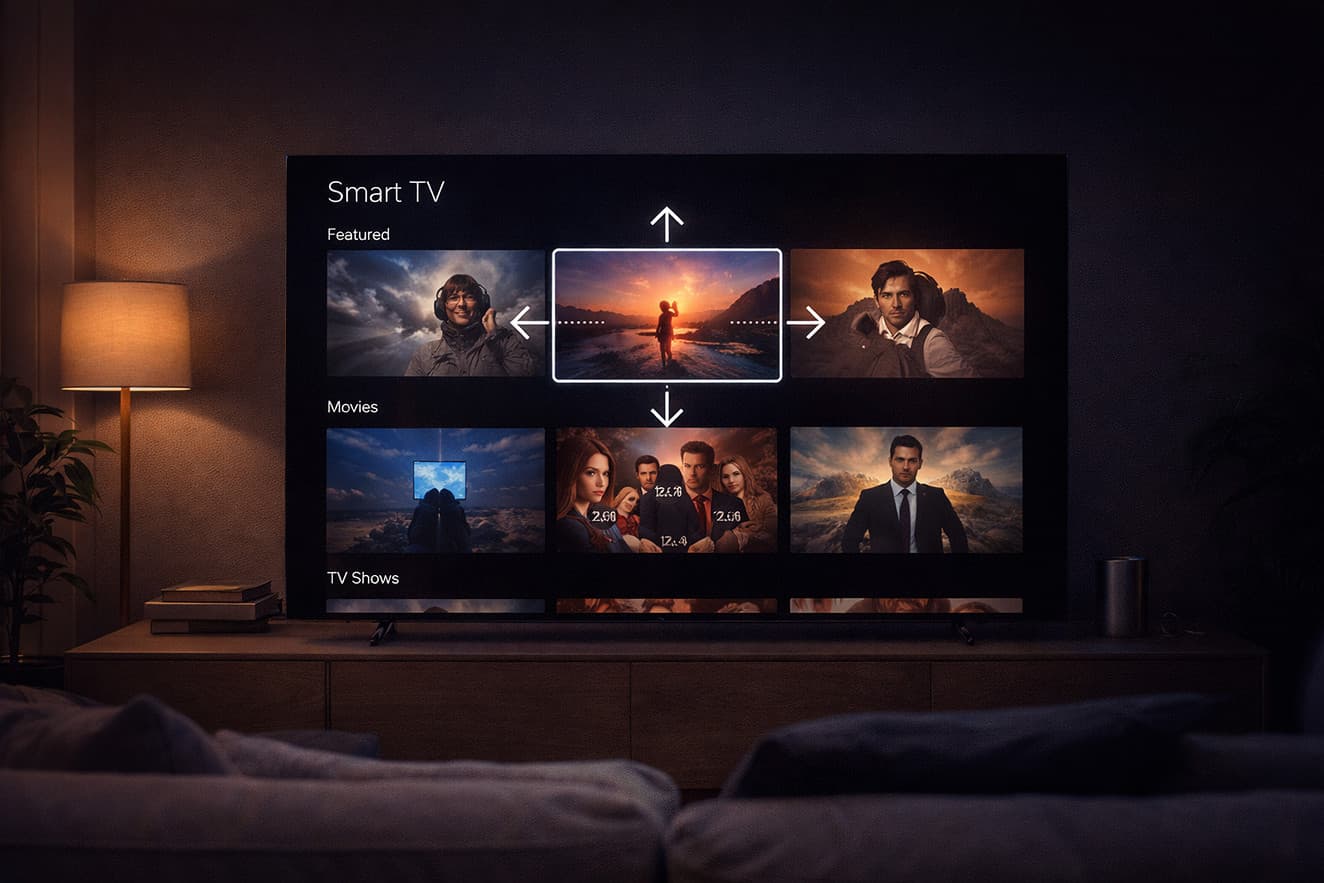
@enact/spotlight addresses the most challenging UI problem in TV development: focus management and spatial navigation. On a phone or desktop, users tap or click exactly where they want to go. On a TV, however, users press directional keys on a remote, and the app has to work out which element should light up next. Even a one-square error can make the whole experience feel broken.
Spotlight handles this with a system of spottable components and container decorators that manage focus across 5-way and pointer modes. If you’ve ever tried setting up custom focus management in plain React, you’ll appreciate how much time and effort this can save.
@enact/sandstone is the current TV-centric UI library, successor to the older Moonstone theme. It ships with over 50 pre-built components tailored to large-screen interfaces: scrollers that play nicely with focus, panel navigation patterns, tab layouts, date and time pickers designed for remote control input, and popup components that respect TV navigation conventions. Every component was engineered for the 10-foot viewing distance from day one, not retrofitted from a web toolkit.
@enact/i18n and @enact/webos round things out with internationalization support (powered by iLib) and webOS-specific utilities for communicating with LG platform services via Luna Bus, LG’s inter-process messaging system that lets TV apps talk to the operating system.
The Enact CLI ties the developer experience together: project scaffolding, dev server, production builds, and packaging for webOS deployment. You can go from nothing to a running TV app in minutes.
So, for a team building exclusively on LG webOS, Enact pulls a lot of weight. The harder question, and the one that most Enact framework tutorial content doesn’t touch, is what happens when webOS stops being your only target.
TV UI navigation and focus management
Of all the pieces Enact handles, Spotlight is the one that saves the most time, and the one that’s hardest to replicate outside the framework. Focus management on TV sounds simple enough until you’re three weeks into edge cases: nested scrollers fighting for focus, content rails that load dynamically and shift the focus map mid-scroll, popups that need to capture input and hand it back cleanly when they close. Teams coming from web and mobile almost always underestimate how deep this rabbit hole goes.
Spotlight wraps all of that into a system of spottable components and container decorators that govern how focus enters, exits, and moves within a region of the UI. The system supports priority rules, restricted containers, custom enter-to and leave-for behaviors, and fallback logic for the edge cases that eat project timelines. It handles the split between 5-way mode (remote control) and pointer mode (LG’s Magic Remote), switching automatically based on input.
For webOS-only apps, this is top-notch. Sandstone components ship with Spotlight baked in, so a standard content rail, grid, or panel layout handles focus correctly right out of the box. Your developers can spend their time on business logic instead of wrestling with navigation plumbing.
Spotlight’s downside is coupling. It lives inside the Enact component ecosystem, and you can’t pluck it out and drop it into a standalone React project without bringing the rest of the framework along for the ride. For cross-platform builds, teams typically roll their own focus layer or reach for libraries like @noriginmedia/norigin-spatial-navigation that work independently of any specific component library.
When Enact makes sense
Picking a framework is a strategic call, and there are scenarios where Enact is clearly the right tool for the job.
 LG webOS as the sole target
If your application will only ever run on LG televisions, Enact gives you the tightest integration available. Sandstone components match LG’s current UX guidelines, the webOS package provides direct access to platform APIs via Luna Bus, and the CLI handles packaging into the .ipk format that LG’s app store requires. You get native-feeling quality with web technology, no strings attached.
Enterprise installs on a single manufacturer’s hardwareHotel entertainment systems, digital signage, and kiosk apps are deployed exclusively on LG. The platform lock-in that would be a liability for a consumer streaming product is a non-issue when your deployment target is fixed and known.
Rapid prototypingThe speed of going from project initialization to a navigable, polished TV interface is hard to beat with a generic React setup. For proof-of-concept work or time-boxed builds targeting LG, Enact compresses the path to a working demo dramatically.
Deep LG-specific API workApplications leaning heavily on webOS platform services (BLE GATT, system settings, device-specific hardware features) benefit from Enact’s @enact/webos package and the patterns it establishes for Luna Bus communication.
In these cases, the Enact framework earns its keep. The friction starts when the product roadmap stretches beyond LG’s borders.

Looking for a Smart TV development partner?
Our team has shipped streaming apps across webOS, Tizen, Titan OS, and Android TV, both single-platform and cross-platform builds. Learn more about our webOS TV app development services.
The cross-platform reality: Why most OTT products outgrow single-platform frameworks
Streaming service providers almost always want to cover as many platforms as possible, because a bigger device footprint means a bigger audience. But launching everywhere at once is rarely practical. Most clients roll out to LG, Samsung, Android TV, and others in stages, partly because each platform has its own certification process and store submission timeline, and partly because budgets don’t always stretch to five operating systems simultaneously.
And that phased rollout is where the framework choice either helps or hurts. If the first build was done in Enact, “adding Samsung” means either stripping out the LG-specific pieces and rebuilding them for Tizen, or starting a parallel codebase from scratch. “Adding Android TV” is an even bigger jump, because Enact has no path there at all, and the only options left are a WebView wrapper or a native Kotlin build, which is a different project entirely. Each new platform adds its own testing, deployment pipeline, and ongoing maintenance, and the costs compound because every update now has to land in two or three places instead of one.
“We had experience on a project where we built a classic solution for LG and Samsung, and then the client wanted a version for Philips, Titan OS. Everything worked without any serious changes — we just fixed a small UI bug and it ran on the third platform as well. That’s our principle of work, and Enact, as far as I can see, is tailored mostly for LG.”
— Sergey Glyzdov, JavaScript Engineer at Oxagile
That project used JavaScript and React with a shared core and thin platform adapters, which is why the Philips expansion was measured in days rather than months. An Enact-based build wouldn’t have had that option.
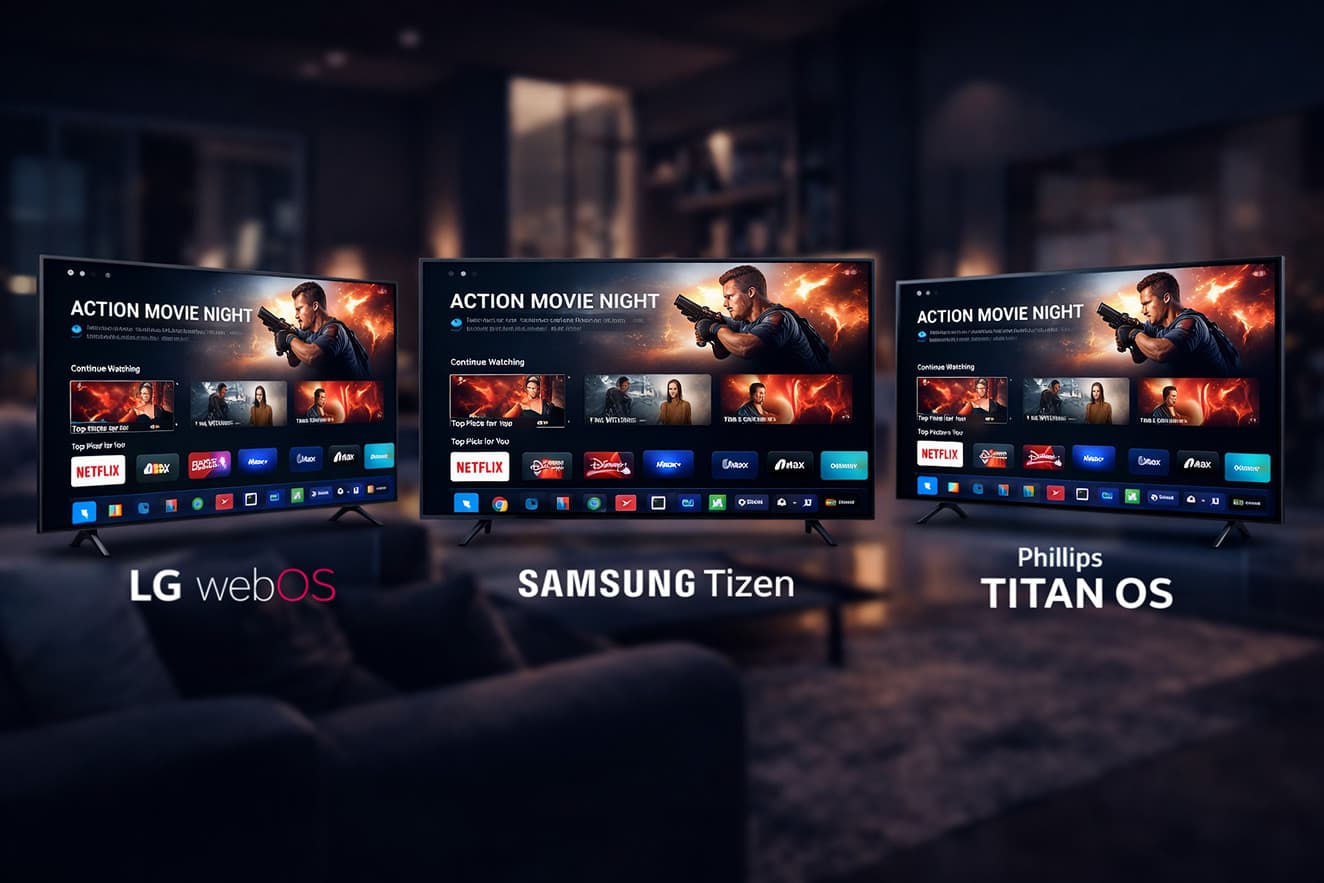
Enact can technically run on Samsung Tizen. The Enact team published a guide for using it with Tizen Studio, and a handful of open-source projects use Enact and Sandstone across both webOS and Tizen through workspace-based architectures with platform isolation. But there’s a wide gap between “it compiles” and “it’s production-ready for a platform it wasn’t designed for.” Sandstone’s components follow LG’s UX guidelines, not Samsung’s.
The @enact/webos package gives you Luna Bus integration that has no Tizen equivalent. You can make it work on Tizen, but you’ll be carrying the weight of an LG-built framework and won’t be getting the benefits that made it worth choosing in the first place.
Case in point: Cross-platform expansion in practice
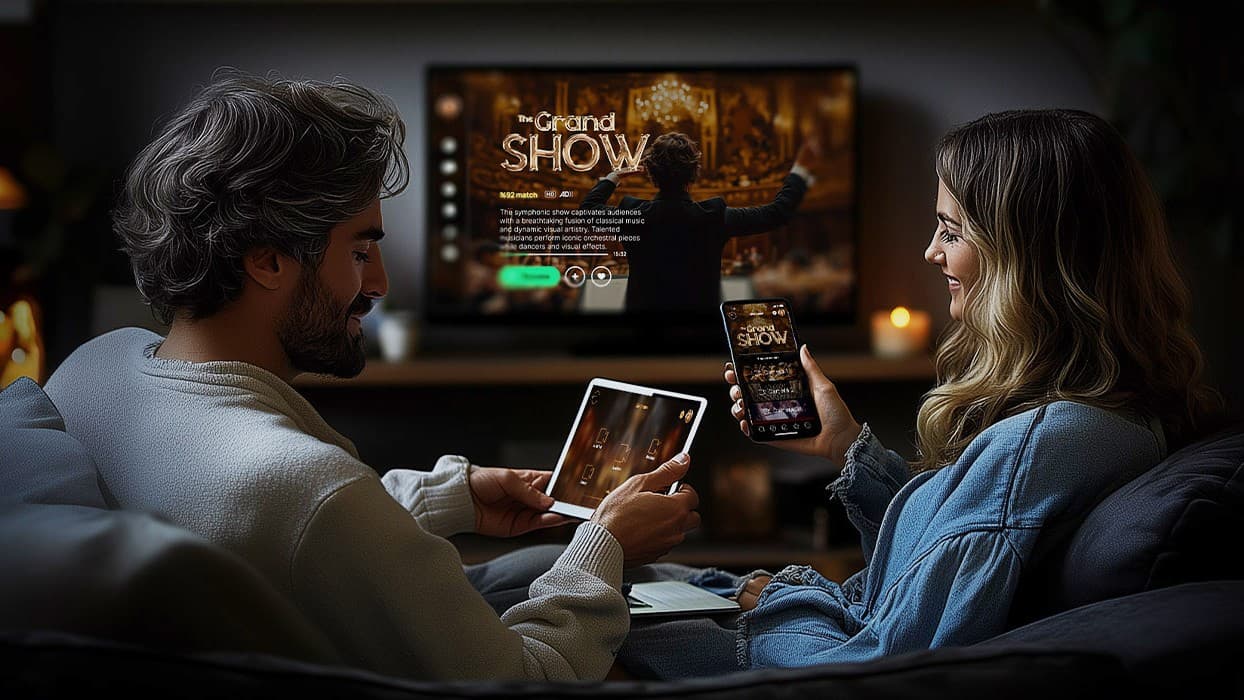
The brief for this project sounded simple: let viewers switch between camera angles during a live broadcast, controlled from their phone, displayed on the TV. Two platforms, Samsung and LG. One synchronized experience across both. Getting there was a different story, because synchronizing multiple camera feeds so that angle switches feel instant, with no visible lag or stutter between cuts, required a custom algorithm with retry mechanisms for mismatched sync points.
On top of that, webOS threw a curveball: different LG TV models handled content timing parameters differently, so what worked cleanly on one model would drift on another. The solution had to account for hardware-level inconsistencies that don’t show up in any documentation.
All of this ran on a shared JavaScript and React core, with platform-specific adapters handling the divergences between Tizen and webOS in packaging, video pipelines, and system-level communication. The same architecture is now set to expand to Titan OS and VIDAA in the project’s next phases, without a rebuild of the application core. The full project is in our case study of this immersive streaming solution for Tizen and webOS.
Oxagile’s cross-platform approach at a glance
Our streaming apps run on JavaScript and React, and the architecture is built around one principle: anything we build for one platform should be reusable on the next.
Over the years, that principle turned into a concrete asset, an internal OTT component library where content rails, grids, player integration, navigation patterns, and common UI elements already exist as production-tested building blocks.
That library is what makes the math work for our clients. A project that would normally start with months of foundational work can skip straight to the parts that are unique to the product, which cuts timelines and gives the team a stable, proven base to build on.
Video playback is handled separately from the rest of the stack, and intentionally so. We work with both open-source and commercial players, and we pick and configure based on what the project calls for: licensing constraints, DRM requirements, budget, performance targets on specific hardware.
Enact vs. cross-platform React: Where each approach stands
The table below comes from building production Smart TV apps across multiple platforms, not from spec sheets.
| Factor | Enact | Cross-platform React |
|---|---|---|
| LG webOS optimization | Excellent. Native-feeling components, Spotlight focus management, Luna Bus integration, optimized packaging. | Good. Custom focus management and platform adaptation are required, but solid performance is achievable. |
| Samsung Tizen support | Technically feasible but limited. No Tizen API integration; Sandstone UX guidelines are LG-centric. | Full support. Same codebase with a thin platform adapter for Tizen APIs and AVPlay video. |
| Android TV / Fire TV | Not supported. A separate codebase or entirely different approach is needed. | Supported via WebView deployment or React Native, depending on performance needs. |
| Newer platforms (Titan OS, Roku) | No support. Each new platform means a fresh development effort. | Adaptable. Platform-agnostic core means new targets need adapter work, not ground-up rebuilds. |
| Time to first LG app | Fast. CLI scaffolding and Sandstone accelerate initial builds. | Moderate. Custom focus management and component setup require more upfront investment. |
| Time to second platform | Slow. Substantial rework or a parallel codebase. | Fast. Shared core means the second platform is mostly adapter and testing work. |
| Long-term maintenance cost | Grows with each additional platform as codebases diverge. | Stays contained. Single core means fixes and features propagate everywhere. |
| Focus management | Built-in via Spotlight. Production-grade on webOS; less proven elsewhere. | Custom build required. More upfront effort, but portable across all targets. |
The picture is pretty consistent across the board: Enact gives you speed on LG at the expense of flexibility down the road. If LG is your only platform, that’s a fair trade. If it isn’t, the cost tends to catch up with you.
Practical notes for Enact TV development
If you’ve decided Enact is the way to go, a few things about Enact webOS development are worth knowing before you’re deep in the build.
Enact CLI setup is dead simple
Global install of @enact/cli, then project creation via the Sandstone template. The CLI covers your dev server, linting, testing, and production builds that spit out optimized bundles ready for webOS packaging.
One gotcha that catches newcomers: the production build uses isomorphic rendering by default, which matters for performance on lower-powered TV hardware but can behave subtly differently from the dev server. Always validate production builds on real hardware or the webOS emulator before you call it done.
Component customization can go either way
Sandstone’s components are feature-rich, but their default styling and behavior track LG’s UX guidelines closely. Developers with custom visual requirements sometimes end up fighting the framework’s opinions instead of building on them.
Community experience suggests that reverse-engineering Sandstone’s building blocks (buttons, toggles, popovers, scrollers) and crafting your own atomic components can be more productive than overriding the defaults, especially for apps with a strong brand identity.
Real-hardware performance is the part that humbles everyone
TV processors span a huge range, and the gap between a 2026 flagship LG and a 2020 budget model can feel like two different planets.
Enact’s optimizations help, but they won’t save poorly profiled code. Large content grids, complex animations, and deep panel hierarchies all become bottlenecks on underpowered hardware. The best insurance is testing on the weakest device your app needs to support, and testing early.
Platform specifics of video player integration
Video player integration is typically the most platform-specific piece of any Smart TV app. On webOS, Enact apps usually work with the Starfish/HTML5 video pipeline or a third-party player configured for the platform. Enact itself doesn’t ship a player component, so this work looks roughly the same regardless of which framework you’re using.
Choosing the right architecture for your Smart TV app
Every framework decision looks reversible at the start of a project. Six months in, with a working app, a live audience, and a business team asking about Samsung, it doesn’t feel reversible anymore. The codebase has opinions by then, and those opinions either help you expand or force you to start over.
Enact’s opinions are LG’s opinions. That’s a strength if LG is your whole world, and a constraint if it isn’t. A cross-platform React architecture has fewer built-in shortcuts, but it doesn’t box you into one manufacturer’s roadmap either. We’ve covered the LG side of this equation in more detail in our guide on webOS TV app development.
If you’re early enough in the process to be reading articles like this one, you’re early enough to make the choice that fits where your product is going.
Ready to talk architecture?
We’ve built Smart TV apps both ways, Enact and cross-platform, and we’re happy to walk through which approach fits your product.
FAQ
What is Enact, and why is it used for Smart TV development?
Enact is an open-source JavaScript framework built on React, maintained by LG Silicon Valley Labs. It exists because TV development has its own set of headaches that generic web frameworks don’t address out of the box: D-pad navigation via the Spotlight focus management library, resolution independence across different screen sizes, a library of UI components designed for the 10-foot viewing distance, and built-in internationalization. LG promotes the Enact TV development framework as the primary framework for webOS TV apps.
How does the Enact CLI setup work?
Install @enact/cli globally via npm, then create a new project using the Sandstone template. The CLI gives you commands for running a dev server, linting, testing, and building production-optimized bundles. You can have a new project scaffolded and running in a browser in a few minutes. For webOS deployment, the CLI’s pack command produces output ready to be packaged into .ipk files with LG’s ares-package tooling.
What are the main EnactJS components for TV interfaces?
Sandstone is the go-to library, with over 50 components built for large-screen experiences. The heavy hitters include Panel and Panels for screen-level navigation, VirtualList and VirtualGridList for smooth scrolling through big data sets, Scroller with built-in focus awareness, Button and IconButton with remote-friendly hit areas, DatePicker and TimePicker adapted for directional input, TabLayout for tabbed views, and a range of popup and alert components. Every Sandstone component integrates Spotlight focus management through the ThemeDecorator.
How does Enact handle TV UI navigation focus management?
Through its @enact/spotlight library, which provides spatial navigation for both 5-way (directional pad) and pointer (Magic Remote) input. Components become focusable when wrapped with the Spottable higher-order component.
SpotlightContainerDecorator lets you create logical focus zones with configurable entry, exit, and restriction behaviors. The system switches between input modes automatically and handles focus restoration when panels change or popups appear.
Can smart TV app development with Enact be applied beyond LG webOS?
It can, with caveats. Enact apps can be packaged for Samsung Tizen, and some open-source projects run shared Enact/Sandstone codebases on both webOS and Tizen using workspace architectures with platform isolation.
That said, Enact’s tooling, components, and platform hooks are optimized for LG webOS. On Tizen, you lose the LG-specific advantages (Luna Bus integration, UX guideline alignment, optimized packaging) without picking up equivalent benefits for Samsung. For apps that need three or more TV platforms, a framework-agnostic React architecture is typically more practical.
What’s the difference between an Enact-based approach and a cross-platform React approach for Smart TV?
The Enact webOS development approach uses LG’s framework with its built-in TV components, focus management, and webOS tooling to build apps quickly for LG televisions. The cross-platform React approach starts with standard React and adds custom or third-party solutions for focus management, TV navigation, and platform abstraction, with the goal of running one core codebase across LG, Samsung, Android TV, and more.
Enact gets you to a working LG app faster; the cross-platform path gets you to multiple platforms faster and costs less to maintain over time.
Is Enact suitable for large-scale OTT applications?
On LG webOS alone, yes – though teams should plan for performance constraints on older hardware and expect to build custom components beyond Sandstone’s defaults. For large-scale OTT products that need multi-platform reach (which is the majority of commercial streaming services), Enact’s single-platform optimization becomes a bottleneck that practically no single Enact framework tutorial can help fix. The cost of running separate codebases for each additional platform tends to outweigh the speed advantage Enact provides on LG.