STB Custom Development: Small Choices, Big Impact

Table of contents
- Designing the journey: Well-planned STB application development
- Smooth authentication: Making entry effortless, not exhausting
- The program guide: Orientation that feels natural from the couch
- EPG or Live View? Both!
- Recording made easy: NPVR that feels like a daily habit
- The personal hub: One screen that organizes life, not scatters it
- The player you trust: Controls that work the way viewers expect
- Safety features for everyone
- AI that makes the experience easier
- The two roads: Operator tier or AOSP
- Side roads: The multiscreen loop
- When the white label is the express line: The value of speed and scale
- The mapmakers: How we plan and build the route
- Concluding thoughts on STB application development
“The white-label apps we tried looked fine on paper, but they feel too basic for our audience.”
For content aggregators and telcos, white label usually means a boxed solution — quick to deploy, branded in their colors, serviceable enough to get started. But speed comes at a cost. These apps rarely go beyond the minimum features, and they all end up looking and behaving the same.
In a field where no one has a monopoly, sameness hurts. Providers want to stand out, win loyalty, and grow revenue. A copy-and-paste interface won’t do it.
One of our clients put it pretty straight: “The white-label software providers are offering me a Volkswagen, but I want a Maserati.”
That’s where custom set-top box development makes the difference. It’s the line between getting viewers to sign up and getting them to stay. And the way we see it is simple: every app is a journey, with stops along the way where viewers either feel welcome or turn back.
Designing the journey: Well-planned STB application development
A custom set-top box app is expected to be rich in features: from EPG (Electronic Program Guide) and NPVR (Network Personal Video Recorder) to recommendations and accessibility. But success doesn’t come from stacking features like checkboxes. The real value lies in choosing the right ones and making them work together smoothly. An overloaded app drives people away, while a carefully balanced one keeps them watching.
That’s why we treat STB application development as a planned journey with intentional steps. Each feature is a stop along the way, serving a clear purpose for the user. Done right, the app feels multifunctional without being confusing, giving viewers fewer reasons to look elsewhere.

Every part of this journey is grounded in real project work. To keep it practical, we’ll lean on the insights of Alexey Lapshin, Delivery Manager at Oxagile, who has led multiple STB application development projects. Along the way, Alexey shares what worked, what mattered most to users, and how small choices turned into big wins for providers.
Smooth authentication: Making entry effortless, not exhausting
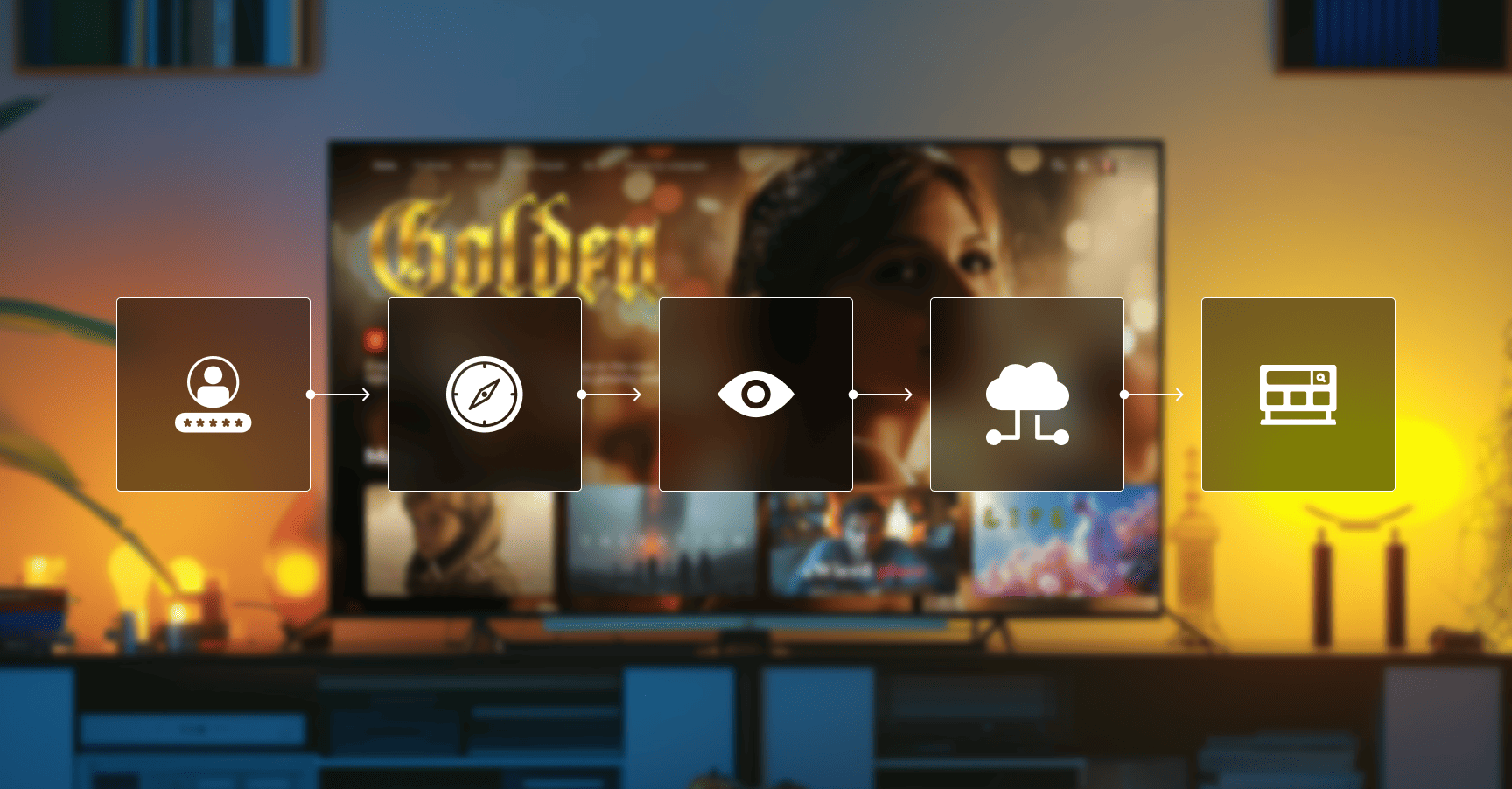
The experience begins where many projects stumble: the login. The first step into a service should feel welcoming, not like a test of patience. We solve this by making authentication effortless — in operator scenarios, the device and account can recognize each other automatically, so viewers start watching without obstacles.
Expert perspective
“We care about users at all stages, starting with authorization, and instead of the inconvenience of entering a login and password on a TV screen using another device, we authorize the user automatically.”
That choice is all about hospitality. It cuts support tickets, boosts first-day retention, and sets a tone of calm competence.
The program guide: Orientation that feels natural from the couch
Once inside, viewers look for orientation. That’s where the EPG matters. It has to be fast, easy to read from the couch, and simple to filter by channel, genre, or date. Navigation should feel smooth, and switching between the guide and the player must be seamless, without losing context.
Expert perspective
“Among the main features, it is worth noting the sophisticated TV Guide (EPG) — the main screen users see after authorization. It includes smooth navigation with animations, optional autoplay, filters by channels, genres, and date, and seamless switching between guide and full-screen player.”
Not every viewer uses the guide, though. Some want to jump straight into live TV, and they need their own shortcut.
EPG or Live View? Both!
As we’ve mentioned, not everyone wants to scroll through a guide. Therefore, supporting different viewing habits is another must.
Some viewers prefer to tune in directly. For them, we design Live View: a screen with a full-size player in the background, highlights of what’s on right now, and quick filters by channel category. The key is consistency — filters and history should stay aligned with the EPG so moving between the two feels like one continuous experience.
Expert perspective
“For example, during one of our projects, we developed an alternative Live View screen for users who prefer live TV and see the program grid as unnecessary — with a full-size player in the background, on-air program info, and filters by channel category. Filters and viewing history are synchronized across both Live View and the TV Guide, making the experience consistent and convenient.”
Recording made easy: NPVR that feels like a daily habit
Viewers don’t always watch in one sitting, which is why the NPVR (network personal video recorder) must be simple to use. Recording should be obvious right from the guide or the player, with options for single programs or recurring series. Saved content needs to be easy to find later.
Expert perspective
“One of the apps our team worked on has an NPVR feature — users can record live or catch-up programs to their personal cloud storage, or schedule a recording of a future program. It is possible to record both single programs and recurring ones.”
The goal is to make recording feel like a normal habit, not an advanced trick.
The personal hub: One screen that organizes life, not scatters it
When saved items are scattered across multiple screens, users quickly get lost. A better approach is a single hub that brings everything together: continue watching, new recordings, favorites, and a short list of relevant recommendations.
Expert perspective
“For the convenience of viewing the VoD collection, recorded programs, and continue watching options, it’s better to bring them together on a single screen. A clear, centralized hub prevents users from getting lost and makes navigation more intuitive.”
Clarity here builds loyalty. The hub removes unnecessary decisions and helps viewers feel in control.
The player you trust: Controls that work the way viewers expect
Viewers spend most of their time in the player, so it has to feel reliable and effortless. Our priority is to make the viewing process natural, with no need to think twice about the controls.
That’s why we implement features like:
- Rewind with thumbnail previews
- Quick return to live broadcast
- The option to start a program from the beginning
- Simple switching between previous and next shows
Add in easy access to audio tracks, subtitles, manual stream quality settings, and clear metadata, and the player becomes something people rely on without even noticing.
None of these functions are just for show. Together, they create a smooth, forgiving, and organic experience that keeps viewers watching for longer.
Safety features for everyone
Parental controls and accessibility aren’t extras — they’re core to a good STB experience. We add parental guidance with regional ratings like FCC or MPAA, a clear reason why a title is blocked, and a simple PIN adults don’t resent.
Expert perspective
“Parental guidance should include customizable program ratings with simple PIN protection, so adults stay in control without frustration. Just as important are accessibility features like UI scaling, which ensure that viewers with low vision can comfortably use the app.”
Accessibility options like UI scaling and predictable focus make navigation easier for low-vision users. Meeting these needs builds trust across whole households.
AI that makes the experience easier
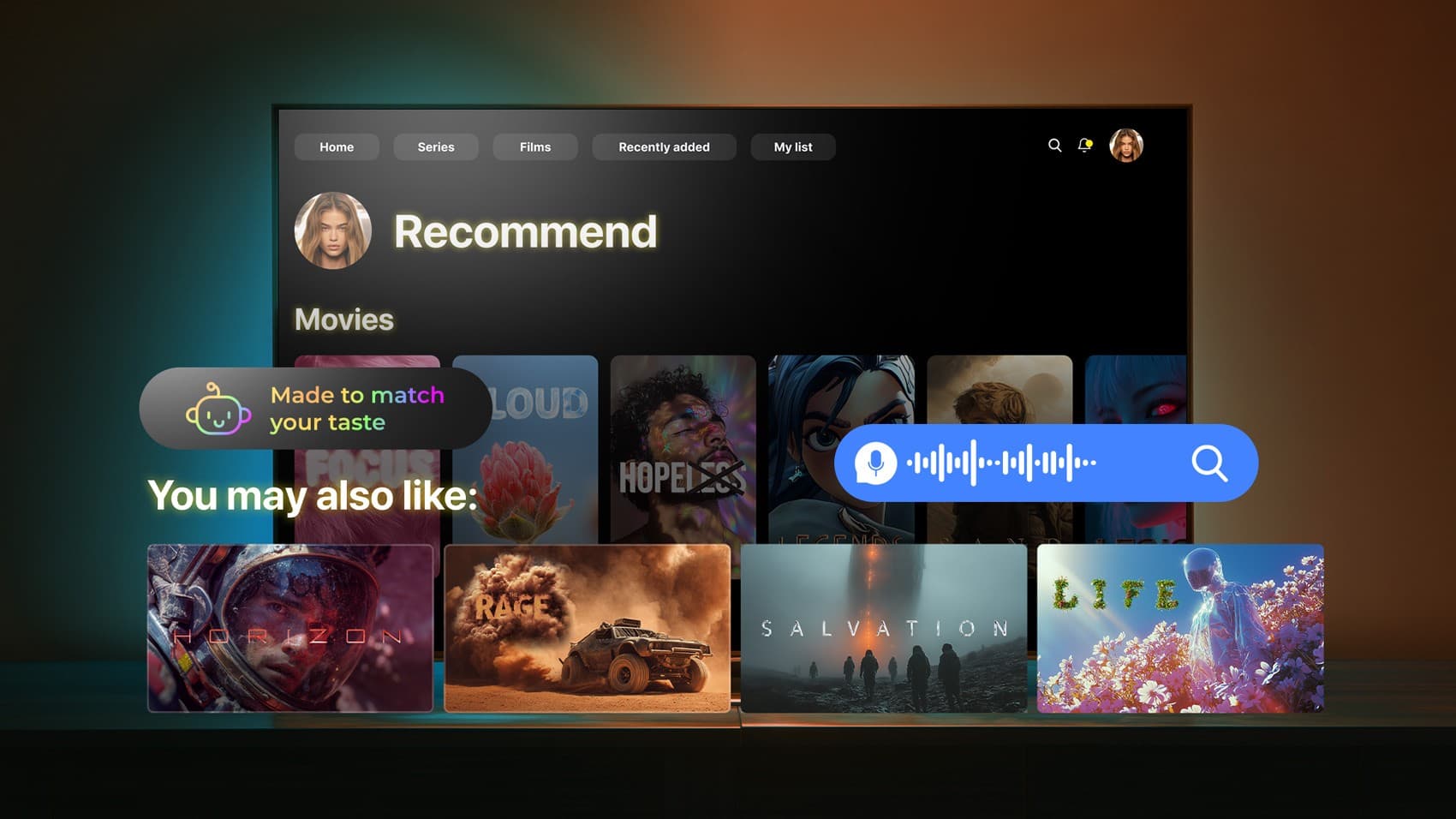
Artificial intelligence has become a core expectation in streaming apps. Its role is not to decorate the experience with tech jargon but to quietly shorten the path to what viewers want and to make the ride feel effortless.
In STB custom projects, we use AI where it matters most:
- Content-based recommendations tuned to what’s on screen right now, not just a stale profile.
- Smart search that understands intent — typing “football” should bring today’s live match, not only a library of old replays.
- Voice control that returns the right result the first time, keeping the user in flow instead of stuck in repetition.
Behind the scenes, AI also analyzes quality-of-experience data and shapes ad relevance.
Expert perspective
“The real value of AI in STB apps is when it saves viewers time and removes frustration. Recommendations, search, and voice only matter if they feel natural, if the viewer finds what they want without effort. That’s what keeps people engaged.”
As a rule, AI in video belongs only where it powers smarter media experiences and makes them faster, clearer, or more enjoyable.
A trip we actually took: Android TV STB app for a US telecom operator
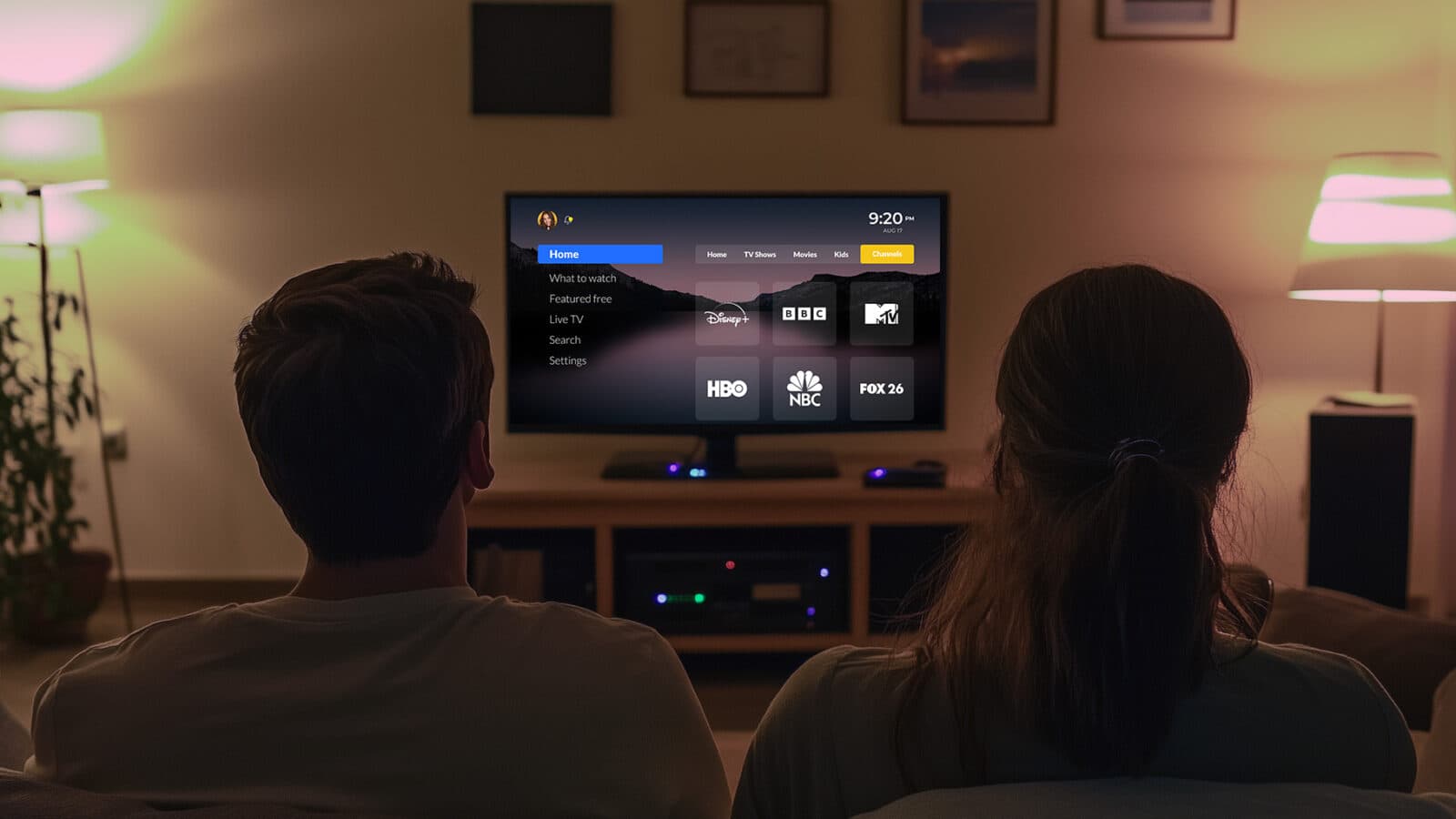
One of the clearest examples of our approach is a project for a small American internet provider with its own TV service. They asked for a branded Android TV STB app that looked premium, integrated with their stack, and could stand up to bigger competitors.
We delivered a feature-rich custom set top box app:
- Live TV with start-over and catch-up
- NPVR
- VoD
- a fast EPG
- Watch Now
- a custom Operator Tier launcher
- Google Assistant
- and parental controls
Under the hood, we stabilized legacy code, built a single-activity architecture for seamless navigation, integrated third-party services, and added device-based authorization to make login disappear. The same APK also runs on Fire TV.
The result was exactly what the client wanted — an app that felt smooth, competitive, and carefully planned.
The two roads: Operator tier or AOSP
Choosing the right level of control for your service is the next big decision. Should you go with Android TV Operator Tier or AOSP? It depends on your goals, your audience, and how much responsibility you want to carry on the tech side.
Operator Tier is a Google-certified version of Android TV tailored for pay-TV operators and ISPs. It lets you create a branded STB experience with your own launcher and content integrations, while still giving users access to Google TV services such as the Play Store, Google Assistant, and Chromecast built in.
Premium apps like YouTube, Netflix, and Prime Video are available out of the box, and Google’s certification process ensures stability, security, and smoother access to third-party content providers. For operators, it’s the fastest way to launch a polished, competitive product that viewers instantly recognize.
AOSP is the raw foundation of Android. It provides ultimate flexibility at the device level, enabling you to customize the launcher, system UI, and even the firmware. However, it does not include Google services or certification. This means that you won’t have access to the Play Store, Chromecast, Google Assistant, or premium apps.
The AOSP approach is often the best choice for closed or specialised deployments, such as enterprise devices, hotel TVs, kiosks, and custom OTT boxes, where Google services are not a priority.
Choosing between Operator Tier vs. AOSP
Which one should you select? And do you have to follow only one path? Many providers do both: Operator Tier for reach, AOSP for a flagship device. Either way, the app integrates with BSS, CAS, DRM, ad tech, analytics, and OEM specifics, which makes experienced development teams essential. Here are a few main points worth noting:
| Feature | Operator Tier | AOSP |
|---|---|---|
| Google services (Play Store, Assistant, Chromecast) | Pre-installed and fully supported | Absent, must be replaced with your own ecosystem |
| Premium OTT apps (YouTube, Netflix, Prime Video, etc.) | Easier access via Google certification | Harder to obtain, often restricted |
| Branding and custom launcher | Deep branding is possible, but within Google’s rules and approval process | Full creative freedom with no restrictions |
| Certification | Mandatory (CTS, GTS, Operator Tier) for security, stability, and app access | Not required, but limits access to the Google ecosystem and premium apps |
| Maintenance and updates (OTA — over-the-air) | Streamlined via Google-certified partners | Fully custom, operator’s responsibility |
| Cost and effort | Licensing fees, but smoother scaling and support | Free base, but heavier engineering work |
| Best suited for | ISPs, Pay TV operators, and large-scale consumer rollouts with a need for premium app access | Enterprise, hotels, kiosks, or niche OTT devices where Google services are not a priority |

Ready to choose your path?
Whether you need the reach of Operator Tier or the full control of AOSP, we’ll guide you through launchers, certification, customization, and integrations that make your custom set-top box truly work.
Side roads: The multiscreen loop
How do you extend the journey beyond the living room? Homes are multi-device by default. The living room may be the anchor, but phones, tablets, and laptops orbit around it. A service feels seamless only when all those screens connect as part of one circuit.
We design for that loop of multi-screen apps: Android TV, Apple TV, Roku, Fire TV, Chromecast, iOS, Android, and the web. Different outfits, same confidence. Consistency reduces churn, boosts session time, and helps providers capture attention across more moments of the day.
When the white label is the express line: The value of speed and scale
Not every provider needs the full freedom of a custom set-top box from day one. Sometimes the priority is speed — launching fast, serving multiple clients, and keeping maintenance predictable. When speed is the goal, white-label often provides the right balance.
To make the difference clear, here’s how white-label compares with custom STB development at a glance:
| Feature | White-label STB | Custom STB |
|---|---|---|
| Time to market | Very fast, pre-built templates | Longer, tailored development |
| Branding | Limited (colors, logo) | Full control over look and feel |
| Features | Basic, standardized set | Flexible, feature-rich |
| Differentiation | Looks similar to competitors | Designed to stand out |
| Scalability | Quick, but rigid | Scales with evolving needs |
| User experience | Functional but generic | Designed for loyalty and engagement |
The key is balance. A strong white-label solution should still give operators room for branding and configuration, while making sure rollouts don’t turn into heavy projects every time a new version comes out. This way, deployments move quickly, updates remain consistent, and each operator can still present a service that feels like their own.
Case in point: Modular OTT solution as a white-label product
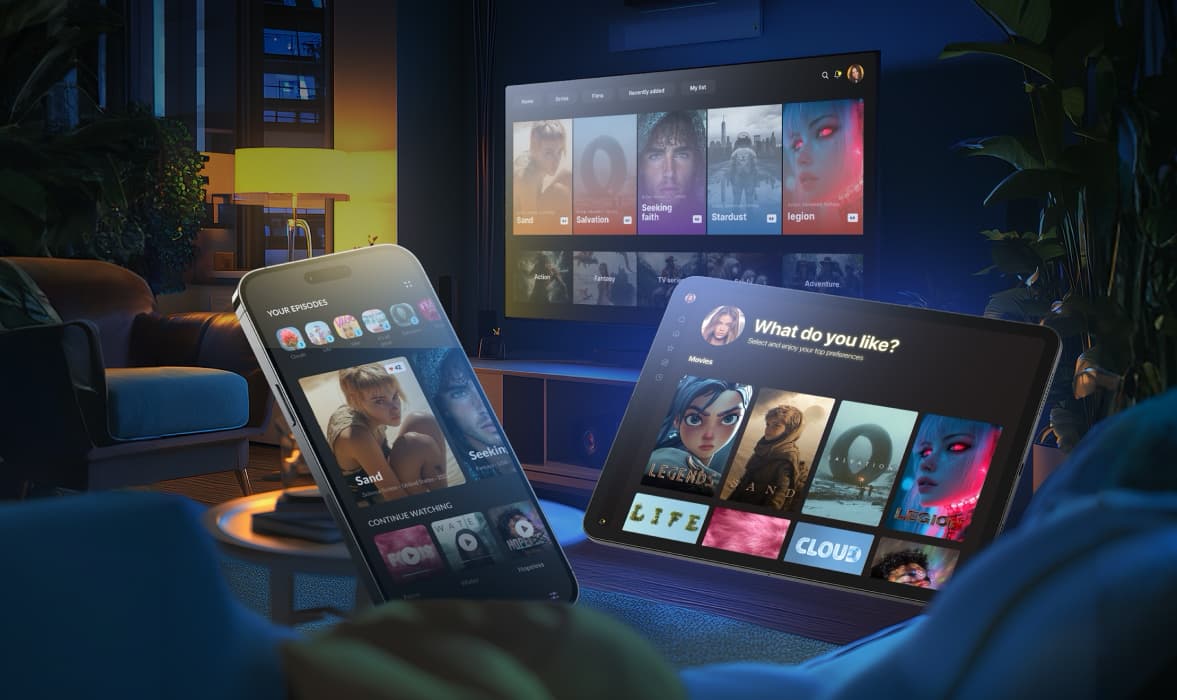
In one project, we developed a modular OTT solution for a video platform provider. They offered it as a white-label product to their telco clients — including a well-known telecom company. Thanks to a unified business logic layer, the platform allowed fast rollouts with consistent updates, while still giving operators enough room to brand the service as their own.
The mapmakers: How we plan and build the route
Almost no trip works without planning. You must know how to turn your ideas into a journey without detours. The same is true for STB application development. Features only shine when the process behind them is disciplined.
- Discovery: we map user habits — who relies on the guide, who jumps straight to live, who records, and why. Which languages matter, which age groups need care, which monetization paths do you want to open?
- Design: navigation that feels natural on a TV remote, grids readable across the room, and personal hubs that reduce clutter. NPVR, EPG, and Watch Now are connected logically. Parental control and accessibility made core, not hidden.
- Integration: billing, DRM, ad placement, analytics, portals, OEM quirks. If middleware misses something, we integrate trusted third parties or create lightweight services.
- Delivery: clean code, documented decisions, a roadmap matched to your cadence. When you expand beyond STB, your brand feels the same everywhere.
Concluding thoughts on STB application development
Viewers don’t talk about a set-top box app when it works. They just sit back, find what they want, and keep watching. What they do remember are the obstacles: the login that takes too long, the guide that feels messy, the recording that fails, the player that stutters.
Success isn’t about piling in more features; it’s about removing friction. Smooth entry, clear navigation, reliable recording, a player that behaves as expected, and safety features that work for the whole family — these are the details that keep people from drifting away.
As Alexey Lapshin, Delivery Manager at Oxagile, puts it:
“Just as an application should not make users hunt for a login, it should not make them hunt for what to watch next. The fewer dead ends, the happier the audience.”
The strongest custom set-top box apps don’t need to show off. They earn loyalty quietly, with one seamless session after another.
Ready to design your own journey?
Let’s talk about building a custom STB app that keeps viewers engaged and loyal.
FAQ
What makes STB application development different from a regular Android TV app?
Operator realities. You design for remotes and focus patterns, device provisioning, launcher rules, CAS, DRM, and the daily habits of subscribers. It is a product, not just code. The payoff is control over the moments that define loyalty.
Which road is right, Operator Tier or AOSP?
Pick based on control, speed, and brand expression. Operator Tier brings reach and a supported way to surface your content. AOSP gives full device-level control for a flagship feel. Many clients use both, each where it shines.
Which features actually make a custom set top box feel premium?
Effortless authorization, a calm personal hub, a quick EPG with sensible filters, a Watch Now view for live-first users, NPVR where it is needed, a forgiving player with useful controls, plus parental control and accessibility that feel first-class. Add AI where it improves relevance.
Can you extend beyond the limits of our middleware?
Yes. We integrate third-party services or coordinate lightweight services on your side for flows like device-based login. The product should reflect your audience, not your middleware’s defaults.