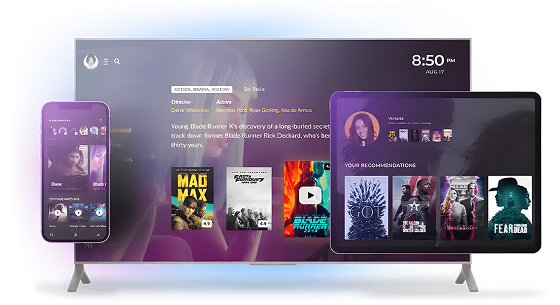



Need guidance on Smart TV platforms?
Oxagile has brought together its hands-on engineering expertise in one place, covering market share, regional trends, platform-specific requirements, and practical development considerations.
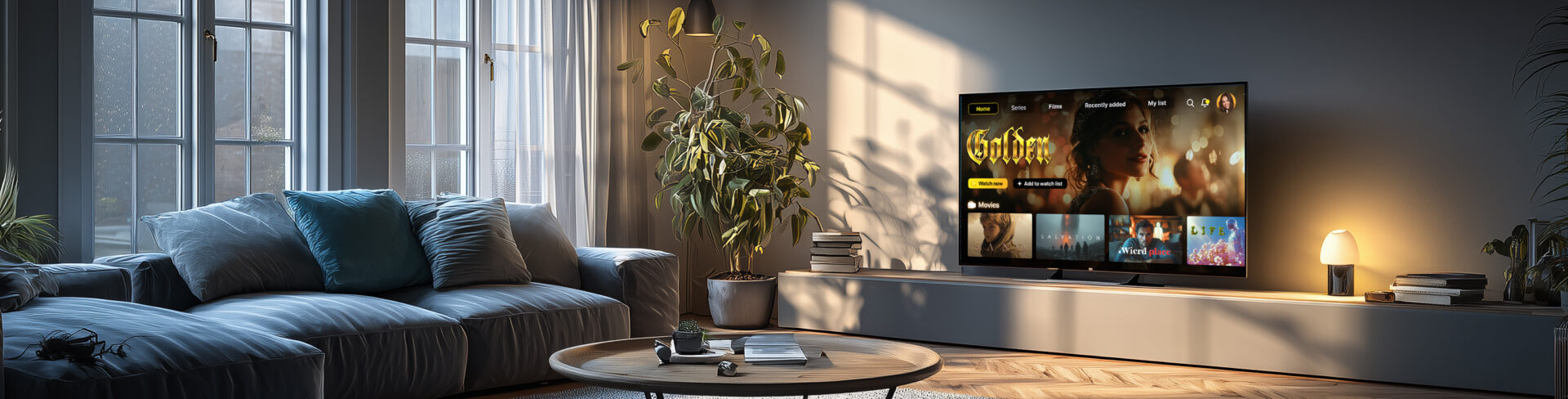
Expanding your content distribution strategy to Smart TV opens new opportunities for audience growth, engagement, and monetization, but it also raises many technical and product questions. Which platforms should you prioritize? How should TV UX differ from mobile? What features matter most? How do you optimize performance, support low-end devices, and estimate development costs?
Which platforms should you prioritize? How should TV UX differ from mobile?
What features matter most? How do you optimize performance, support low-end devices, and estimate development costs?
Drawing on Oxagile’s years of experience delivering Smart TV and OTT solutions for media and entertainment companies, we’ve answered nine of the most important questions you’ll face when planning and scaling online video streaming applications. Each section links to a practical guide written by our engineers, architects, UX designers, and online video experts.
You’ll find project-proven best practices, engineering insights, and lessons learned from real Smart TV projects without generic advice or marketing claims.
For media companies, broadcasters, and streaming providers, Smart TVs have become a strategic media content distribution channel. As more viewers turn to connected TVs in the living room, they expect high-quality and engaging streaming experiences on the biggest screen in the house. This makes TV an essential touchpoint alongside mobile and web platforms.
If you develop Smart TV apps, you can expand subscriber acquisition, increase viewing time and engagement, get new advertising and subscription revenue, and deliver smooth cross-device experiences that let users move between screens. Success requires more than porting a mobile app to TV. It demands streaming apps optimized for remote-first navigation, TV-specific UX, and the unique expectations of viewers.
Explore Oxagile’s proven engineering best practices to create fast, cross-platform, scalable, and engaging Smart TV experiences.
One of the first strategic decisions when you decide to develop apps for Smart TV is choosing which platforms to support. With ecosystems such as Android TV, Google TV, Samsung’s Tizen, LG’s webOS, Roku, Fire TV, Apple TV, Titan OS, and V (formerly VIDAA), there is no one-size-fits-all approach.
The right mix depends on the markets you want to reach because multi-platform strategy adoption varies significantly by region.
For example, Roku and Fire TV have a strong presence in North America, Samsung and LG TVs lead many global Smart TV markets.
Once you’ve identified the target platforms, you’ll also need to account for each one’s unique certification requirements, technical capabilities, SDKs, and UX guidelines. Understanding the differences early helps avoid costly revamp and build a scalable cross-platform strategy.
Oxagile has brought together its hands-on engineering expertise in one place, covering market share, regional trends, platform-specific requirements, and practical development considerations.
Designing for Smart TVs is fundamentally different from designing for mobile or web. A TV isn’t simply a larger screen.
Users interact from several feet away using a remote control. Instead of taps and gestures, Smart TV apps rely on D-pad navigation, clearly visible focus states, and remote-first interactions that guide users through the interface. Text and controls must remain legible from a distance, content should take center stage, and layouts need to support quick content discovery.
Applying Leanback design principles, intuitive recommendations, and frictionless browsing helps users find something to watch with minimal effort.
Creating a successful Smart TV experience requires UX patterns tailored to the living room. Oxagile’s team put together all the do’s and don’ts, drawing on years of delivering Smart TV projects across Roku, Android TV, Samsung, LG, Amazon Fire TV, and Apple TV.
Check out Oxagile’s practical design and engineering expertise on Smart TV design. Learn how to avoid common pitfalls and build experiences that feel natural on every platform.
The functionality of your Smart TV app plays a major role in viewer engagement and retention. Today’s audience expects far more than basic video playback. Depending on your business model, essential features may include live TV, video on demand (VoD), continue watching, personalized recommendations, user profiles, watchlists, advanced search, DRM-protection, and AI-driven personalization based on viewing habits.
Choosing the right feature set means prioritizing the capabilities that deliver the most value to your audience. It shouldn’t be a question of adding everything at once. Evaluate each feature against specific business metrics like activation, viewing frequency, churn, advertising yield, or subscription revenue, and then prioritize those with a clear, measurable return.
Discover how to create a streaming app like Hulu and learn from Oxagile’s online video experts. Find proven UX patterns, essential features, architecture best practices, and real-world lessons from delivering Smart TV apps for leading media and entertainment companies.
A polished interface alone won’t keep viewers engaged if the app is slow. Long startup times, laggy navigation, choppy video playback, delayed remote responses, dropped frames, or memory-related crashes can quickly lead to viewer frustration and abandonment.
Smart TV apps must be engineered to perform smoothly on devices with varying hardware capabilities. This means optimizing startup time, memory usage, rendering, animations, playback, and every interaction with the remote.
Read the Smart TV app performance optimization guide by Alexander Skamarokha, Performance Engineer at Oxagile, to discover practical techniques based on years of experience delivering high-performance OTT solutions.
Not every Smart TV offers the same level of performance. Premium devices may provide ample processing of power and memory. Still, many users watch content on entry-level TVs that may have limited RAM, slower CPUs, and older operating systems. What can these constraints affect? Startup time, interface responsiveness, codec support, playback stability, and overall app reliability.
Supporting low-end Smart TVs creates another layer of engineering complexity in a multi-platform strategy. To deliver the same high-quality streaming and interactive experience across all devices, you need to optimize your app for hardware with limited processing power and memory without compromising the viewing experience for this audience.
Find expert recommendations on managing device fragmentation, optimizing apps for constrained hardware, and defining the right support strategy for your Smart TV product.
Testing a Smart TV app is far more complex than testing a mobile or web application. Unlike smartphones, the Smart TV ecosystem is highly diverse with different operating systems, hardware capabilities, remote controls, and certification requirements. Firmware and chipset differences can cause inconsistent behavior even within the same model family.
Emulators are useful for early development, but they can’t accurately reproduce real-world playback behavior, hardware performance, remote responsiveness, or platform-specific issues. That’s why successful Smart TV projects rely on comprehensive real-device testing and cover video playback validation, navigation, regression testing, and platform certification.
Dive into proven testing strategies and certification best practices based on real-world Smart TV projects.
The cost you pay to develop a Smart TV app depends on far more than the initial design and coding effort. Key factors include the number of platforms you plan to support, the complexity of the feature set, custom UI/UX, backend integrations, DRM implementation, analytics, and the level of quality assurance required.
Platform-specific certification, extensive testing across real devices, and ongoing maintenance also have a significant impact on the overall investment. Defining your business goals, target audience, and platform strategy early helps prioritize the right features and direct resources toward those with the most commercial impact.
Explore Oxagile’s Smart TV development cost breakdown to understand the key cost drivers, typical project scenarios, and practical ways to optimize your budget.
Based on years of delivering OTT and Smart TV solutions, Oxagile has identified several principles that consistently lead to better outcomes:
Adopting a cross-platform strategy that balances code reuse with native optimization can improve development efficiency. This usually means having shared stable components like business logic, content APIs, authentication, and analytics. Playback, remote-control input, application lifecycle, and device integrations are handled separately.
Finally, releasing iteratively allows teams to validate assumptions, gather user feedback, and continuously improve the product.
The golden rules of Smart TV development uncover the proven UX, architecture, and engineering practices Oxagile has refined through years of building Smart TV applications for leading media and entertainment companies.
Selecting the right development partner is just as important as choosing the right technology stack. A Smart TV app must deliver consistently across multiple platforms and devices, which requires expertise that goes far beyond traditional mobile or web development.
When evaluating a vendor, look for proven cross-platform experience, access to a real-device testing lab, and deep OTT and streaming knowledge.
Strong video engineering and performance optimization capabilities, a dedicated UI/UX team familiar with the 10-foot experience, and the ability to provide long-term maintenance and platform support matter too.
Asking the right questions upfront can reduce project risks, accelerate time to market, and build a product that remains competitive.
Compare leading vendors, understand the key evaluation criteria, and choose a partner that has what it takes to deliver a successful Smart TV product.
Developing a Smart TV app is an opportunity to expand your audience, increase viewer engagement, drive new subscription and advertising revenue, and deliver seamless viewing experiences across devices.
However, building a successful Smart TV product requires expertise in OTT streaming, video engineering, UX design, performance optimization, and platform-specific development.
Over the years, Oxagile has helped media companies, broadcasters, and streaming providers launch and scale Smart TV applications across Roku, Android TV, Google TV, Samsung Tizen, LG webOS, Fire TV, and Apple TV.
The guides collected on this page bring together practical lessons learned from those projects, giving teams a clearer starting point for architecture, platform selection, testing, and delivery.
Platform strategy and project scope have the biggest impact on development costs. Roku, Android TV, Samsung, LG, Fire TV, or Apple TV? Estimate your investment in just a few minutes.